Structuring AI Coding Workflows with Spec Gates & Worktrees
>Learn how to structure 2026 AI coding workflows using spec-driven phases, CLAUDE.md context anchors, and git worktrees to keep agent workspaces reliable.
🎧 Listen — ~9 min
Audio summary not available yet

Agentic coding tools have shifted standard engineering practices from line-by-line syntax generation to task planning, context marshaling, and execution supervision. Without deliberate boundaries, coding agents drift across files, introduce silent regressions, and pollute working trees with partial refactors.
Quick answer
A resilient AI coding workflow combines structured planning gates with isolated execution environments. By pairing a five-phase spec-driven framework (planning, context assembly, scoped implementation, quality gates, and tooling execution) with persistent context anchors like CLAUDE.md and Git worktrees, engineering teams isolate agent modifications from active branches while preventing hallucinated architectures.
Key takeaways
- Spec-driven planning precedes code generation: Autonomous agents perform reliably when constrained by concrete interface specifications and explicit requirements before touchpoint files are modified.
- Context anchors anchor agent behavior: Project instruction files (such as
CLAUDE.md) provide durable constraints on build tools, linters, and architectural boundaries across repeated prompt sessions. - Git worktrees safeguard the active workspace: Running agents inside dedicated worktrees isolates exploratory branches, preventing agents from corrupting dirty uncommitted developer files.
- Deterministic verification enforces completion: Automated quality gates—running static type checks, unit suites, and linters—serve as deterministic verification rather than relying on an LLM's self-evaluation.
1. The 5-Phase Spec-Driven Development Framework
To maintain predictable software delivery, engineering tasks executed with AI agents should follow a clear sequence:
+------------------------------------------------------------------------+
| 1. Spec-Driven Planning                                                |
|    - Define problem bounds, input/output schemas, and test conditions  |
+-----------------------------------+------------------------------------+
                                    |
                                    v
+------------------------------------------------------------------------+
| 2. Context Packing                                                     |
|    - Collate minimal file sets, schemas, and CLAUDE.md conventions     |
+-----------------------------------+------------------------------------+
                                    |
                                    v
+------------------------------------------------------------------------+
| 3. Iterative Implementation                                            |
|    - Scoped edits inside an isolated Git worktree                      |
+-----------------------------------+------------------------------------+
                                    |
                                    v
+------------------------------------------------------------------------+
| 4. Quality Gates                                                       |
|    - Deterministic tests, typecheckers, linters (Fail -> Return to 3)  |
+-----------------------------------+------------------------------------+
                                    |
                                    v
+------------------------------------------------------------------------+
| 5. Review & Integration                                                |
|    - Human code review, squash-merge, worktree cleanup                 |
+------------------------------------------------------------------------+
Phase 1: Spec-driven planning
Before initiating code generation, require the model to draft an implementation plan detailing:
- The exact API contracts and data models to introduce or update.
- The precise file paths scheduled for modification.
- The edge cases, failure states, and invariant validation logic.
- The unit test cases required to verify acceptance criteria.
Reviewing this specification allows engineers to reject flawed architectural choices before any code is generated.
Phase 2: Context packing
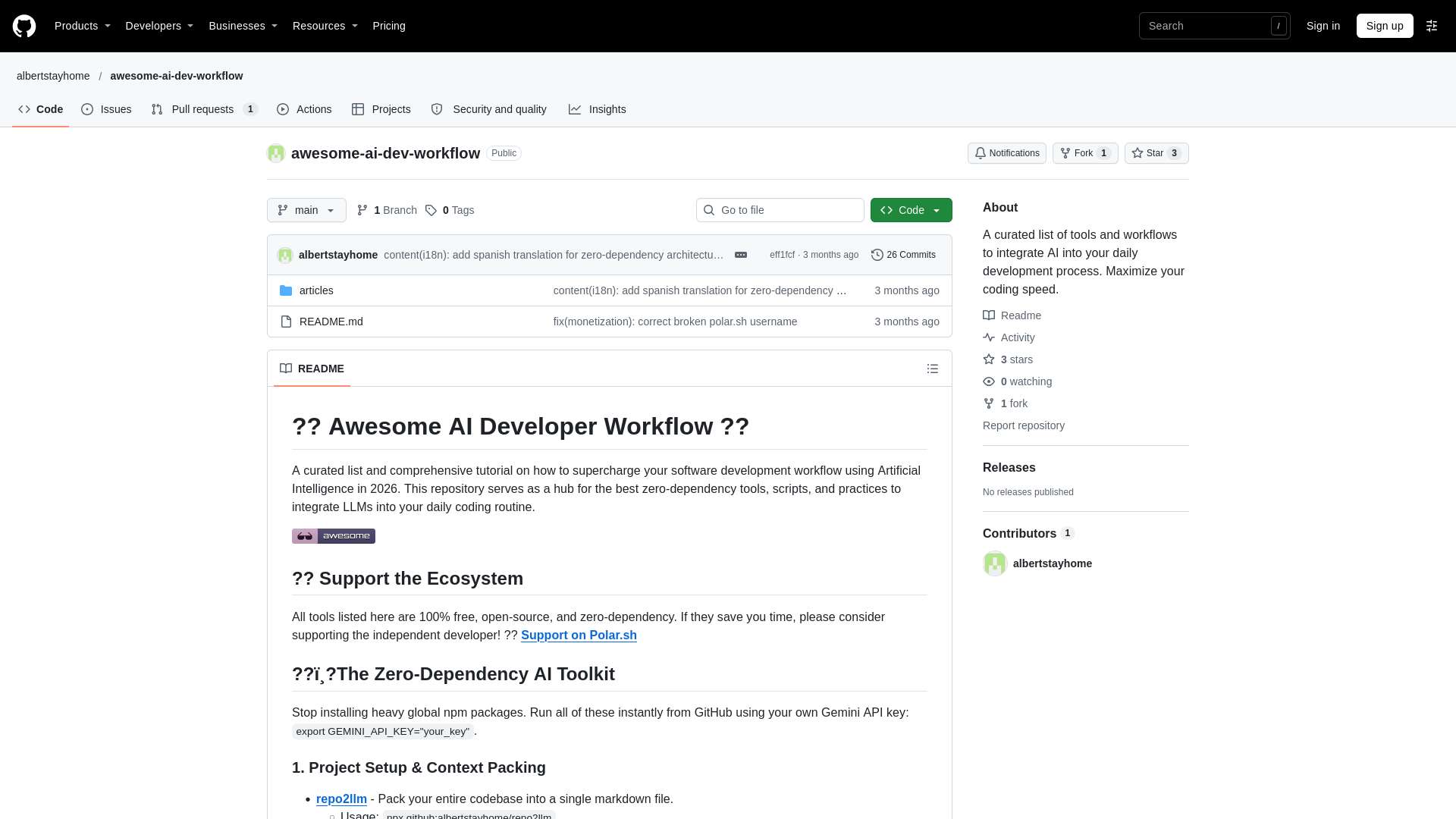
Context management requires assembling the smallest sufficient set of project files required to execute the spec. Dumping entire repositories into the prompt inflates token costs and increases hallucination rates. Practical tooling curation, as indexed in the albertstayhome awesome-ai-dev-workflow repository, highlights community tools and configurations designed to optimize developer workflow integration and context handling.
Phase 3: Iterative implementation
Implement tasks incrementally rather than issuing one large prompt covering multiple modules. An agent should build the underlying data structures, generate the core logic, implement integration adapters, and draft tests in distinct turns.
Phase 4: Deterministic quality gates
An agent should never declare a task complete solely on its own generation output. The workflow must invoke external linters, static analyzers, and test runners. If a test fails, the agent receives the error output and enters a bounded remediation loop.
Phase 5: Tooling and integration
Once static analyzers and test suites report green, the human developer inspects the final diff, merges the feature branch, and prunes transient workspaces.
2. Preserving State: Context Anchors via CLAUDE.md
A major challenge with autonomous agents is their stateless nature between sessions. A persistent repository-level context file (typically named CLAUDE.md or AGENTS.md) provides immediate instructions whenever a session begins.
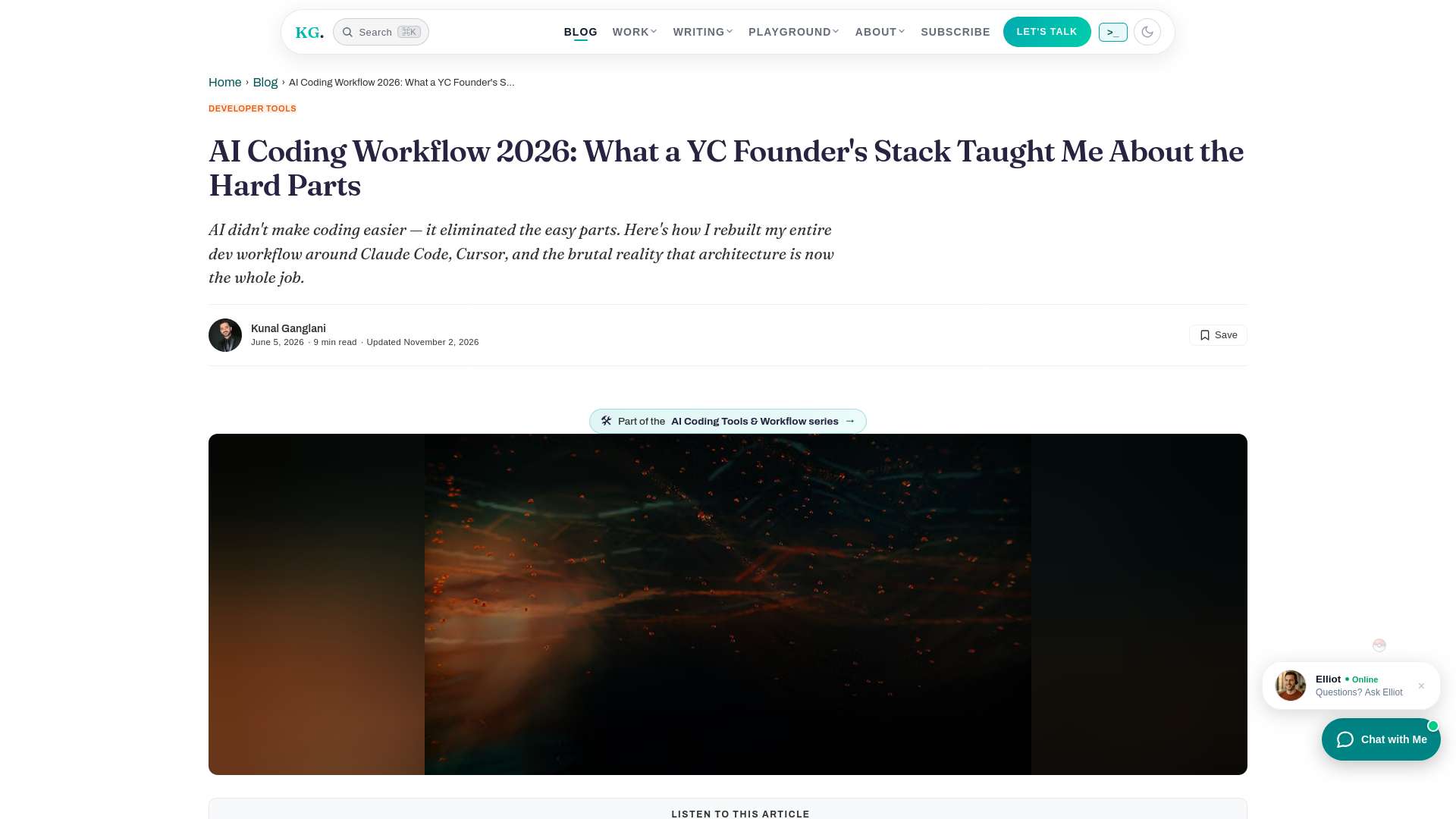
As outlined in Kunal Ganglani's production AI coding workflow analysis, pairing agents like Claude Code and Cursor with a dedicated CLAUDE.md, frequent checkpoints, and Git worktrees keeps project context stable throughout iterative edits.
Sample CLAUDE.md architecture specification
1
2## Stack & Toolchain
3- Runtime: Node.js (v22 LTS) / TypeScript (strict mode enabled)
4- Package Manager: pnpm
5- Primary Framework: NestJS / Fastify
6- Database: PostgreSQL via Prisma ORM
7- Test Runner: Vitest
8
9## Build & Test Commands
10- Install: `pnpm install --frozen-lockfile`
11- Lint: `pnpm lint`
12- Type Check: `pnpm typecheck`
13- Unit Tests: `pnpm test:unit`
14- Integration Tests: `pnpm test:e2e`
15
16## Architectural Boundaries
17- Keep controllers thin; domain logic resides strictly in services.
18- Never use raw database queries outside the designated repository layer.
19- All outbound network calls must pass through resilient client wrappers.
20- Do not introduce new third-party dependencies without human approval.
21
22## Agent Execution Rules
231. Run `pnpm typecheck` and `pnpm test:unit` before proposing file changes as finished.
242. Never run destructive Git commands (`git reset --hard`, `git clean -fdx`).
253. If tests fail after 3 consecutive attempts, halt execution and output the exact error log.
Integrating structured anchors like this reduces context drift and prevents common mistakes across multi-turn interactions. For teams designing autonomous workflows, building coding agent harnesses with context hooks provides deep integration strategies for wiring environment hooks directly into developer loops.
3. Isolated Execution: Using Git Worktrees with Coding Agents
When working with CLI agents, running them directly inside your active working directory creates substantial risk. A background command could modify files while you are staging an unrelated commit.
Git worktrees solve this problem by checking out multiple branches of the same repository into separate local directories simultaneously.
1/workspace/
2|-- core-repo/            (Active developer workspace on feature/user-auth)
3|   |-- .git/             (Shared git directory)
4|   +-- src/
5|
6+-- agent-worktrees/      (Isolated directory for agent runs)
7    |-- task-fix-jwt/     (Worktree checked out to chore/jwt-validation)
8    +-- task-db-migrate/  (Worktree checked out to feature/db-migration)
Setting up an isolated worktree workflow
To dispatch an agent to resolve an isolated ticket without interrupting your local editor, create a dedicated worktree:
1git fetch origin main
2git worktree add -b chore/jwt-validation ../agent-worktrees/jwt-validation origin/main
3cd ../agent-worktrees/jwt-validation
4pnpm install --frozen-lockfile
Now, launch your agent tool within ../agent-worktrees/jwt-validation. The agent can add files, run build commands, and execute tests without touching your active branch or dirty working state in core-repo/.
Verifying and merging agent results
Once the agent completes its spec-driven run, verify the output from your primary terminal:
1cd ../agent-worktrees/jwt-validation
2pnpm lint
3pnpm typecheck
4pnpm test:unit
5git log -n 3 --oneline
6git diff origin/main
7cd ../../core-repo
8git merge --no-ff chore/jwt-validation
9git worktree remove ../agent-worktrees/jwt-validation
10git branch -d chore/jwt-validation
This setup protects dirty uncommitted developer files and ensures that agent mistakes remain confined to an ephemeral directory. To scale this approach across broader team settings, see our guide on scaling Git infrastructure for agent-driven development.
4. Workflow Comparison
Choosing the right development model depends on the scope of the task and the autonomy level granted to the model.
| Workflow Dimension | Ad-Hoc Chat Prompting | Editor In-line Completion | Spec-Driven Worktree Harness |
|---|---|---|---|
| Primary Interaction | Web interface / Chat panel | Tab completion in active editor | CLI agent operating in an isolated worktree |
| Context Source | Manual copy-pasting | Open editor tabs and nearby symbols | CLAUDE.md + targeted context packing |
| Workspace Isolation | None (manual code application) | None (edits current active file) | Complete isolation via Git worktrees |
| Quality Verification | Human inspection | On-the-fly compiler diagnostics | Automated static checks and unit test suites |
| Failure Mode | Unvetted architecture, stale context | Micro-hallucinations in syntax | Bounded retry loop with non-destructive abort |
| Best Used For | Brainstorming, initial exploration | Boilerplate, repetitive expressions | Complex features, refactoring, issue fixes |
5. Safe Error Recovery and Blast-Radius Limits
Even with well-crafted specs, agents can get stuck in unproductive loops, repeatedly modifying files to fix broken tests while introducing secondary errors.
Failure handling rules
- Set strict retry bounds: Configure agent runners to stop after a maximum number of test iterations (e.g., three tries). If the suite remains red, the agent must halt and write the failure signature to a log file.
- Preserve developer state: The agent must never run destructive Git commands like
git checkout -- .orgit reset --hardto escape an error state. Rollbacks must be handled cleanly via tracked Git commits or supervised by the human operator. - External parameter validation: Never rely on prompt instructions alone to secure files or prevent sensitive actions. Agents should run under non-root operating system permissions with sandboxed filesystem access, preventing them from modifying environment configurations or traversing parent paths.
For organizations deploying agentic CI/CD pipelines, hardening agentic DevOps with CI/CD guardrails outlines practical runtime constraints for autonomous tasks.
6. Implementation Checklist
Use this pre-flight checklist before delegating engineering tasks to autonomous coding agents:
- Context Anchor Created: Repository root includes an up-to-date
CLAUDE.mddetailing build commands, test suites, and strict architectural constraints. - Worktree Isolated: The agent executes inside a dedicated Git worktree (
git worktree add) rather than the active workspace. - Specification Written: A markdown spec details API schemas, targeted files, and required unit tests before writing code.
- Least-Privilege Environment: The agent lacks write access to production secrets,
.envfiles, and upstream release branches. - Deterministic Quality Gates Configured: CI checks (
lint,typecheck,test) execute deterministically through shell commands rather than relying on model self-evaluations. - Human Review Scheduled: All proposed changes are reviewed via
git diffbefore merging into mainline branches.
Source website screenshots
Frequently asked questions
What is the main advantage of using Git worktrees with AI agents?
Git worktrees allow an autonomous CLI agent to read, write, and run tests inside a separate working directory on a dedicated branch. This isolates the agent from the human developer's dirty working tree, eliminating the risk of lost uncommitted work or unexpected file overrides.
How does a CLAUDE.md file differ from an interactive system prompt?
A CLAUDE.md file acts as a persistent repository-level context anchor. Because it is checked into version control, every engineer and agent session shares identical build commands, architectural boundaries, and formatting rules without requiring manual context re-entry on each run.
Why is spec-driven planning necessary if modern LLMs have large context windows?
Context size does not guarantee reasoning precision. Spec-driven planning forces the model to articulate architectural choices, interface schemas, and edge cases before writing implementation code. This allows developers to catch faulty logic early, saving tokens and avoiding time-consuming rollbacks.
What should happen when an agent fails tests repeatedly?
The agent should stop execution after a configured retry threshold (typically 2-3 attempts), log the failure output, and notify the developer. It should never execute destructive commands like git reset --hard to escape failure states.
Sources and image references
Keep reading
Related reading
⚡ AI Engineering Briefing
AI model releases, practical tutorials, developer tools, and engineering research. Unsubscribe anytime.
Comments
Comments are temporarily unavailable while the public discussion space is being configured.