Best Agentic CLI Tools for Abliterated (Uncensored) Local Models in 2026
>OpenCode, Aider, Cline, Continue, OpenHands, and Pi compared for running abliterated/uncensored local models via Ollama — plus why "Claw Code" is not a real alternative.
🎧 Listen — ~8 min
Audio summary not available yet

The short answer
For an abliterated (uncensored) local model, the harness matters less than people assume — the refusal behavior lives in the model weights, not the CLI. What actually differentiates these tools for this use case is narrower: does it talk to a local OpenAI-compatible endpoint (Ollama, llama.cpp, vLLM) without ceremony, and does it avoid silently routing any part of the request through a hosted provider's own moderation layer.
By that standard, OpenCode and Aider are the strongest general picks, Cline and Continue are the best choices if you want the agent inside an editor rather than a terminal, and OpenHands is the right tool once the job is "hand off a whole task" rather than "pair-program with me." A few names circulating in comparison threads right now — most notably "Claw Code" — are not real alternatives once you check the source, which is covered below.
My ranking at a glance
| Rank | Tool | Interface | Ollama / local-endpoint support | Best for |
|---|---|---|---|---|
| 1 | OpenCode | Terminal TUI | Native, via OpenAI-compatible provider | Swapping between local and cloud mid-session |
| 2 | Aider | Terminal chat | Native, via OpenAI-compatible base URL | Git-first pair programming |
| 3 | Cline | VS Code extension | Native Ollama provider | Watching an agent work with file diffs |
| 4 | Continue | VS Code / JetBrains | Native, per-role model config | Separate chat/edit/autocomplete models |
| 5 | OpenHands | CLI / desktop | Via LiteLLM (100+ providers, incl. Ollama) | Full task hand-off, not pair programming |
| 6 | Pi (pi-mono) | Terminal TUI | Native, unified LLM API | A minimal harness with no extra weight |
What "abliterated" actually changes
Abliteration removes the refusal direction from a model's weights so it stops declining prompts by default — it's a weight-level edit, not a config flag. huihui_ai's Ollama library carries abliterated builds of most current open-weight families (Qwen3.6, Qwen3.8, GLM-4.6, and a dedicated qwen3-coder-next-abliterated for coding work), so pulling one is no different from pulling any other Ollama model.
That matters for this list because none of the six tools below add a moderation layer of their own when you point them at your own Ollama server. The behavior you get is entirely a function of the model you loaded. The one place this breaks is if a tool defaults to routing through a hosted API even when you think you've configured a local one — worth confirming in each tool's provider settings the first time you set it up.
1. OpenCode — best for switching between local and cloud mid-session
OpenCode connects to Ollama through its OpenAI-compatible provider path, so an abliterated model behind http://localhost:11434/v1 is configured the same way any other OpenAI-shaped endpoint would be. Its standout feature for this use case is that you can start a session on a local abliterated model and switch to a cloud model (or back) without losing context — useful when you want the uncensored model for the first draft and a stronger cloud model for review.
It also ships LSP support out of the box, so it understands syntax and errors directly rather than relying entirely on the model to catch them. The trade-off is setup: OpenCode expects you to know model IDs and provider routing, so it rewards people comfortable editing config files.
2. Aider — best for Git-disciplined workflows
Aider is the most mature tool on this list and the one most people already run against local models. It connects to Ollama via a compatible endpoint, builds a repository map so a smaller abliterated model (8B–14B class) doesn't have to hold the whole codebase in context, and auto-commits changes with generated messages as it goes.
That repository map matters specifically for smaller uncensored models: abliterated fine-tunes are usually derived from mid-size open weights, not frontier-scale models, so anything that reduces how much context a single turn needs meaningfully improves reliability. Aider's Git-first design also means every change from an uncensored model is reviewable and revertible by default, which is the right default when the model has no built-in refusal to fall back on.
3. Cline — best for watching the agent work
Cline runs inside VS Code and has a native Ollama provider, so pointing it at a local abliterated model is a dropdown, not a config file. It's an autonomous agent rather than a chat panel: it creates files, runs terminal commands, and can check a running app for errors, but every consequential step shows up as an approvable diff.
That approval step is the practical safety net worth keeping regardless of what model is behind it — an uncensored model will not stop itself from doing something destructive to your filesystem the way a refusal-trained model might hesitate on a harmful request. Cline gives you a human checkpoint in the same place the model's own guardrails would have been.
4. Continue — best when one model shouldn't do every job
Continue lets you assign different models to different roles — chat, edit, autocomplete, embeddings — each with its own provider config, including a local Ollama endpoint. For an abliterated setup this is useful in a specific way: you can keep an uncensored model for chat/edit where refusal behavior actually matters, while leaving a stock instruction-tuned model on autocomplete where it doesn't.
The cost is the same as with OpenCode: more configuration surface than a single-model tool. If you only have one abliterated model loaded and no plan to mix roles, Cline or Aider will get you running faster.
5. OpenHands — best for full task hand-off
OpenHands (formerly OpenDevin) is model-agnostic through LiteLLM, which puts Ollama, llama.cpp, and vLLM all behind the same configuration path — you set a model ID and base URL and it runs. It's built for "give it a task and let it plan, code, test, and fix" rather than turn-by-turn pairing, which is a different working style from the other tools here.
As of 2026, the project's own local-model guidance recommends starting with a Qwen3.6-class MoE model built for agentic coding, and abliterated builds of that same family are already on Ollama — so it's a reasonably well-trodden path rather than an experimental one. The trade-off is the same one that applies to any autonomous, low-supervision agent: give it a scoped, disposable branch or sandbox, not direct access to a repo you care about.
6. Pi (pi-mono) — the minimal option
Pi is a smaller, less well-known terminal coding harness from the pi-mono toolkit, built around a unified LLM API with TUI and MCP support baked in. It doesn't have the ecosystem or track record of the tools above, but it's genuinely lightweight — worth trying if OpenCode or Aider feel heavier than you want for a single local model with no cloud fallback.
A correction: "Claw Code" is not a usable alternative
A tool called "Claw Code" (ultraworkers/claw-code) has been circulating in comparison lists and picked up a large star count fast after a claimed Claude Code source leak. Checking the actual repository is worth the thirty seconds: its own README describes it as "an agent-managed museum exhibit... developed and maintained with no human intervention." It's a novelty project — an AI agent operating its own repo as a demonstration — not a coding tool anyone should point at real work, abliterated model or not. Star count is not a substitute for reading the README.
Setup checklist for a local abliterated model
- Pull an abliterated build from Ollama (e.g. a
huihui_ai/*-abliteratedtag) and confirm it responds to a directollama runbefore wiring up any agent on top of it. - Point the tool's OpenAI-compatible provider at
http://localhost:11434/v1(or your LAN/Tailscale address if the model runs on another machine) rather than assuming a default. - Keep Git commits or diff-approval on regardless of tool — an uncensored model has no refusal to fall back on if a change is destructive, so the human checkpoint has to come from the harness or from you.
- Scope filesystem and shell access narrowly, especially with OpenHands or any fully autonomous mode — approve read-only first, widen deliberately.
- Treat uncensored output the way you'd treat any unreviewed code or content: verify before you ship it, especially for anything security- or compliance-sensitive.
Frequently asked questions
What is an agentic CLI coding tool?
It is a command-line application that can inspect a workspace and, depending on its permissions, propose or make code changes, run tools, and iterate on results. The exact capabilities vary by product and version.
Can I connect these agents to a local uncensored model?
Sometimes. Check the exact client version for custom OpenAI-compatible providers, supported tool-call formats, streaming behavior, and context limits. A model being reachable at an API endpoint does not prove that the agent can use its tools reliably.
Does an uncensored model make an agent more capable?
Not by itself. Lower refusal behavior can change which requests the model attempts, but coding quality, tool selection, planning, and recovery from errors need separate evaluation on the same tasks and harness.
Does using an uncensored model remove the agent safety controls?
No. Keep the client permissions, sandbox, network policy, secret handling, and approval gates enabled. Start with a disposable repository and require approval for writes or external side effects.
How should I choose between agentic CLI tools?
Compare provider compatibility, tool-call reliability, workspace boundaries, diff review, command approvals, test integration, context cost, and recovery behavior. Run the same small task suite before choosing a daily driver.
Source website screenshot
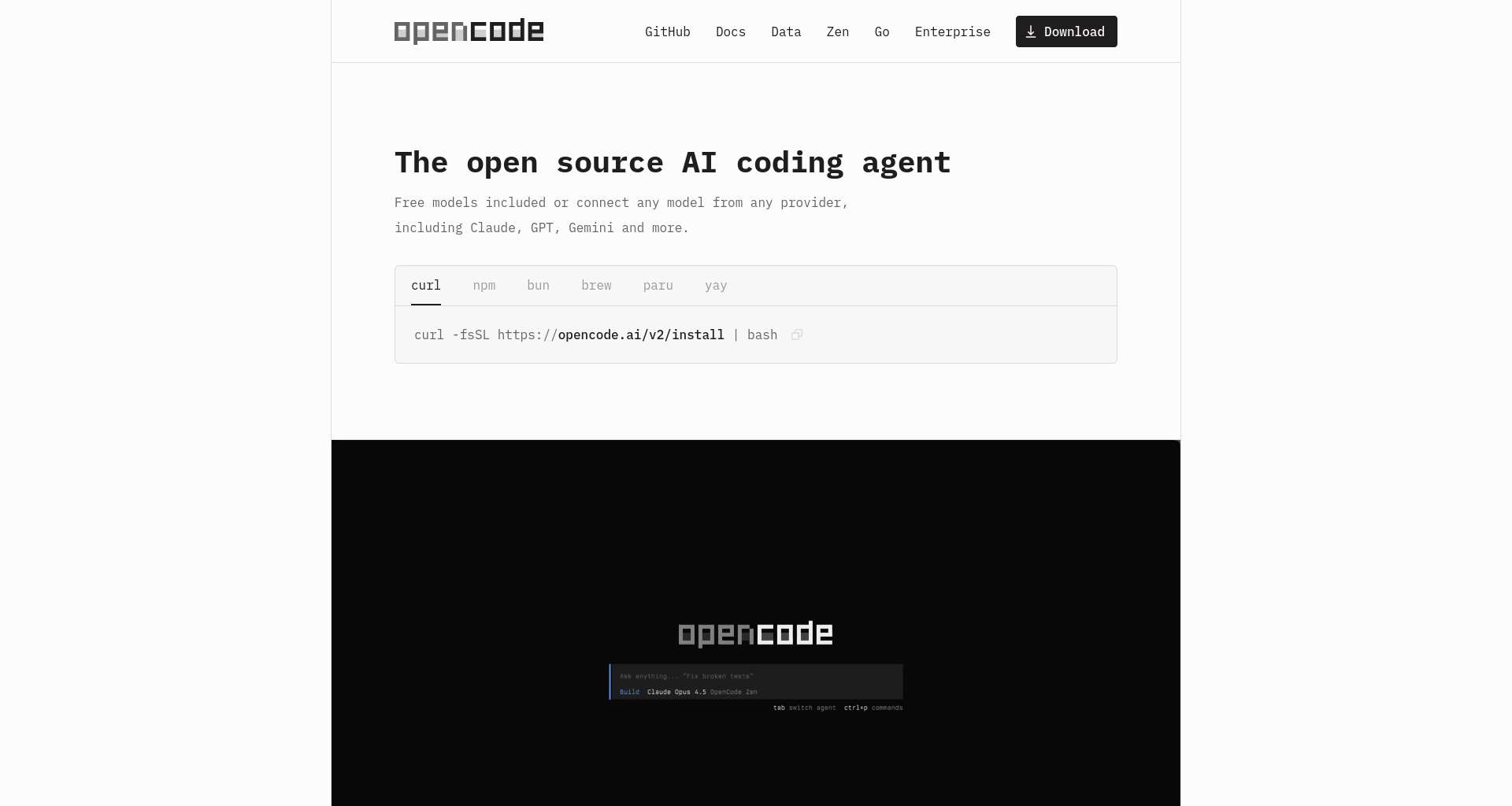
For a current, source-linked shortlist, browse the AI model directory.
To evaluate these checkpoints in an agent workflow, compare tools in the coding-agent directory.
Sources
Keep reading
Related reading
⚡ AI Engineering Briefing
AI model releases, practical tutorials, developer tools, and engineering research. Unsubscribe anytime.
Comments
Comments are temporarily unavailable while the public discussion space is being configured.