Building Autonomous Coding Agent Harnesses with Context Hooks
>A practical coding-agent harness guide to context files, tool hooks, dynamic skills, verification loops, and measuring token use without unsupported savings claims.
🎧 Listen — ~12 min
Audio summary not available yet

In multi-step coding tasks, weak repository navigation can lead an agent to reread irrelevant files, accumulate repetitive error output, and drift from project conventions. The degree of impact depends on the model, repository, and task, so evaluate the workflow on representative changes.
A production-ready agent harness can make repository work more repeatable. It combines curated context, pre- and post-tool hooks, verification scripts, and task-specific skills around the model. These controls can reduce irrelevant context and catch errors earlier, but quality and token effects should be measured on representative tasks; they do not guarantee a correct result.
Key takeaways
- Measure the harness and model separately: Test context selection, hooks, and permissions with a fixed model, then compare models on the same representative tasks. This guide contains no benchmark proving that one category always wins.
- Context pruning is task-dependent: Focused retrieval can reduce irrelevant context, but its effect depends on the model, repository, and task. Compare it with a representative baseline.
- Hooks surface checks earlier: Run relevant lint, schema, or tests after a tool action and return concise output. They catch only failures those checks cover; they do not guarantee code quality or token savings.
- Token efficiency is measurable: Structured context files and on-demand tools may reduce repeated prompt material. Measure input and output tokens for the same task before claiming savings.
1--------------------------------------------------------------------+
2|                            Agent Harness                              |
3|                                                                       |
4|  +-----------------+     +-----------------+     +-----------------+  |
5|  | Context Memory  | --> | Pre-Tool Hooks  | --> |  LLM Execution  |  |
6|  | (AGENTS.md/spec)|     | (Lint/Sanitize) |     | (Goal/Plan/Act) |  |
7|  +-----------------+     +-----------------+     +-----------------+  |
8|                                                           |           |
9|  +-----------------+     +-----------------+              |           |
10|  | State Update &  | <-- | Post-Tool Hooks | <------------+           |
11|  | Token Pruning   |     | (E2E Test/Eval) |                          |
12|  +-----------------+     +-----------------+                          |
13+-----------------------------------------------------------------------+
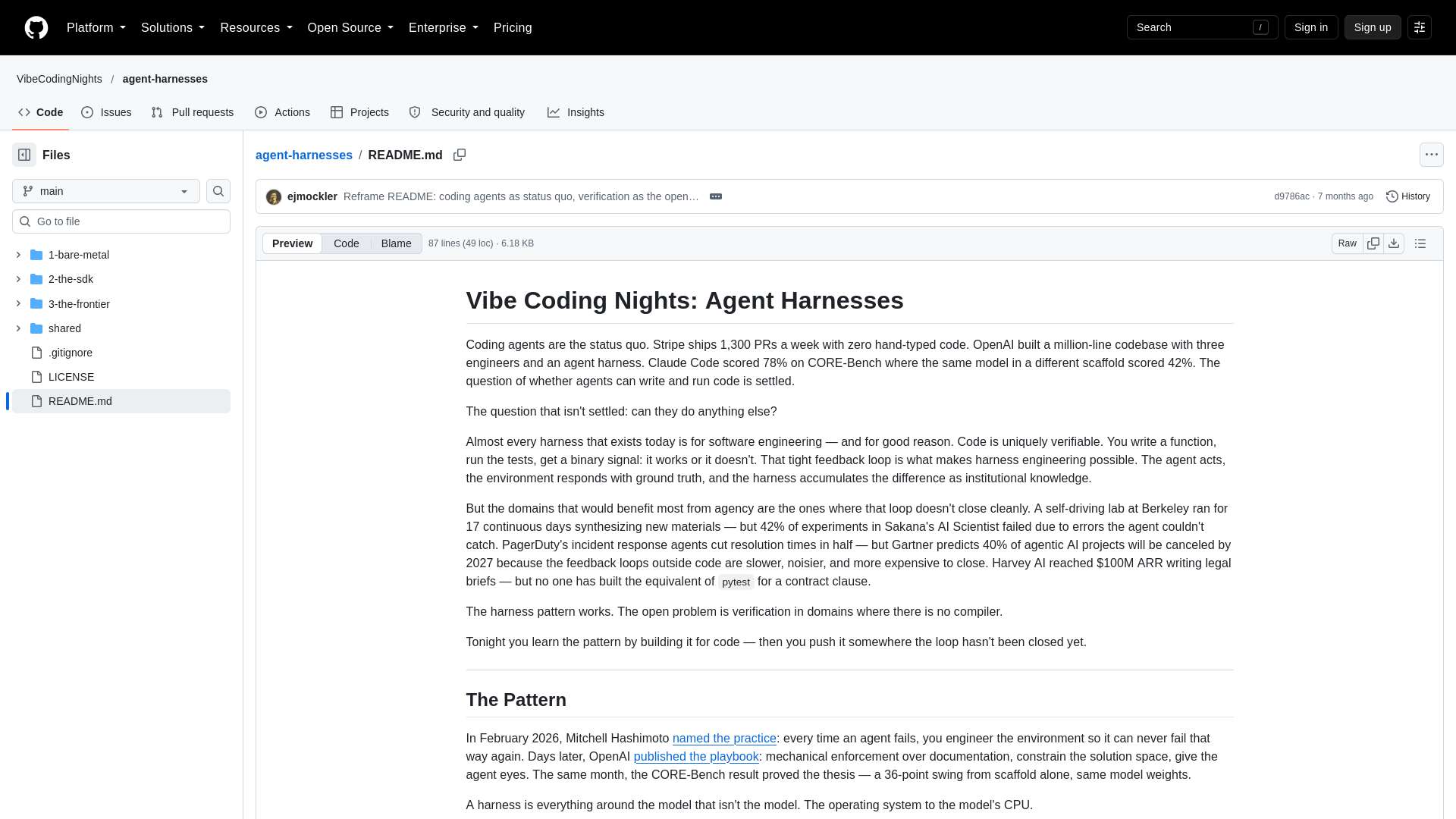
An agent harness decouples the model's creative synthesis from repository state management. As documented in open-source harness patterns like the VibeCodingNights agent-harnesses repository, robust harnesses emphasize closing deterministic feedback loops rather than trusting models to self-evaluate.
An operational harness consists of four tightly scoped subsystems:
- Context Management Layer: Maintains canonical application state, specifications, and architecture invariants without ingesting complete source trees.
- Hook Pipeline: Intercepts agent tool calls before and after invocation to validate inputs, format diffs, and sanitize runtime errors.
- Dynamic Skills Registry: Exposes discrete, single-purpose CLI utilities to the model on demand, preventing prompt bloat caused by massive static tool catalogs.
- Automated Verification Loop: Executes localized tests and linters, returning machine-actionable exit codes and truncated error summaries to the agent.
Engineers evaluating modern setups can consult our coding-agent directory and our guide on structuring vibe coding environments for foundational configuration patterns.
1. Architecting Context Files and Memory Hygiene
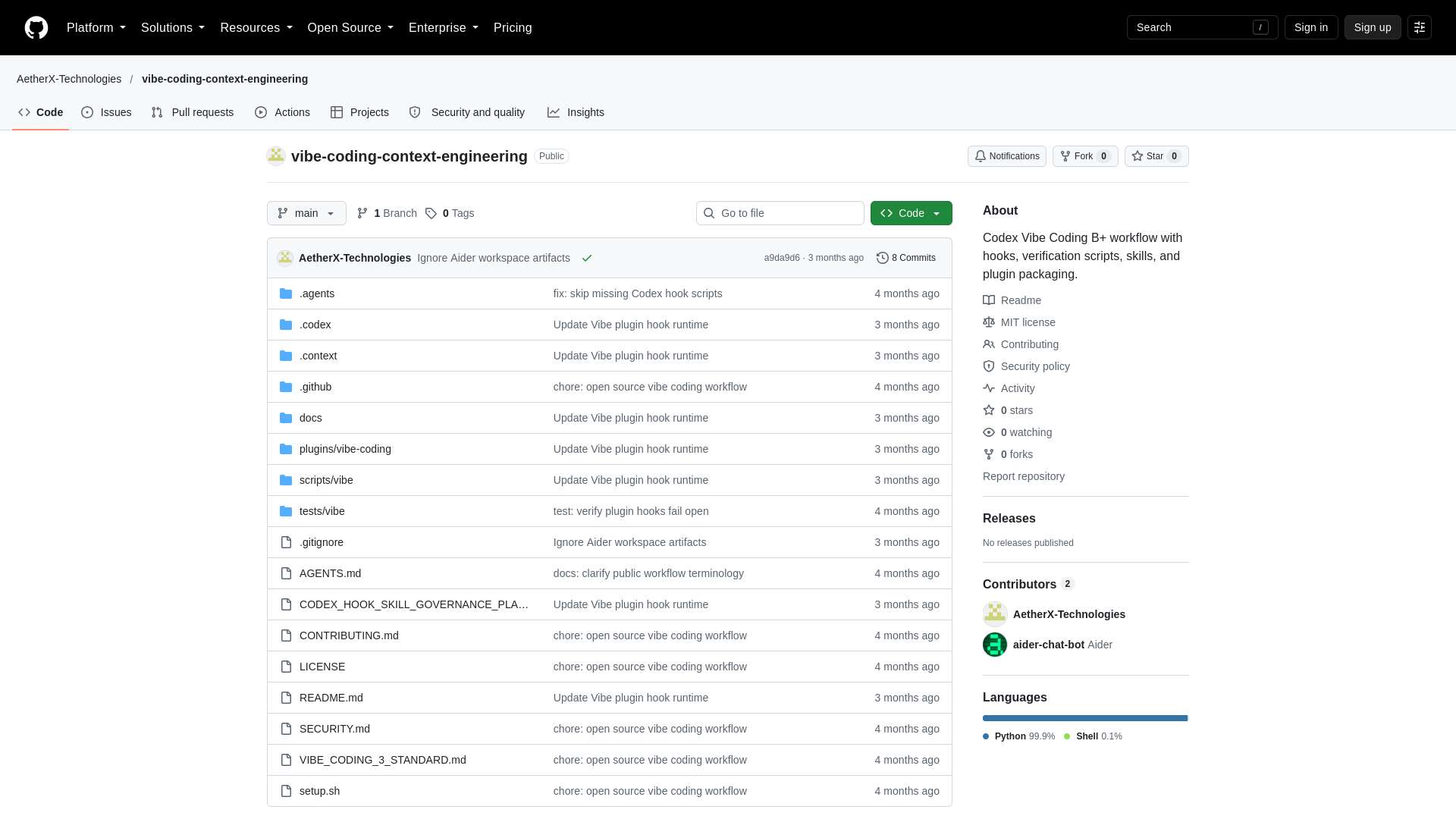
A common source of friction in autonomous coding is loading irrelevant context. Large files can make useful details harder to locate, but the effect varies by model and task. Context engineering frameworks such as AetherX-Technologies vibe-coding-context-engineering provide examples of structured context files; test them against your own repository and tasks.
The Hierarchical Context Pattern
Instead of allowing your coding tool to index the entire codebase on startup, structure your project with a tiered context hierarchy:
- Root
AGENTS.md: Contains project architectural invariants, approved libraries, testing commands, and prohibited file modifications. Keep this file under 150 lines. - Feature Specs (
/specs/<feature>.md): Outlines precise acceptance criteria, API contracts, input-output types, and edge cases for the current task. - Runbooks & Skills (
.harness/skills/): Contains standalone procedural scripts that perform specific actions (such as generating database migrations or validating OpenAPI schemas).
Here is a minimal, high-efficiency AGENTS.md blueprint designed to prevent context drift:
1
2## Operating Rules
3- Always run `npm test` or `pytest` via the verification hook before completing a task.
4- Never refactor files outside the target domain defined in the active spec file.
5- Keep output concise; do not narrate basic actions.
6
7## Stack Invariants
8- Node.js 22 LTS, TypeScript 5.6, Fastify (strict ESM).
9- Persistence: PostgreSQL via Kysely (no runtime ORM overhead).
10- Validation: TypeBox schemas strictly enforced on all boundary inputs.
11
12## Tool Constraints
13- Do not run `cat` or read entire source files exceeding 100 lines. Use the `ast-grep` skill to extract signatures.
14- Emit patches using unified diff format rather than overwriting full file contents.
By decoupling domain requirements from runtime execution details, you provide an immutable foundation that remains consistent across tool invocations.
2. Implementing Pre- and Post-Execution Hooks
Hooks run outside the model's context window. They inspect planned actions before they hit the operating system, and evaluate results before the payload returns to the agent. This prevents syntax errors from compounding into reasoning failures.
Pre-Tool Hook: Preventing File Overwrites
A frequent failure mode is an agent overwriting an entire configuration file with a truncated snippet. A pre-tool hook can reject writes that discard significant line counts without explicit approval.
Below is an implementation of a Node.js pre-tool guardrail that intercepts write operations and enforces strict boundary checks:
1// .harness/hooks/pre-write-guard.ts
2import { readFileSync, existsSync } from 'node:fs';
3
4interface WritePayload {
5  path: string;
6  newContent: string;
7}
8
9export function validateWriteAction(payload: WritePayload): { allow: boolean; reason?: string } {
10  const { path: filePath, newContent } = payload;
11
12  // Protect critical configuration files
13  const protectedPatterns = [/\.env.*/, /package-lock\.json/, /tsconfig\.json$/];
14  if (protectedPatterns.some(pattern => pattern.test(filePath))) {
15    return {
16      allow: false,
17      reason: `Blocked: Direct edits to configuration file '${filePath}' are strictly prohibited.`
18    };
19  }
20
21  // Reject sudden drastic content shrinkage
22  if (existsSync(filePath)) {
23    const existing = readFileSync(filePath, 'utf-8');
24    const existingLines = existing.split('\n').length;
25    const newLines = newContent.split('\n').length;
26
27    if (existingLines > 50 && newLines < existingLines * 0.4) {
28      return {
29        allow: false,
30        reason: `Blocked: Write dropped line count from ${existingLines} to ${newLines}. Use incremental diffs.`
31      };
32    }
33  }
34
35  return { allow: true };
36}
Post-Tool Hook: Error Sanitization and Token Pruning
When a command fails, standard terminal output often includes thousands of characters of verbose stack traces, environment variables, and memory maps. Feeding this raw output directly back into the LLM causes two problems: it wastes hundreds of tokens, and it fills the attention window with irrelevant text that distorts future inferences.
A post-execution hook catches stderr, trims repeated error frames, and returns only actionable syntax errors and line numbers.
1import re
2import sys
3
4def prune_stack_trace(raw_stderr: str) -> str:
5    """Extracts critical failure points and removes framework boilerplate."""
6    if not raw_stderr.strip():
7        return ""
8
9    lines = raw_stderr.splitlines()
10    filtered_lines = []
11    relevance_pattern = re.compile(
12        r"(AssertionError|SyntaxError|TypeError|Error:|FAIL|Expected|Received)",
13        re.IGNORECASE
14    )
15
16    for line in lines:
17        if "node_modules" in line or "site-packages" in line:
18            continue
19        if relevance_pattern.search(line):
20            filtered_lines.append(line.strip())
21
22    if not filtered_lines:
23        return "\n".join(lines[-10:])
24    return "\n".join(filtered_lines[:15])
25
26if __name__ == "__main__":
27    raw_input = sys.stdin.read()
28    print(prune_stack_trace(raw_input))
This post-execution filter ensures that when a test suite fails, the agent receives only the exact failed assertion and target file path, keeping context use low and recovery loops focused.
3. Building Dynamic Skills to Protect Token Budgets
A common source of prompt overhead is loading every available utility—linting, Git operations, database queries, and deployment scripts—into each request as tool declarations. The actual cost depends on the client and schemas; inspect token-usage telemetry for your own setup.
A better approach is using dynamic skills: registering a lightweight discovery tool (execute_skill) that allows the model to search for and invoke specific shell-based tasks on demand, as seen in projects like withkynam vibecode-pro-max-kit.
Comparison: Monolithic Tool Registry vs. Dynamic Harness Skills
| Attribute | Monolithic System Prompts | Dynamic Harness Skills |
|---|---|---|
| Initial Prompt Overhead | Depends on registered schemas and client behavior | Depends on the selected skill and its output |
| Tool Definition Maintenance | Requires updating JSON schemas across configurations | Individual shell or Python scripts in a .harness/ directory |
| Context Leaks | Output prints directly into active history | Output is intercepted, parsed, and pruned by hooks |
| Failure Recovery | Agent must improvise recovery scripts | Dedicated validation runbooks guide the model |
| Execution Safety | Broad shell access grants unrestricted tool execution | Scripts are confined to predetermined parameters and arguments |
Implementing a Specialized Code-Inspection Skill
Instead of letting an agent run unconstrained grep or find commands that return hundreds of irrelevant matches, provide a skill that extracts only function signatures and exports. Here is an example using ast-grep packaged as an agent skill:
1#!/usr/bin/env bash
2set -euo pipefail
3
4TARGET_FILE="$1"
5
6if [ ! -f "$TARGET_FILE" ]; then
7    echo "Error: File $TARGET_FILE does not exist." >&2
8    exit 1
9fi
10
11echo "=== Signatures for $TARGET_FILE ==="
12ast-grep --pattern 'export function $NAME($$$) { $$$ }' "$TARGET_FILE" || true
13ast-grep --pattern 'export interface $NAME { $$$ }' "$TARGET_FILE" || true
14ast-grep --pattern 'export const $NAME = ($$$) => { $$$ }' "$TARGET_FILE" || true
When an agent needs to understand dependencies across a service boundary, it invokes extract-signatures.sh src/services/auth.ts. It receives only the necessary type contracts and interface signatures, avoiding thousands of tokens of implementation details.
For developers seeking deeper guardrails around testing and syntax integrity, pairing dynamic skills with AI-assisted coding guardrails prevents code quality decay across rapid iterations.
4. Structuring the Closed-Loop Autonomous Workflow
The core strength of an agent harness is closing the execution loop. In manual vibe coding, the human acts as the loop: copying code, running tests, seeing an error, and pasting it back to the agent. An autonomous harness handles this loop directly by evaluating outputs against automated verification gates.
       +-----------------------+
       |   Read Goal / Spec    |
       +-----------------------+
                   |
                   v
       +-----------------------+
       | Plan File Diffs via   |
       | Signature Skills      |
       +-----------------------+
                   |
                   v
       +-----------------------+
       | Apply File Diffs      |
       +-----------------------+
                   |
                   v
       +-----------------------+
       | Pre-Write Hook Passed?|
       +-----------------------+
         /                   \
       No                     Yes
       /                       \
+---------------+       +------------------+
| Abort & Return|       | Run Verification |
| Guard Reason  |       | Test Hook        |
+---------------+       +------------------+
                                  |
                        +---------+---------+
                        |                   |
                     Failed               Passed
                        |                   |
                        v                   v
              +-------------------+   +-----------+
              | Prune Stack Trace |   | Commit &  |
              | & Rerun Planning  |   | Exit Task |
+-------------------+ +-----------+- Intake: The model receives a goal alongside an active specification file.
- Context Assembly: Dynamic skills retrieve file interfaces and dependencies, not full implementations.
- Drafting: The model proposes modifications using standard unified diffs.
- Hook Verification: The pre-write guard validates path safety, size consistency, and structural syntax.
- Execution & Evaluation: Post-execution hooks run the selected checks. If they fail, return a concise error trace for a bounded retry, then stop and preserve the working tree for human review. Commit only through the developer's normal review flow.
Set a retry limit for each task; three attempts is an example policy, not a universal optimum. A limit stops unbounded retries, but actual token savings depend on the model and tool calls. Preserve changes and show the failure trace so a developer can decide what to keep. See our guide on evaluating AI agent latency and cost gates.
5. Failure Modes and Mitigation Strategies
Deploying an autonomous coding harness introduces specific operational challenges. Below are common failure modes and their mitigations:
1. Loop Oscillations
- Symptom: The agent changes an implementation in turn $N$, breaks a secondary test, reverts the change in turn $N+1$, and oscillates between two failing states.
- Remedy: Maintain a brief history file (
.harness/state/attempts.log) that records the diff signatures of failed attempts. The harness halts execution if a diff matches a previously attempted hash.
2. Context Poisoning via Phantom Dependencies
- Symptom: When encountering an unresolved import, the agent hallucinates a utility library, adds it to
package.json, and installs unvetted packages. - Remedy: Implement a pre-tool hook intercepting package installation commands (
npm install,pip install,cargo add). Any package installation must match an approved allowlist or pause for developer confirmation.
3. File System Desynchronization
- Symptom: The agent assumes an in-memory representation of a file that has been modified on disk by background test runners or linters.
- Remedy: Re-validate target file hashes prior to applying diffs. If the disk hash diverges from the base hash referenced in the agent's prompt, force a fresh read before writing.
6. Verification Checklist for Production Agent Harnesses
Before running multi-step agentic workflows on production codebases, confirm your harness implements these safeguards:
- Context Bounds Enforced: Root
AGENTS.mdis strictly under 150 lines and contains only global architecture invariants. - Monolithic Tools Removed: Large static tool catalogs are replaced with an on-demand dynamic skill dispatcher.
- Pre-Write Interceptors Active: File writes are checked to prevent accidental file clobbering and modification of critical repository files (
.git,.env, configuration files). - Error Sanitization Implemented: Post-tool execution captures stderr and strips framework internals, returning fewer than 20 lines of diagnostic information.
- Max-Turn Failsafes Configured: Unattended loops abort cleanly with state intact if verification tests fail more than three consecutive times.
- Token Usage Metrics Tracked: Input, output, and cache hit metrics are recorded per task to catch context bloat early.
Source website screenshots
Frequently asked questions
What is the difference between an agent harness and an IDE extension?
An IDE extension primarily serves as an interface layer, displaying chat prompts and file diffs within the editor. An agent harness is an orchestration pipeline that wraps the LLM's inputs and outputs. It programmatically manages context memory, enforces pre- and post-tool guardrails, and automates verification loops outside the developer's manual workflow.
How does an agent harness reduce token consumption?
Standard chat workflows repeatedly send accumulated chat history, static tool definitions, and long stack traces back to the model. A harness can retrieve selected interfaces, prune repeated output, and keep context files concise. Whether that lowers token use depends on the client, model, and task. Compare input and output token counts for the same task using usage logs.
Can I run an agent harness using local open-weight models?
Yes, provided the model and runtime support the workflow you need. A harness can select relevant context and run deterministic checks, but it does not guarantee that a smaller model will match a larger one. Compare both on the same tasks and hardware; our local AI model fit tool estimates hardware fit, not task quality.
How do I prevent an agent from getting trapped in an infinite repair loop?
Configure a retry limit in the harness. When it is reached, stop and return the failure trace while preserving the working tree. Do not automatically reset or check out files: review the diff first, then choose whether to keep, edit, or revert those changes.
Sources and image references
- VibeCodingNights Agent Harnesses: Core architectural patterns for closed-loop coding harnesses. https://github.com/VibeCodingNights/agent-harnesses/blob/main/README.md
- AetherX Context Engineering: Pre-execution hooks, verification scripts, and packaging for vibe coding. https://github.com/AetherX-Technologies/vibe-coding-context-engineering
- Vibecode Pro Max Kit: Spec-driven context architecture, automated loop controls, and skill isolation. https://github.com/withkynam/vibecode-pro-max-kit
- GitHub Platform Overview: Developer tooling standards, execution environments, and workflow automation. https://github.com/
Keep reading
Related reading
⚡ AI Engineering Briefing
AI model releases, practical tutorials, developer tools, and engineering research. Unsubscribe anytime.
Comments
Comments are temporarily unavailable while the public discussion space is being configured.