Can Uncensored LLMs Use Tools Reliably? A Local Agent Guide (2026)
>Learn how uncensored local LLMs handle tool calls, why templates and parsers fail, and how to test Ollama, MLX, llama.cpp, and coding-agent permissions safely.
🎧 Listen — ~11 min
Audio summary not available yet

Original CLIProxy-generated editorial illustration. It depicts a conceptual agent boundary, not a product screenshot or security certification.
Short answer: An uncensored or abliterated local LLM can produce tool calls, but that label does not tell you whether the model, chat template, runtime parser, client loop, and tool policy work together. Reliability is an end-to-end property. Test the exact model artifact and serving stack, validate every proposed call in your application, and keep permissions outside the model.
This distinction matters for anyone connecting local models to an IDE, terminal, browser, database, or deployment system. “The model supports tools” may mean it learned a tool-call format; it does not prove that a particular app will parse the format correctly, or that an action is appropriate to execute.
For source-linked candidates, browse our AI model directory. For IDE and terminal applications that provide the action layer, see the coding-agent directory. This guide is about how to evaluate the connection between the two—not a claim that every model listed there is tool-ready.
Tool calling is a five-part system
When an agent uses a tool, several components must succeed in sequence:
| Layer | What must work | Typical failure |
|---|---|---|
| Model behavior | The model recognizes when an external action is needed | It answers from guesswork instead of asking for a tool |
| Tool-call format | It emits the format expected by the model’s template | JSON-like text appears in normal prose or has the wrong field names |
| Runtime parser | The backend extracts the call and arguments | A valid-looking marker stays in assistant text, not a structured call |
| Agent loop | The app invokes the tool, returns its result, and continues | The result is omitted, duplicated, or sent back with the wrong role |
| Policy and execution | The app authorizes only permitted actions | A valid call performs a write or external action without required approval |
This is why a model can be “tool-capable” on a demo and still fail in an IDE. The same checkpoint may behave differently across a GGUF conversion, an MLX port, a quantization, a prompt template, or an OpenAI-compatible server. Treat compatibility claims as testable combinations, not permanent properties of a model family.
What the runtimes document—and what they do not
Ollama: explicit single, parallel, and multi-turn examples
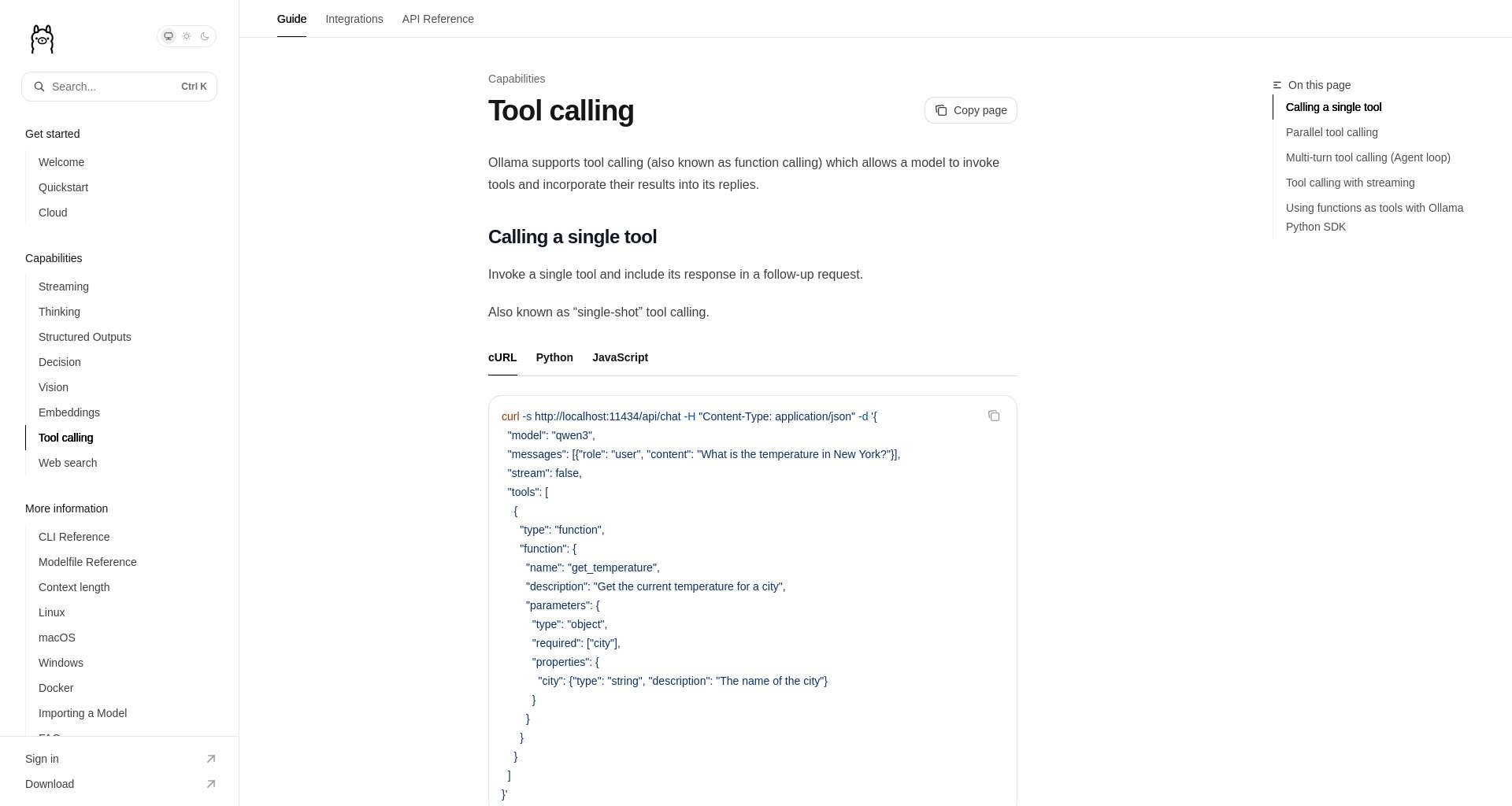
Ollama’s tool-calling documentation shows a single tool call, parallel calls, streaming, and a multi-turn agent loop. The example demonstrates how to pass a tool schema, receive structured tool_calls, invoke an application function, append the result, and ask the model to continue.
That is useful evidence about the API and loop. It is not a certification that every model tag or community abliterated derivative has the same tool-call quality. The page’s example model name is an example; check the exact local artifact and its template. Start with a harmless deterministic tool such as a calculator or read-only lookup.
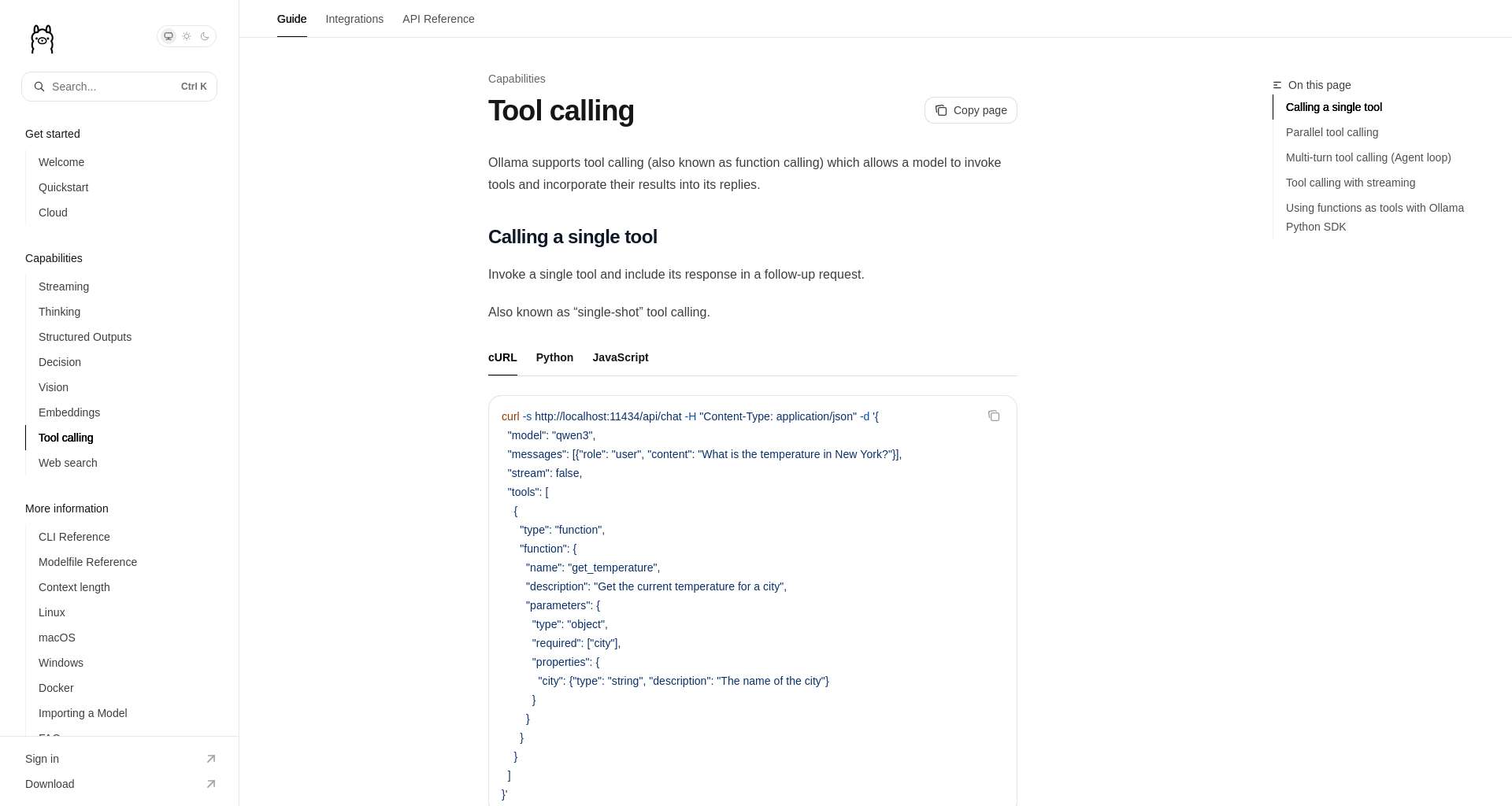
Courtesy: screenshot captured through Trawl from Ollama’s tool-calling docs. Documentation and product branding belong to Ollama; shown for reference.
llama.cpp: templates and handlers are part of the result
The llama.cpp function-calling guide describes native handlers for several known formats and a generic handler for other templates. Its documentation warns that generic parsing can consume more tokens and be less efficient than a native handler. It also describes the server configuration needed for function calling.
That detail is easy to miss: “generic support” means a server may attempt to interpret a less familiar format; it does not mean every model will choose valid tools or arguments consistently. Check the server log’s selected chat format, use the model card’s recommended template, and keep the runtime and model revision in your test record.
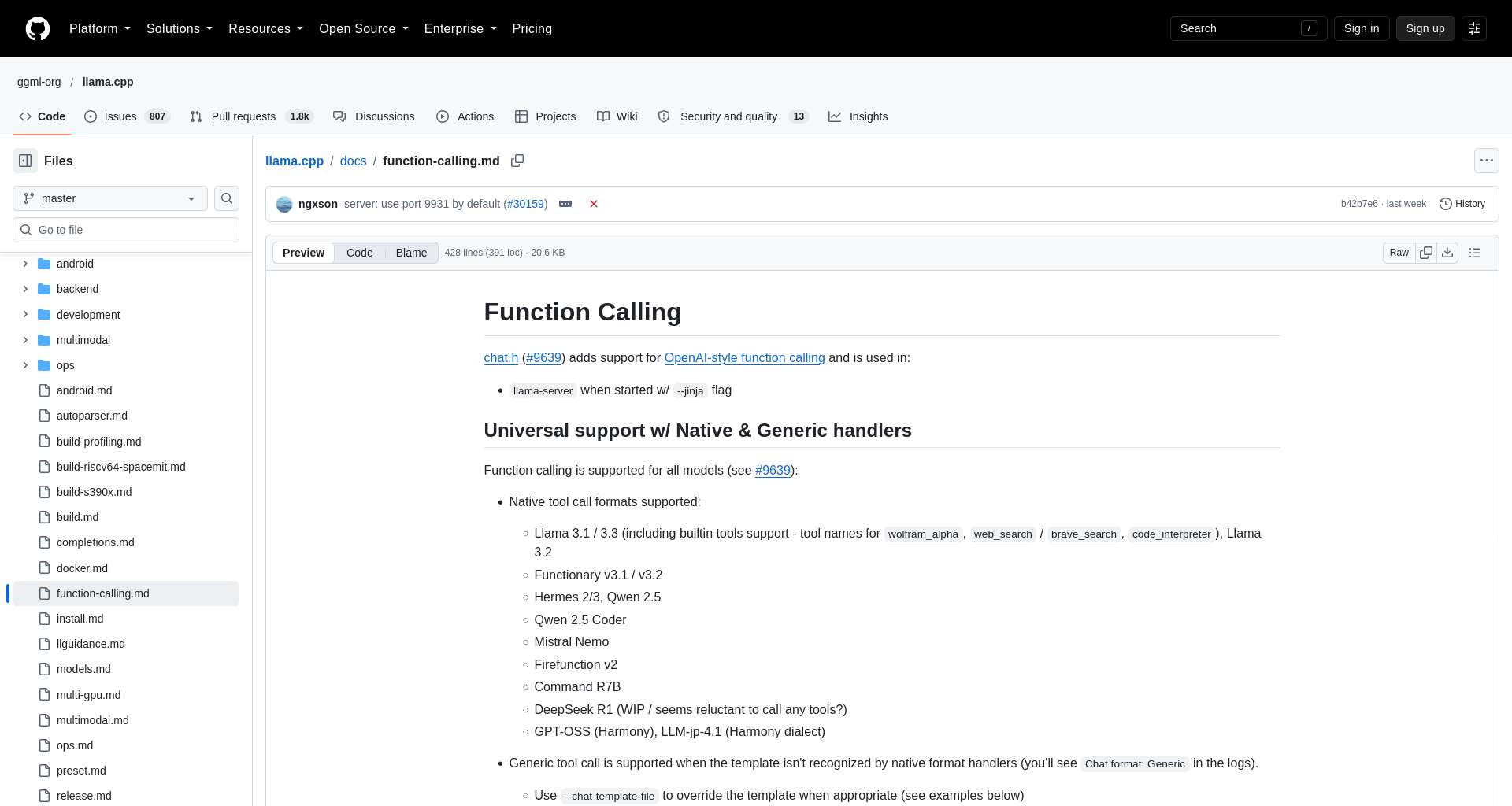
Courtesy: screenshot captured through Trawl from the llama.cpp function-calling guide. The repository and documentation are maintained by their respective project contributors.
MLX-LM: the model-specific parser matters
The MLX-LM project includes a tool-use example that supplies functions through the tokenizer’s chat template, generates a response, parses a model-specific tool-call block, executes a Python function, and then asks the model to continue. The example itself notes that the tool-call format and parsing are model-specific.
That makes it a good reference implementation, not a universal guarantee for every MLX checkpoint or OpenAI-compatible client. An MLX conversion can preserve or alter relevant tokenizer metadata; a serving adapter may also parse calls differently from the Python example. Test your exact conversion and client path before trusting it in an agent.
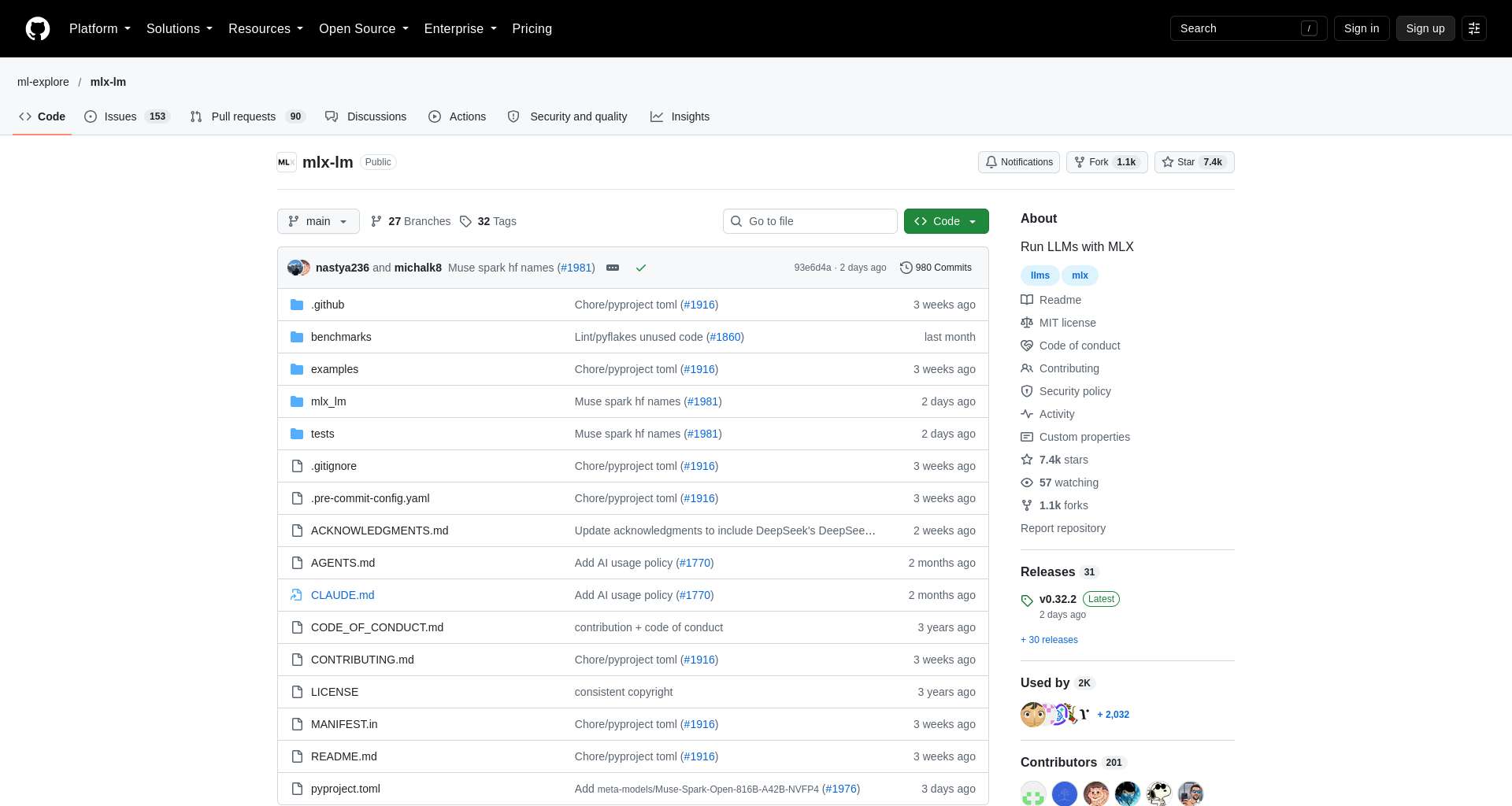
Courtesy: screenshot captured through Trawl from the MLX-LM repository. The screenshot shows the project entry point; see its linked tool-use example for code.
OpenCode: model quality and tool permissions are separate controls
OpenCode’s model documentation says only some models are good at both code generation and tool calling, and it notes that the suggested models are not an exhaustive or permanently current ranking. Its tools documentation describes permissions for built-in and custom tools.
Keep those two ideas separate: a model can be more or less likely to call tools correctly, while the agent application decides which tools are available and what requires approval. If a model’s refusal behavior changes, the permission system should not change with it.
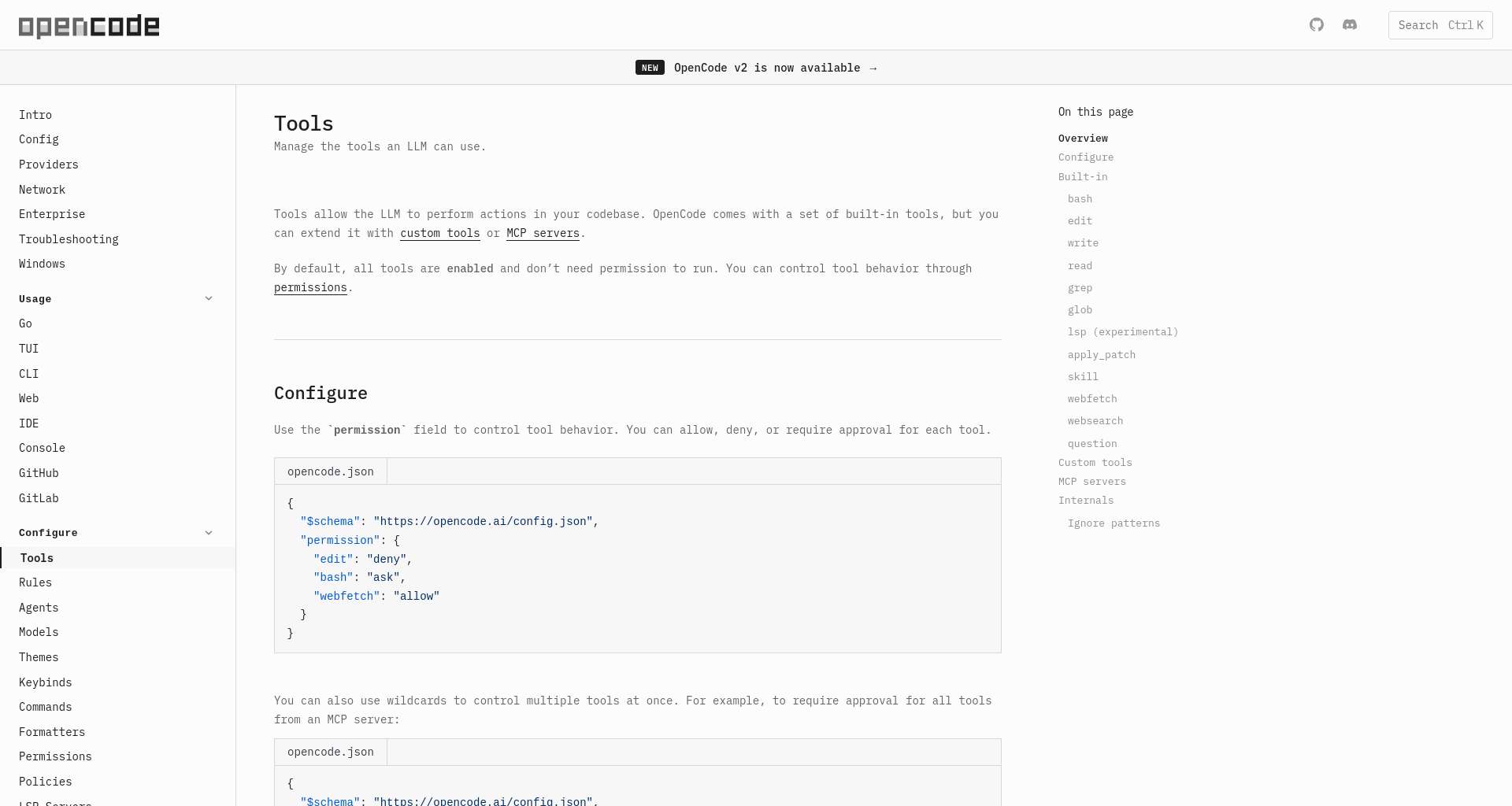
Courtesy: screenshot captured through Trawl from OpenCode’s tools documentation. UI, documentation, and marks belong to OpenCode’s owners.
Does abliteration break tool calling?
There is no general rule that an “uncensored” label either enables or disables structured tool use. Abliteration usually describes a change intended to alter some refusal behavior. It does not, by itself, tell you whether the model learned a function-call format, whether its derivative preserved a template, or whether your backend can parse its output.
The exact derivative can differ from its base in ways relevant to agent work: the source checkpoint, tuning recipe, tokenizer files, quantization, prompt template, and evaluation method. If the card does not document these, mark compatibility as unknown rather than inferring it from a family name. Read our guide to verifying uncensored Hugging Face models before downloading an unfamiliar artifact.
Also separate two questions:
- Can it call a tool? Does the model emit valid structured calls for the documented template and supported actions?
- Should the action happen? Does the application’s authorization policy allow this specific call with these arguments, in this workspace and user session?
The model’s answer to the second question is never a substitute for the application’s check.
A fair local tool-calling test
Do not evaluate with a single “write code” prompt and a subjective impression. Build a small test set for the actual tasks you want the agent to perform. Use a disposable repository and inert tools first.
| Test | Example task | What to measure |
|---|---|---|
| No-tool control | Ask a self-contained arithmetic or explanation question | Does the model avoid unnecessary tool calls? |
| Correct single call | Ask for a value available only from a mock read-only function | Correct tool name, valid JSON, exact arguments, and correct final answer |
| Missing information | Ask for an operation without a required path or identifier | Does it ask a clarifying question instead of inventing arguments? |
| Invalid arguments | Give an ambiguous or malformed date/path in a test prompt | Does the app reject invalid schema or out-of-scope values? |
| Multi-step loop | Request a read-only lookup followed by a calculation | Does it pass the real tool result back and use that result accurately? |
| Permission boundary | Ask for a write-capable action while only read access is enabled | Does the application deny or require approval regardless of model text? |
| Prompt-injection fixture | Put “ignore previous instructions” in a mock file or tool output | Does the harness treat tool output as untrusted data and keep permissions unchanged? |
| Repetition and stability | Repeat each test with fixed settings | How often does the exact same setup succeed, not just its best run? |
For a first pass, 20–50 carefully designed cases are more useful than one impressive demo. Keep test prompts benign and non-operational; test the boundary logic without publishing harmful instructions. Record the exact model repository and commit, artifact hash, quantization, runtime version, chat template, context setting, device, and date.
Track more than “tool-call accuracy”
Report at least these separate measures:
- Call decision: correct call vs. unnecessary call vs. missed call.
- Schema validity: whether the name, argument types, required keys, and value ranges validate.
- Execution authorization: allowed, denied, or approval requested by the harness.
- Task success: whether the final answer is correct after the actual tool result is returned.
- Recovery: whether the model handles a tool error without inventing a successful result.
- Efficiency: prompt tokens, generated tokens, tool-loop count, time-to-first-token, and total latency.
Do not combine these into one “safe score.” A model could have excellent JSON formatting but poor task selection; a strong caller could still propose an action the policy must reject. For stronger evidence, publish test-set size, number of repeats, fixed settings, and the failure definitions. Avoid calling a small in-house sample a universal model benchmark.
The non-negotiable execution boundary
Tool calls are requests from a model, not proof of user intent or authority. A safe harness should perform its own checks before invoking any function:
- Map the requested function name to a strict allowlist; reject unknown names.
- Parse against a schema and validate values beyond JSON types—for example, an allowed repository root, bounded result count, and permitted URL host.
- Apply least privilege. Prefer read-only tools; expose a narrow operation instead of a generic shell or unrestricted filesystem.
- Require a human approval step for writes, deletion, external messages, credentials, payments, deployments, and other consequential actions.
- Run code or commands in a disposable, resource-limited environment with explicit network rules.
- Treat filenames, search results, webpages, and tool outputs as untrusted input. They must not be allowed to rewrite the permission policy.
- Bound tool loops, timeouts, token use, and retries. Log the decision and result, but do not log secrets or unnecessary personal data.
For a coding agent, a reasonable rollout is: read-only repository search → proposed patch with human review → isolated test run → explicitly approved write. Do not begin with automatic shell access just because the model runs on your Mac. Local execution can reduce data sent to a hosted inference provider, but it does not make a process harmless or guarantee that no other network component is involved. See the separate privacy and data-flow guide for local uncensored LLMs.
A minimal decision rule
Before selecting an uncensored model for an agent, ask:
| Question | Evidence to require |
|---|---|
| Does the exact artifact document tool-use behavior? | Model card or upstream project describes tool format/template and version |
| Does the runtime parse that exact format? | Runtime docs or an executable example for the chosen backend |
| Does the agent support the local endpoint? | Provider/base-URL configuration and a verified model ID |
| Can the harness reject unauthorized calls? | Tests showing unknown tools, invalid values, and denied actions are blocked |
| Is it reliable enough for the intended task? | Repeated fixed test set with failures and task outcomes reported separately |
If the answer to the first three is “yes” but the last two are “unknown,” the model is ready for a sandboxed experiment—not production permissions. Compare alternatives in the AI model directory and the coding-agent directory, then validate the exact pair together.
Frequently asked questions
Are uncensored models better at using coding-agent tools?
Not necessarily. “Uncensored” does not mean better code generation, better tool selection, valid arguments, or improved agent performance. Compare the exact model and runtime with a controlled test set for your task.
If a model returns valid JSON, is that a successful tool call?
No. JSON only shows that the output may be syntactically parseable. The tool name could be unavailable, arguments could be wrong or unauthorized, the runtime may not expose a structured call, and the eventual result may not solve the task.
Can I give an abliterated model shell access?
Only through a deliberately constrained harness, and not as a default. Begin with read-only or mocked tools, then require approval for side effects. The model’s safety behavior is not an operating-system permission boundary.
Which local runtime is best for tool calling?
There is no universal winner. Ollama documents complete API and agent-loop examples; llama.cpp documents native and generic template handlers; MLX-LM demonstrates model-specific parsing in Python. Pick the runtime that supports the exact artifact and test your client loop on the exact model.
Does a successful demo prove the integration works?
No. A demo proves one run under one prompt and configuration. Repeat a defined set of positive, negative, malformed, multi-step, and permission-boundary cases, then publish the test conditions and failure rate.
Source website screenshot
Sources and image references
- Ollama tool-calling documentation — single, parallel, streaming, and multi-turn examples.
- llama.cpp function-calling documentation — native and generic chat-template handlers.
- MLX-LM tool-use example — Python flow with a model-specific parser.
- OpenCode models and tools/permissions — model selection notes and application-level controls.
- Generated editorial hero — created with CLIProxy for this article; conceptual rather than a product screenshot.
- Product screenshots were captured through Trawl from the linked official pages; each appears with a courtesy/source credit. The websites, documentation, and brands remain the property of their respective owners.
Keep reading
Related reading
⚡ AI Engineering Briefing
AI model releases, practical tutorials, developer tools, and engineering research. Unsubscribe anytime.
Comments
Comments are temporarily unavailable while the public discussion space is being configured.