JetBrains 2026 Direction: AI and Classic Workflows Coexistence
>Analyze JetBrains' 2026 strategy for integrating AI assistance alongside classic typing, refactoring, and AST-driven workflows without degrading developer control.
🎧 Listen — ~8 min
Audio summary not available yet

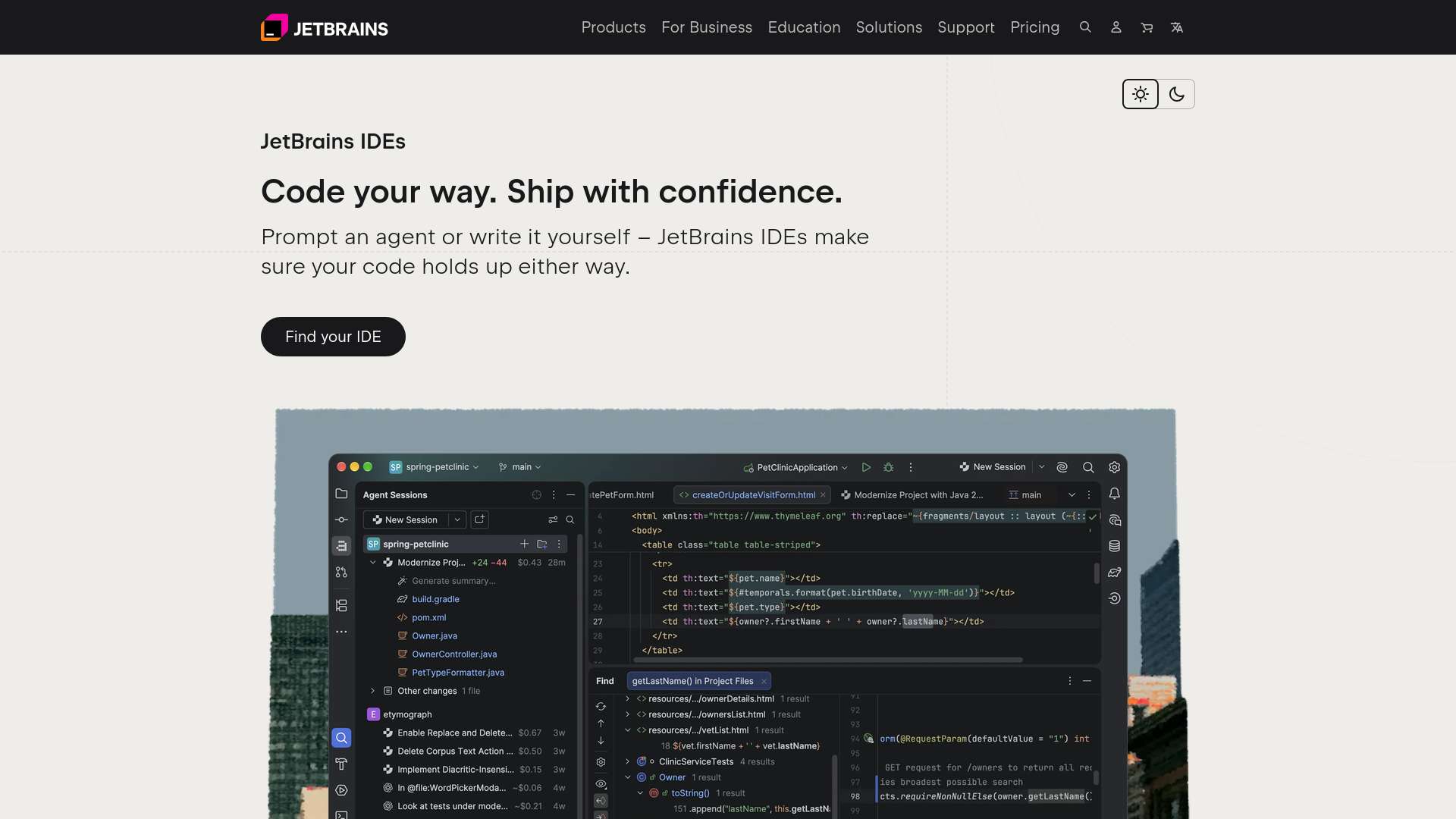
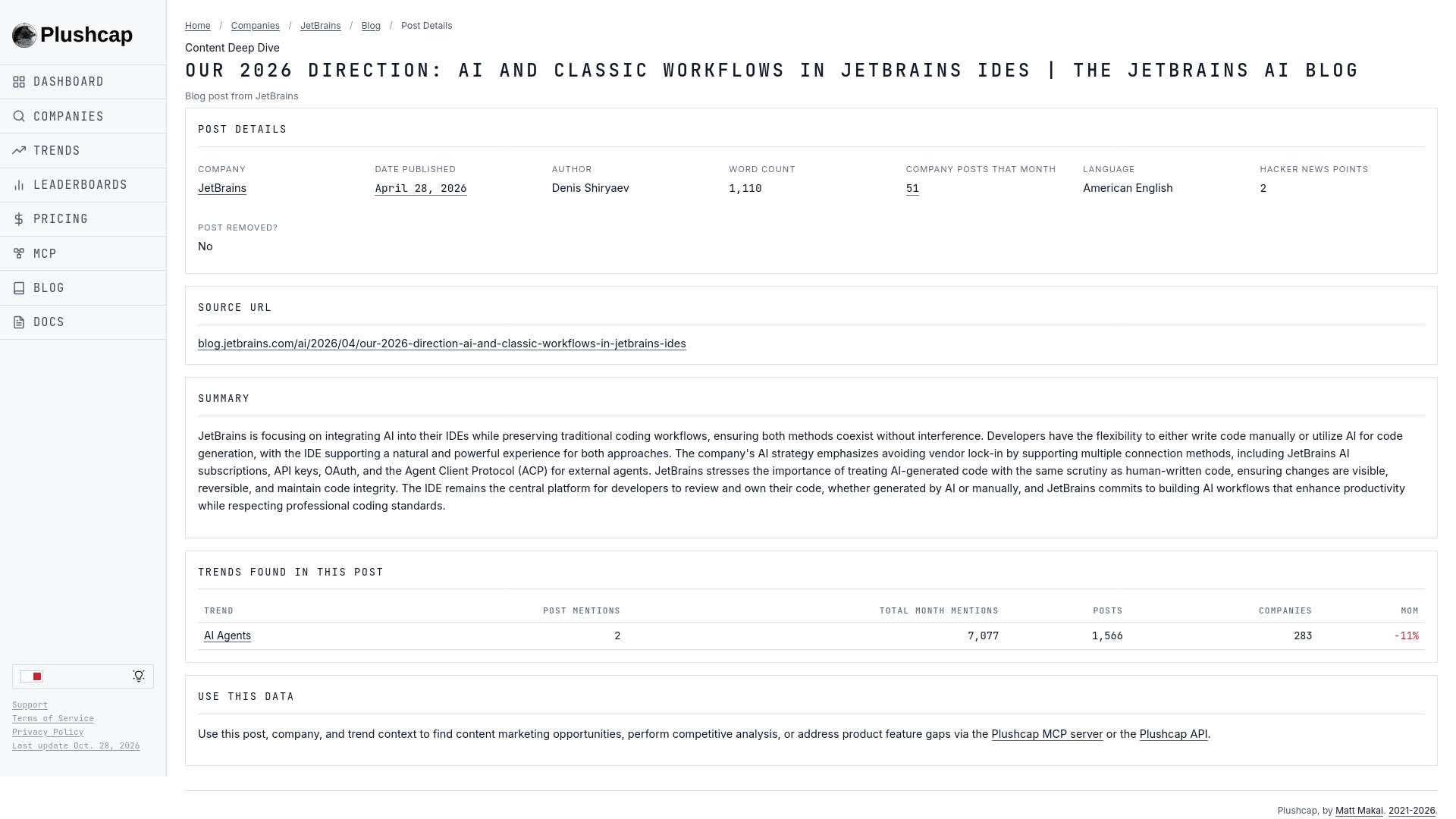
Modern integrated development environments face an architectural tension: how to embed autonomous and generative AI capabilities without degrading the deterministic, latency-sensitive mechanics that software engineers rely on daily. As detailed in JetBrains' official strategy documentation on Our 2026 Direction: AI and Classic Workflows in JetBrains IDEs, the IDE vendor has committed to an intentional dual-track product model. Rather than converting the entire environment into an unstructured conversational agent canvas, JetBrains is designing traditional typing-based, AST-backed workflows and agentic AI workflows to coexist side by side without interference.
For senior engineers building complex backends in PHP, Rust, Python, and Node.js, this distinction is critical. Generative completions and agentic loops solve exploratory tasks, but deterministic code refactoring, compiler diagnostics, and structural navigation demand zero latency and predictable outcomes.
Key takeaways
- Dual-Track Workflow Model: JetBrains’ 2026 roadmap explicitly balances classic typing-based operations (syntax analysis, structural rename, safe refactoring) with AI-assisted and agentic interventions, ensuring neither paradigm impedes the other, as documented by The JetBrains AI Blog coverage.
- Non-Interfering Execution: Traditional typing workflows remain unblocked by background network inference or model generation queues, preserving typing cadence and keyboard-centric focus.
- Deterministic Tooling as Guardrails: Semantic code graphs and compiler checks act as a validation boundary for agentic output rather than being replaced by probabilistic model guesses.
- Balanced Interface Architecture: Rather than replacing the editor pane with a pure prompt loop, the IDE retains dedicated panels for AST refactoring, local debugging, and structured agent interventions.
1. Structural Architecture: How JetBrains Separates Workflows
To avoid degrading core typing workflows, the IDE runtime architecture segregates tasks into deterministic local engines and asynchronous AI services.
| Workflow Domain | Classic JetBrains Engine | AI-Assisted / Agentic Layer | Interaction Protocol |
|---|---|---|---|
| Code Completion | Local index, type analysis, PSI (Program Structure Interface) | Cloud/Local LLM token generation | Parallel scoring; local completion displays immediately without blocking on model response |
| Refactoring | Deterministic AST mutation, reference resolution, compiler rules | Natural language code rewriting, scaffold generation | Classic refactoring executes locally; agent proposals require explicit diff review |
| Error Handling | Static inspections, linters, compiler diagnostics | Automated error explanation and multi-step patch planning | Static inspections highlight errors; AI tools propose fixes via bounded action requests |
| Navigation | Symbol indexes, call hierarchies, Git blame | Semantic retrieval, contextual documentation summaries | Direct keyboard jumps take precedence over conversational search |
By keeping deterministic parsing isolated from probabilistic model inferences, developers who prefer keyboard shortcuts, structural searches, and precise linting rules can operate unimpeded.
2. The Role of Deterministic AST in AI Guardrails
One major vulnerability of pure prompt-driven coding environments is hallucination in imports, subtle typing regressions, and silent syntax corruption. In the JetBrains paradigm, the IDE's internal static representation—the Program Structure Interface (PSI)—serves as a mandatory validation harness for any generated code before it touches the editor buffer.
When an AI workflow suggests a refactoring or writes a test scaffold, the code does not blindly overwrite the working tree. Instead, the IDE passes the synthetic diff through standard static analysis:
- Syntax Integrity Verification: The parser checks that the replacement snippet forms a valid AST for the targeted language runtime.
- Import Resolution: Missing symbols are identified and resolved against the local project index rather than trusting generated package names.
- Type Checking & Diagnostics: Local inspections flag type mismatches or deprecated API usages immediately upon patch insertion.
- Preservation of Working Tree: Uncommitted changes are protected; agent workflows generate previewable patches rather than issuing destructive file resets.
This approach directly aligns with established practices for AI-Assisted Coding Guardrails, where static analysis and bounded validation prevent automated tools from introducing technical debt.
3. Practical Implementation: Configuring the IDE for Non-Interfering AI
To maximize productivity under JetBrains' 2026 workflow model, developers should configure their IDE settings to maintain strict separation between low-latency typing and agentic triggers.
Disabling Intrusive Inline Interventions
If inline grey ghost text disrupts typing rhythm during rapid local development, configure the editor to decouple cloud suggestions from native tab completion:
1// Example conceptual schema for JetBrains editor preferences:
2{
3  "editor.ai.completion.mode": "on_demand",
4  "editor.ai.inline_suggestions.delay_ms": 350,
5  "editor.ai.prevent_typing_interruption": true,
6  "editor.code_completion.classic_priority": true,
7  "editor.refactoring.verify_with_psi": true
8}
This configuration ensures that standard keyword and variable completions appear instantly from the local index, while model-generated expansions only calculate when the cursor pauses, eliminating latency spikes in the main editor thread.
Setting Up a Controlled Agent Sandbox
When delegating multi-file tasks or documentation generation to agentic assistants, enforce isolation boundaries at the project level. Developers can configure context hooks and ignore lists in their root repository:
1.env*
2secrets/
3build/
4dist/
5vendor/
6node_modules/
7*.pem
8*.key
Restricting context ingestion ensures that sensitive production configurations and external dependencies do not inflate context windows or leak tokens during retrieval calls, reinforcing standards detailed in Securing AI Retrieval and Agent Pipelines.
4. Engineering Workflows: Combining Classic Refactorings with AI Agents
The most effective development pattern does not choose between classic tools and AI; it sequences them logically.
+-------------------------------------------------------------+
|                      Developer Intent                       |
+-------------------------------------------------------------+
                               |
                               v
            Is the transformation purely syntactic?
                             /   \
                     YES    /     \   NO
                           v       v
         +--------------------+  +----------------------------+
         | Classic Refactoring|  |    Agentic AI Workflow     |
         | (PSI AST Engine)   |  | (Context + LLM Generation) |
         +--------------------+  +----------------------------+
                   |                           |
                   v                           v
         +--------------------+  +----------------------------+
         | Instant, 100% Safe |  | Multi-step Scaffolding     |
         | Rename / Extract   |  | or Implementation Draft    |
         +--------------------+  +----------------------------+
                                               |
                                               v
                                 +----------------------------+
                                 | Static Inspection / Linter |
                                 | Verification Gate          |
                                 +----------------------------+
Pattern A: Syntactic Transformations Use Classic Tools Exclusively
When renaming a method across a multi-module repository, converting a class to an interface, or reordering parameters, use JetBrains' classic AST actions (Shift + F6 or Ctrl + Alt + M). These tools guarantee complete semantic safety across all usages in the project. Relying on an LLM for project-wide symbol renaming introduces stochastic omissions and broken references.
Pattern B: Generative Exploration Backed by Static Inspection
When generating boilerplate adapters, comprehensive unit test fixtures, or initial API integrations, trigger the AI assistant. Once the code is rendered, apply classic static inspections:
- Run built-in code formatting (
Ctrl + Alt + L) to normalize syntax against team standards. - Run project-wide code analysis (
Analyze > Inspect Code) to detect unhandled exceptions, unreachable branches, and memory allocations. - Review diffs inside the dedicated Version Control panel before staging changes, avoiding uncontrolled automated commits.
For deeper architectural guidance on sandboxing autonomous coding loops inside enterprise setups, see our guide on Hardening Agentic DevOps: CI/CD Guardrails & Observability.
5. Security, Isolation, and Authorization Controls
Embedding agentic capabilities into desktop IDEs introduces threat vectors, particularly prompt injection through untrusted dependencies or context poisoning via malicious third-party pull requests.
Authorization Gates Outside the Model
Never rely on system prompts or delimiter strings within an AI assistant's system instructions to prevent destructive local file execution. Input sanitization and prompt screening provide supplemental detection only; they cannot reliably prevent prompt injection.
Enforce authorization boundaries strictly in the application and tool execution layers:
- Explicit Permission Gates: The IDE must require explicit developer confirmation before executing terminal scripts, downloading external binaries, or executing database migrations proposed by an agent.
- Least Privilege Environment: When configuring tools or plugins that access the local filesystem, restrict the agent process permissions using standard operating system primitives or container isolation.
- Preserving the Working Tree: In the event of agent tool failures or context loops, the runtime must stop after a configured retry threshold and return the error to the developer. The IDE must never execute an automated
git reset --hardor silently discard unstaged modifications.
Engineers structuring dedicated agent harness configurations can reference Production AI Reliability: Explicit State & Bounded Authority for operational patterns managing stateful execution.
6. Verification and Setup Checklist
Before adopting hybrid classic-and-AI development workflows across your team, verify that the environment maintains proper operational boundaries:
- Typing Cadence Uninhibited: Verify that basic code editing, keyword suggestions, and indentation continue to function with zero network lag when offline.
- Deterministic Refactoring Intact: Ensure keybindings for safe refactoring (
Rename,Extract Method,Change Signature) execute directly via the PSI engine without launching a conversational AI prompt. - Context Filtering Active: Confirm that sensitive files, credential vaults, and generated build artifacts are listed in
.aiignoreor excluded in IDE indexing settings. - Diff Review Enforced: Ensure AI patch generation always outputs to a diff viewer or staging buffer requiring manual approval before altering the primary buffer.
- Terminal Execution Guarded: Verify that the IDE settings demand explicit manual confirmation before running shell commands suggested by agent chat panels.
Source website screenshots
Frequently asked questions
Will JetBrains deprecate traditional typing and code completion in favor of full agentic generation?
No. JetBrains' documented product direction for 2026 establishes that traditional typing, instant AST-based completions, and keyboard-driven refactorings remain first-class citizens. AI capabilities are designed to coexist alongside these classic tools without forcing developers into an exclusively conversational or prompt-driven interface.
How does JetBrains prevent AI code generation from breaking project-wide refactoring?
JetBrains uses its Program Structure Interface (PSI) to parse and validate code structures deterministically. While generative models draft snippets probabilistically, the IDE applies AST verification, type checks, and static inspections to highlight missing symbols or syntax errors before changes are merged into the codebase.
Can classic keyboard shortcuts and AI workflows be used simultaneously?
Yes. Developers can trigger classic AST refactorings using standard shortcuts for guaranteed structural updates, while selectively invoking AI assistant panels for tasks like generating boilerplate, writing mock test suites, or summarizing complex legacy modules.
How should teams prevent AI tools in JetBrains IDEs from indexing confidential credentials?
Teams should maintain strict ignore configurations using .aiignore and standard IDE directory exclusions. Sensitive paths, environment files (.env), private keys, and distribution artifacts should be excluded from context indexing to prevent accidental data inclusion in retrieval prompts.
Sources and image references
- JetBrains IDE Platform Overview: https://www.jetbrains.com/ides/
- JetBrains 2026 Direction on Classic and AI Workflows (Plushcap Mirror): https://www.plushcap.com/content/jetbrains/blog/jetbrains-our-2026-direction-ai-and-classic-workflows-in-jetbrains-ides-the-jetbrains-ai-blog
- JetBrains AI and Classic Workflows 2026 Strategy (daily.dev): https://daily.dev/posts/our-2026-direction-ai-and-classic-workflows-in-jetbrains-ides-rg1erf3bi
- JetBrains AI Blog Coverage on 2026 IDE Integration (Plushcap): https://www.plushcap.com/content/jetbrains/blog/jetbrains-our-2026-direction-ai-and-classic-workflows-in-jetbrains-ides-the-jetbrains-ai-blog-1
Keep reading
Related reading
⚡ AI Engineering Briefing
AI model releases, practical tutorials, developer tools, and engineering research. Unsubscribe anytime.
Comments
Comments are temporarily unavailable while the public discussion space is being configured.