JetBrains Air in IDEs: Running Multi-Agent ACP Workflows
>Explore JetBrains Air in IDEs, enabling multi-agent orchestration for Claude Code, Codex, Junie, and ACP-compatible agents backed by IDE code intelligence.
🎧 Listen — ~8 min
Audio summary not available yet

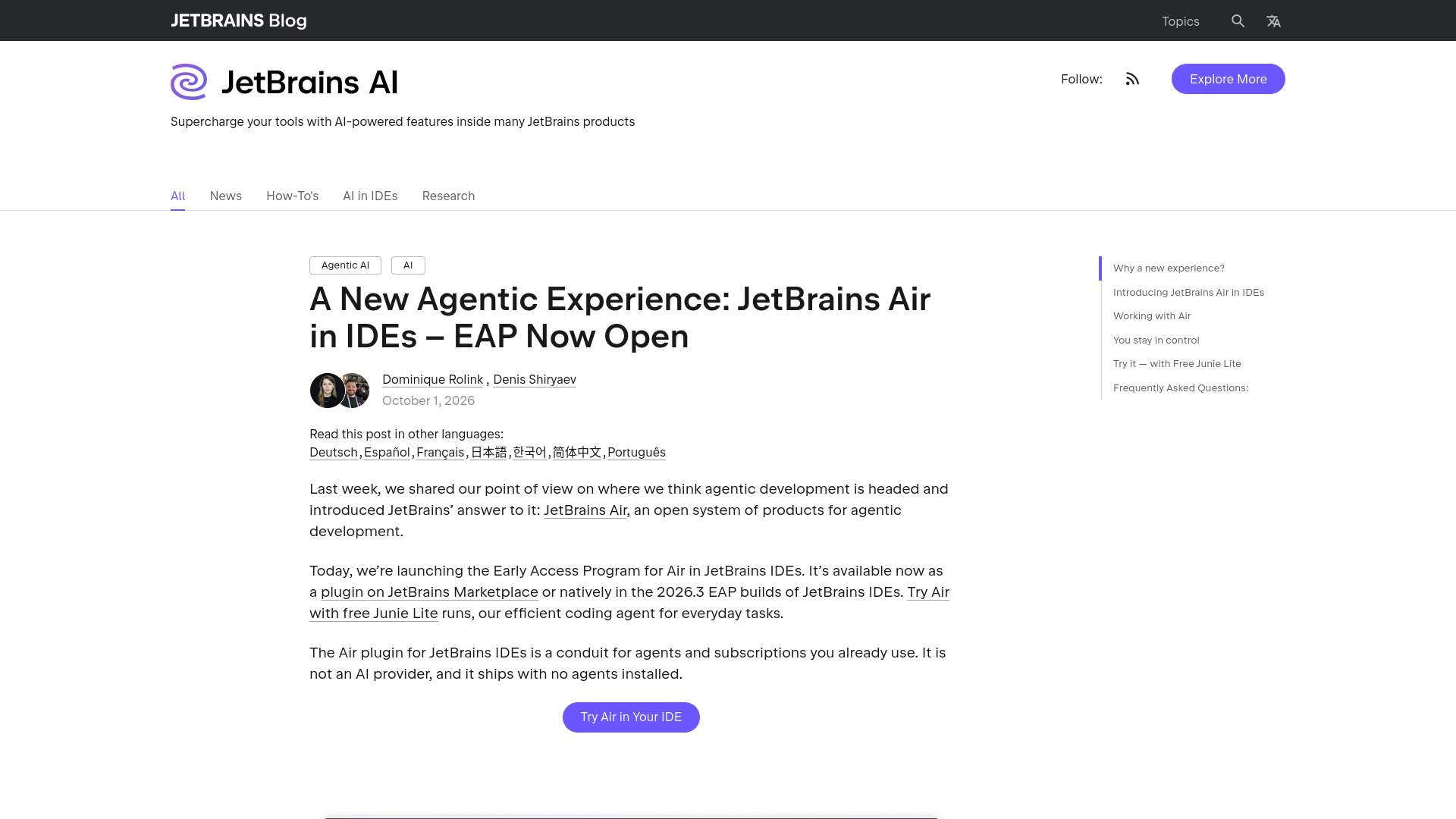
JetBrains has opened the Early Access Program (EAP) for JetBrains Air directly inside its developer IDEs, shifting automated code generation from single isolated chat sidebars toward unified multi-agent runtime orchestration. Rather than tying engineering teams to a solitary proprietary assistant, this architecture connects diverse external and local coding agents into a central runtime environment powered by native IDE semantic intelligence.
Key takeaways
- Multi-agent execution: As confirmed on the JetBrains Air IDE portal, the system runs agents including Claude Code, Codex, Junie, and any ACP-compatible agent concurrently inside JetBrains IDEs.
- Protocol standardization: The architecture relies on an open protocol ecosystem (such as ACP—Agent Communication Protocol) allowing developers to plug in custom or commercial engines without rewriting tool harnesses.
- Context integration: Coding agents access IDE-level semantic trees, syntax models, and indexing systems rather than basic textual grep or fragile terminal scraping.
- Controlled oversight: The IDE provides a unified pane to track, review, diff, and steer autonomous file modifications before committing code to version control.
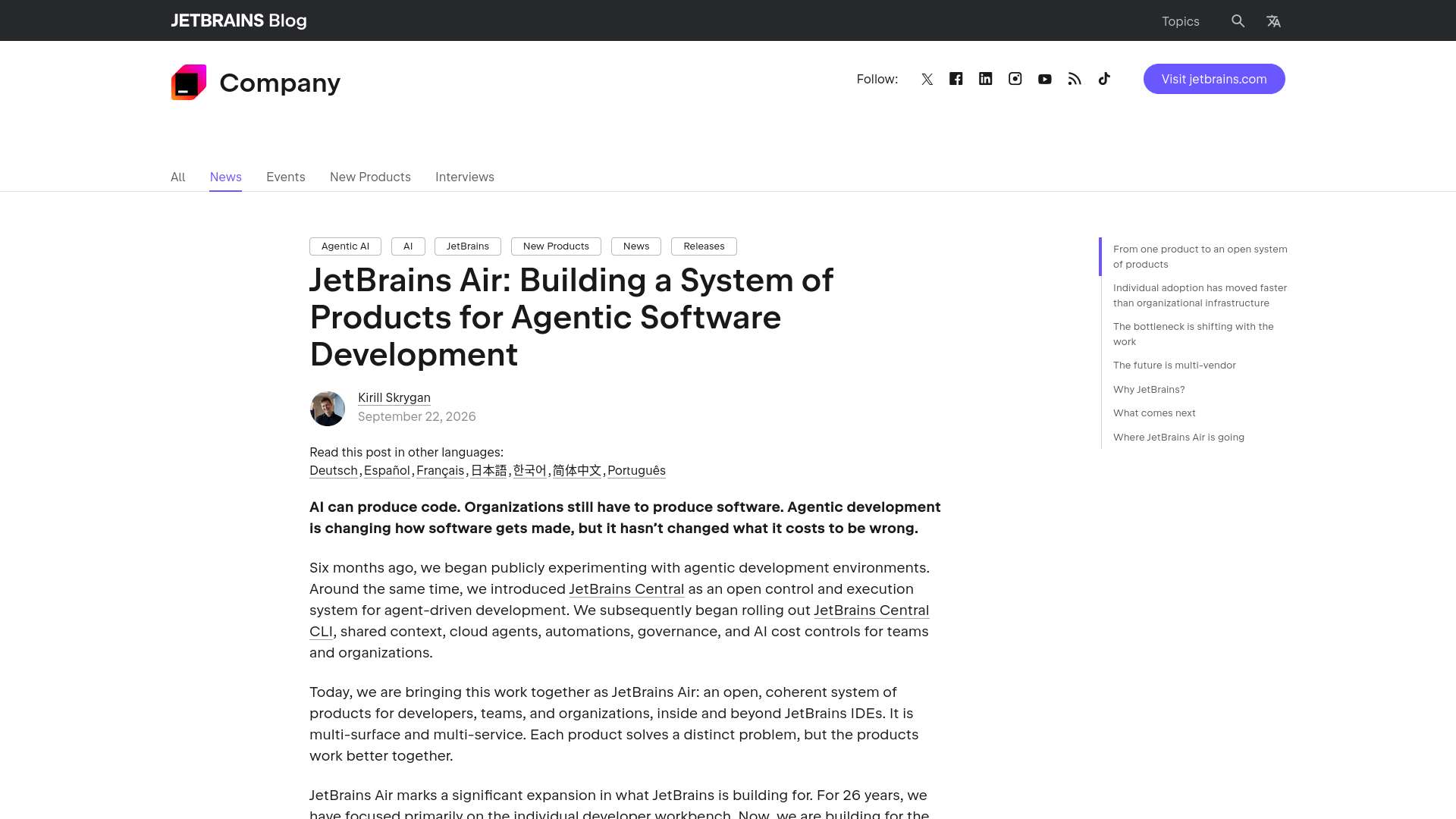
- Distinct from isolated tools: Unlike dedicated standalone assistants, JetBrains Air acts as an orchestration layer and control plane across multiple specialized coding agents.
1. Core features of JetBrains Air in IDEs
JetBrains launched the Early Access Program for testing these capabilities directly within its desktop IDE ecosystem (JetBrains Air in IDEs EAP Announcement). By integrating Air directly into tools like IntelliJ IDEA, PyCharm, and WebStorm, the runtime shifts several manual integration tasks into structured IDE features.
+-----------------------------------------------------------------------+
|                         JetBrains IDE Runtime                         |
|                                                                       |
|   +-----------------------+     +---------------------------------+   |
|   |   Semantic Context    |     |     Human Steering Surface      |   |
|   |  (AST, Types, Index)  |     |  (Diff Review, Plan Inspection) |   |
|   +-----------+-----------+     +----------------+----------------+   |
|               |                                  |                    |
|               +-----------------+----------------+                    |
|                                 |                                     |
|                       Agent Runtime Hub (Air)                         |
|                                 |                                     |
|           +---------------------+---------------------+               |
|           | (ACP)               | (ACP)               | (ACP)         |
|   +-------v-------+     +-------v-------+     +-------v-------+       |
|   |  Claude Code  |     |  OpenAI Codex |     | JetBrains     |       |
|   |  Agent        |     |  Agent        |     | Junie Agent   |       |
+---+---------------+-----+---------------+-----+---------------+-------+
Protocol-level agent interoperability
According to the official JetBrains Air product page, the runtime explicitly supports running Claude Code, Codex, Junie, and any ACP-compatible agent in one place. Instead of writing custom API adapters or terminal wrappers for every CLI coding tool, developers configure agents against a common communication protocol.
This decoupling ensures that if a specialized model emerges for database migrations, or if an internal team builds a proprietary compliance-checking bot, it can be loaded into the same project canvas without altering developer interaction patterns.
IDE-backed semantic context delivery
Standalone terminal agents frequently spend substantial prompt tokens running shell commands like find, grep, and cat to discover project structures. When agents run inside JetBrains Air, context discovery is assisted by IDE intelligence:
- Resolved symbols: Agents query definitions, usages, and implementations directly through the IDE index.
- Diagnostic feedback: Type mismatches, lint errors, and failed unit tests are flagged back to the agent before changes are written to disk.
- Scope limitation: Project boundaries, ignored directories, and sensitive configuration files are enforced uniformly at the IDE layer.
2. Comparing agent execution models: JetBrains Air vs. traditional tools
Understanding where JetBrains Air sits relative to prior development paradigms helps teams determine how to structure their agent environments:
| Feature / Dimension | Standard Chat Extensions | CLI Agent Harnesses | JetBrains Air in IDEs |
|---|---|---|---|
| Primary Interface | Pinned sidebar editor pane | Dedicated terminal shell | Native IDE unified tool window (JetBrains Air IDEs) |
| Agent Ecosystem | Single vendor / locked model | Tool-specific custom loop | Multi-agent (Claude Code, Codex, Junie, ACP) (JetBrains Air IDEs) |
| Protocol Support | Proprietary provider APIs | Ad-hoc CLI scripts | Standardized protocols like ACP (JetBrains Air IDEs) |
| Code Intelligence | Basic file attachment / embeddings | Raw shell searches (grep, find) | Native IDE AST and indexing engine (JetBrains Air IDEs) |
| Diff & Review Flow | Inline chunk replacement | Raw git diffs or file overwrites | Integrated visual diff and human steering (JetBrains Air IDEs) |
| Workspace Safety | Limited to open buffers | Full shell access (high risk) | Bounded tool execution in project scope |
3. Configuring and steering multi-agent workflows
Adopting an agentic runtime requires establishing clear execution boundaries. When operating multiple agents in a single project, coordination prevents concurrent file-write conflicts and runaway loops.
Step 1: Establish deterministic agent roles
When configuring multiple agents, delineate tasks based on agent strengths:
- Assign large-scale architectural refactoring or cross-repo planning to models with long context windows.
- Delegate routine test suite expansion, docstring maintenance, and local type fixes to lightweight, fast-turnaround agents.
- Dedicate native IDE assistants (like Junie) to tasks requiring immediate integration with local refactoring engines.
For teams building custom tool definitions or connecting external models via standard protocols, reviewing Microsoft agent framework local MCP tools provides relevant integration patterns for structuring client-agent interfaces.
Step 2: Implement a bounded configuration harness
To keep ACP agents constrained within a predictable operational envelope, define explicit execution boundaries in your workspace configuration:
1{
2  "$schema": "https://json.schemastore.org/jetbrains-air-config.json",
3  "version": "1.0",
4  "runtime": {
5    "protocol": "acp",
6    "max_concurrent_agents": 2,
7    "timeout_seconds": 300
8  },
9  "agents": [
10    {
11      "name": "claude-code-runner",
12      "command": "claude-code",
13      "args": ["--acp-mode", "--working-dir", "."],
14      "capabilities": ["refactor", "plan", "test-generation"]
15    },
16    {
17      "name": "junie-agent",
18      "provider": "jetbrains",
19      "capabilities": ["code-editing", "inspection-remediation"]
20    }
21  ],
22  "workspace_safety": {
23    "auto_commit": false,
24    "require_human_diff_approval": true,
25    "blocked_paths": [
26      ".env",
27      "config/secrets.*",
28      ".git/**"
29    ]
30  }
31}
Step 3: Human steering and non-destructive recovery
A foundational tenet of production agent architectures is avoiding catastrophic rollbacks. If an agent encounters an edge case, generates invalid syntax, or fails a test loop:
- Preserve the working tree: The runtime must never perform an unguided
git reset --hardor blow away unstaged edits. Air presents intermediate work in a dedicated diff review tool window. - Apply retry ceilings: Configure agents to halt after a fixed number of remediation attempts (for example, 3 cycles) and surface execution logs for manual inspection.
- Selective cherry-picking: Allow engineers to accept partial diffs—accepting generated test fixtures while rejecting modifications to core business logic.
4. Security boundaries and blast-radius governance
Allowing multiple autonomous agents to edit files, execute commands, and query services introduces distinct attack vectors. Engineering teams must separate model prompts from hard boundary enforcement.
Supplemental text filtering vs. external policy controls
System prompts that instruct an agent to "Never access credentials or alter sensitive files" are merely probabilistic requests. Prompt injections or unexpected tool hallucinations can override prompt-level constraints.
Rigid security requires deterministic application-level isolation:
- File-system sandboxing: Block read and write access to secret paths, environment variables, and metadata files outside the project root at the IDE process boundary.
- Least-privilege tool execution: Command-line execution capabilities granted to agents must run inside containerized or non-root user sandboxes, preventing arbitrary network exfiltration.
- Deterministic parameter validation: Ensure all file paths and tool parameters supplied by an LLM undergo schema validation and canonical path resolution before file handles are opened.
For production security principles governing agent isolation, see our guide on bastion security architecture and defense-in-depth.
5. Verification and evaluation checklist
Before introducing JetBrains Air into standard team development workflows, audit the setup against this operational checklist:
- EAP IDE compatibility: Verify your JetBrains IDE installation supports the Air EAP plugin channel as detailed in the JetBrains EAP release notes.
- Protocol connectivity: Test that external agents communicate successfully over standard protocols without terminal hangs or malformed JSON payloads.
- Semantic index validation: Confirm that agents can query symbol references without triggering excessive re-indexing or high CPU spikes.
- Diff safety verification: Ensure that file modifications remain staged in the review pane until manually approved, preventing direct silent overwrites.
- Sensitive file exclusion: Confirm that
.env,.pem, and credentials files are explicitly masked from agent search tools and file-read operations. - Failure containment: Simulate an agent execution error to verify that the runtime halts gracefully without altering unrelated untracked files in the developer's working directory.
Source website screenshots
Frequently asked questions
What is JetBrains Air in IDEs?
JetBrains Air in IDEs is an integrated agentic runtime that allows developers to run, steer, and review multiple coding agents (such as Claude Code, Codex, Junie, and ACP-compliant tools) concurrently inside JetBrains IDEs, backed by native IDE code intelligence (JetBrains Air in IDEs).
What is the ACP protocol used by JetBrains Air?
ACP stands for Agent Communication Protocol, an open standardization effort enabling developer environments and AI coding agents to communicate across structured channels for context retrieval, tool invocation, and diff reporting without requiring custom wrappers for every tool.
How is JetBrains Air different from the JetBrains Junie agent?
Junie is a specific coding agent built by JetBrains, whereas JetBrains Air is the broader system and runtime environment that hosts, manages, and coordinates multiple agents—including Junie, Claude Code, and third-party models—under one steering interface (JetBrains Air Overview).
Does JetBrains Air automatically apply code changes to Git?
No. JetBrains Air emphasizes human-in-the-loop oversight. Changes proposed by running agents are surfaced through integrated diff inspection panels, allowing engineers to accept, reject, or edit code suggestions prior to committing.
Can custom in-house agents connect to JetBrains Air?
Yes. As long as an agent adheres to supported communication standards such as ACP, developers can connect custom internal models and agent harnesses directly into the JetBrains Air IDE runtime.
Sources and image references
Keep reading
Related reading
⚡ AI Engineering Briefing
AI model releases, practical tutorials, developer tools, and engineering research. Unsubscribe anytime.
Comments
Comments are temporarily unavailable while the public discussion space is being configured.