JetBrains Junie Agent Guide: Setup, Architecture, and Workflows
>Deploy and configure Junie, the autonomous AI coding agent for JetBrains IDEs. Learn multi-step planning, plugin setup, context boundaries, and safety guardrails.
🎧 Listen — ~10 min
Audio summary not available yet

Autonomous coding inside integrated development environments has shifted from passive inline autocompletion to multi-step agentic planning. While conventional assistants offer snippet-level suggestions within an active editor buffer, autonomous agents take broad functional instructions, traverse workspace hierarchies, plan dependency-aware edits, and execute changes across multiple files.
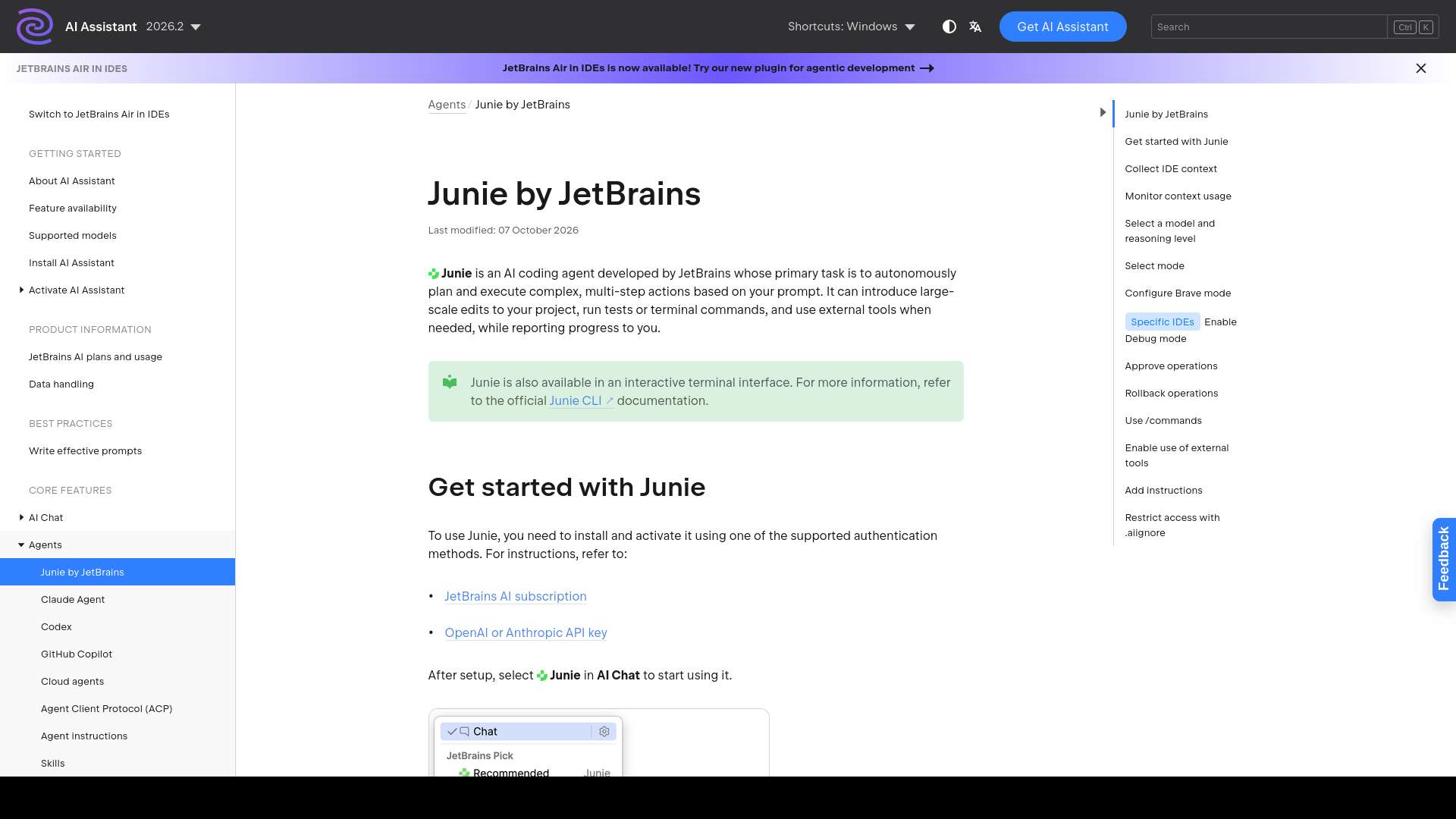
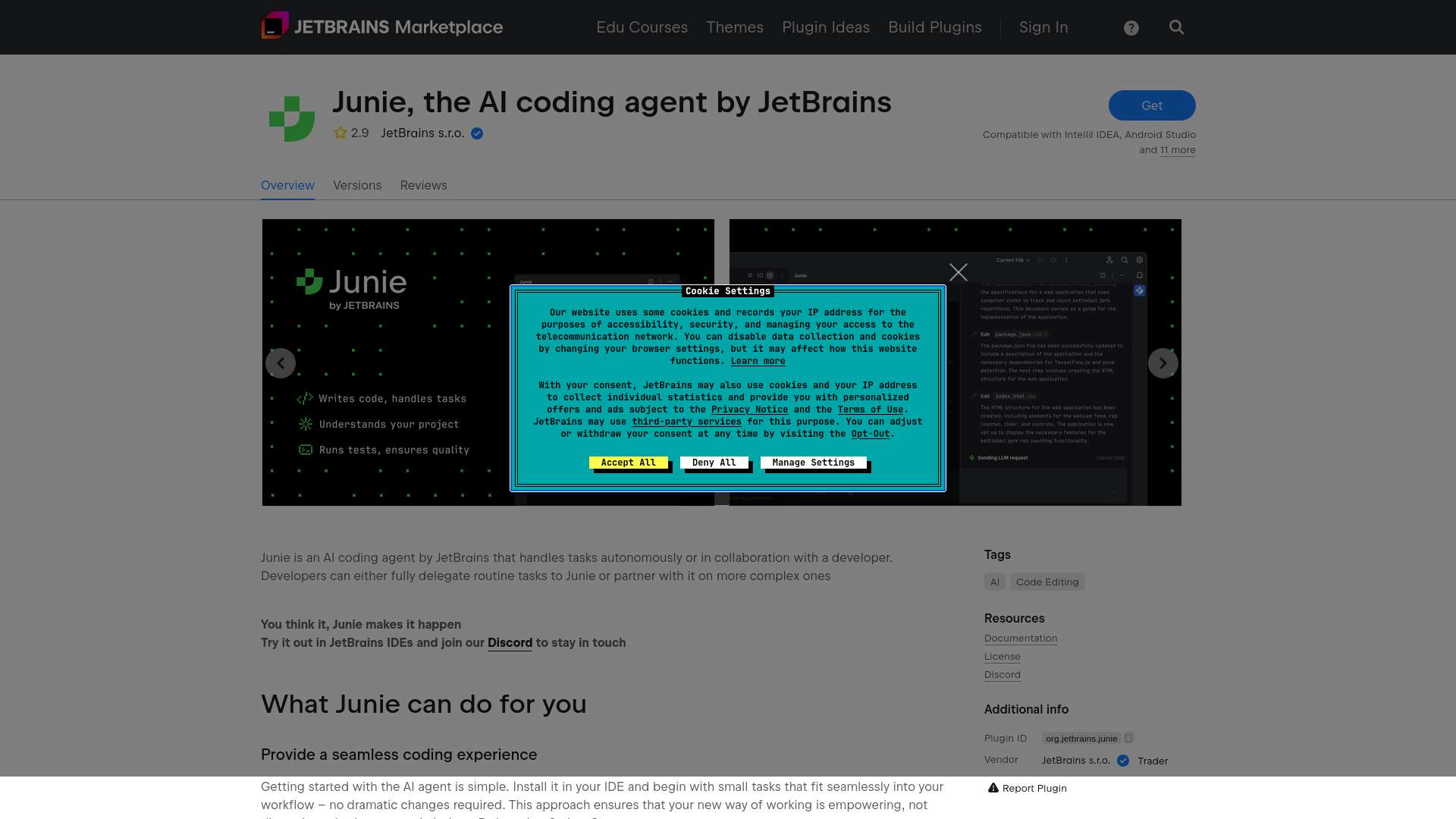
According to the official JetBrains AI Assistant Documentation, Junie is an AI coding agent developed by JetBrains designed to autonomously plan and execute complex, multi-step actions based on user prompts, introducing large-scale edits directly to your project. Furthermore, the JetBrains Plugins Marketplace listing for Junie specifies that developers can either delegate routine tasks to Junie or partner collaboratively on complex engineering tasks across JetBrains IDEs.
Key takeaways
- Multi-Step Execution: Unlike single-turn completion prompts, Junie operates as an autonomous agent that inspects repository structures, drafts an execution plan, and stages changes across multi-file boundaries.
- Deep IDE Integration: Junie utilizes the JetBrains IDE runtime and indexing services to parse symbol trees, project models, and diagnostics.
- Controlled Collaboration: Developers can run Junie fully autonomously on isolated tasks or interactively guide plan generation and review diffs prior to committing changes.
- Defensive Safeguards: Effective agent harness design demands bounded execution, file-path constraints, and branch isolation rather than unconditional reliance on the model's internal prompt adherence.
1. Installation and environment prerequisites
Deploying Junie requires a supported JetBrains IDE environment and an active connection to JetBrains AI platform services.
IDE compatibility requirements
Junie is distributed through the JetBrains Marketplace, as cataloged in the JetBrains Plugin Repository (Plugin ID 26104). Ensure your environment meets the following conditions:
- Compatible IDE: IntelliJ IDEA, PyCharm, WebStorm, PhpStorm, GoLand, or CLion (version 2024.3+ or 2026.x compatible builds, as indicated in JetBrains documentation builds).
- JetBrains Account & Subscription: An active JetBrains AI Assistant entitlement or enterprise token configured under Settings/Preferences | Tools | AI Assistant.
- Network Access: Outbound HTTPS connectivity to JetBrains AI gateway endpoints, avoiding TLS-intercepting proxy tunnels that strip client certificates.
Step-by-step plugin configuration
- Open your JetBrains IDE settings (
Ctrl+Alt+Son Linux/Windows,Cmd+,on macOS). - Navigate to Plugins and select the Marketplace tab.
- Search for
Junie - The AI Coding Agent by JetBrainsor locate the plugin via the JetBrains Plugins Marketplace listing. - Click Install, then restart the IDE when prompted.
- Once restarted, navigate to Settings | Tools | Junie (or access the Junie tool window located in the right-hand panel docking area).
- Verify your model access settings via the official configuration options described in the Junie Models Documentation.
2. Configuring Junie for multi-step engineering tasks
To obtain predictable, production-grade results from Junie, prompts must provide explicit context rather than open-ended instructions. For structured team workflows, you can adapt techniques from our deep dive on AI-Assisted Coding Guardrails: Preventing Debt, Bugs, and Hallucinations.
The Hyperskill Junie Developer Course emphasizes structured prompt framing and interactive task scoping when using the agent in real-world codebases.
Structuring agent directives
When issuing tasks to Junie, organize prompts into four explicit sections:
- Scope: Explicit target paths and modules.
- Objective: The exact functional behavior or refactor required.
- Constraints: Framework rules, immutability requirements, or forbidden patterns.
- Verification Target: The command, test suite, or lint check required to validate the output.
Production Prompt Template: Multi-Model Refactor
1### Task Scope
2- Target Module: `src/Services/Billing/`
3- Data Transfer Object: `src/DTO/PaymentPayload.php`
4- Related Test: `tests/Unit/Services/Billing/InvoiceServiceTest.php`
5
6### Objective
7Refactor `InvoiceService::process()` to support idempotent payment tokens. If the incoming payload contains an existing idempotency key, query the cache repository before initializing the payment gateway client.
8
9### Constraints
10- Do not modify database migration files or public signatures of unrelated billing interfaces.
11- Maintain compatibility with PSR-12 coding standards.
12- Do not introduce external HTTP client wrappers; use the existing `GatewayClientInterface`.
13
14### Expected Verification
15Generate or adapt existing unit test cases in `InvoiceServiceTest.php` verifying that duplicate requests with identical tokens return cached transactions without hitting the gateway.
3. Comparing JetBrains Junie with conventional IDE AI assistants
The transition from autocomplete to an autonomous agent alters latency, execution boundaries, and human oversight requirements:
| Dimension | Conventional AI Assistant | JetBrains Junie Agent |
|---|---|---|
| Primary Interaction | Inline autocomplete, single-file chat | Goal-driven multi-file execution plan |
| Context Window Scope | Active buffer, cursor position, basic snippets | Project symbol graph, multi-file AST, workspace indexing |
| Execution Model | Single-turn token generation | Multi-turn planning, tool calling, iterative file patching |
| Tool Capabilities | Read-only syntax suggestions | Workspace diff generation, file creation, test execution support |
| Operational Control | Tab-to-accept per line | Interactive plan approvals and holistic git diff reviews |
| Primary Risk Profile | Hallucinated syntax, line-level typos | Broad refactoring drift, cascading dependency errors |
| Reference Documentation | JetBrains AI Assistant Base Docs | JetBrains Junie Agent Docs / Plugin Listing |
4. End-to-end walkthrough: Implementing an asynchronous worker pattern
To see how Junie behaves during non-trivial tasks, consider adding an asynchronous webhook delivery pipeline across a TypeScript and Node.js backend.
Baseline project structure
1backend-service/
2├── package.json
3├── src/
4│   ├── config/
5│   │   └── redis.ts
6│   ├── events/
7│   │   └── userCreatedEvent.ts
8│   └── services/
9│       └── webhookDispatcher.ts
10└── tests/
11    └── webhookDispatcher.test.ts
Dispatching the plan to Junie
Open the Junie tool window in your IDE and submit the execution request:
1Implement reliable retry handling for the webhookDispatcher.ts service.
21. Extract the current synchronous dispatch mechanism out of userCreatedEvent.ts.
32. Route delivery payloads into an in-memory or Redis-backed queue queue interface configured in redis.ts.
43. Update tests/webhookDispatcher.test.ts to mock Redis connection drops and assert that retry intervals follow exponential backoff.
Analyzing the agent execution cycle
When Junie processes this directive, it carries out several automated actions:
- Inspection: The agent traverses
userCreatedEvent.tsand inspectswebhookDispatcher.tsto identify the payload contract. - Plan Presentation: Before touching physical storage, Junie presents an editable task tree:
- Create
src/interfaces/IWebhookQueue.ts - Modify
src/services/webhookDispatcher.tsto decouple HTTP POST delivery from the main thread - Introduce retry interval logic with backoff multipliers
- Update
tests/webhookDispatcher.test.ts
- Create
- Diff Application: Once you confirm the plan, Junie generates isolated diffs across the respective files.
Review the generated diff for structural safety:
1// File: src/services/webhookDispatcher.ts
2import { IWebhookQueue } from '../interfaces/IWebhookQueue';
3
4export interface WebhookPayload {
5  eventId: string;
6  url: string;
7  body: Record<string, unknown>;
8  attempts: number;
9}
10
11export class WebhookDispatcher {
12  constructor(
13    private readonly queue: IWebhookQueue,
14    private readonly maxRetries: number = 5
15  ) {}
16
17  public async scheduleDelivery(payload: Omit<WebhookPayload, 'attempts'>): Promise<void> {
18    const deliveryRecord: WebhookPayload = {
19      ...payload,
20      attempts: 0
21    };
22    await this.queue.enqueue('webhooks:pending', deliveryRecord);
23  }
24
25  public calculateBackoffDelay(attempt: number): number {
26    const baseDelayMs = 1000;
27    return baseDelayMs * Math.pow(2, attempt);
28  }
29}
For teams designing systems that interface with agent tools or command hooks, our guide on Building Autonomous Coding Agent Harnesses with Context Hooks covers how to build reliable context wrappers around these tools.
5. Failure modes, recovery strategies, and security isolation
When deploying autonomous agents across production repositories, failures typically stem from three vectors: context dilution, unbounded file modifications, and untrusted inputs during automated tool execution.
Preserving repository stability during task divergence
When Junie encounters an unresolved dependency or an ambiguous interface, it may attempt speculative changes across surrounding utility modules.
Operational Rule: Never allow automated rollback scripts to execute unconditional resets (git reset --hard) against your workspace. Doing so destroys uncommitted work across files the agent was not instructed to touch.
Instead, enforce standard workspace recovery protocols:
- Working Tree Isolation: Always run Junie tasks on dedicated task branches (
git checkout -b feature/junie-agent-task). - Configured Retry Limits: Limit the agent to a fixed retry count (for instance, three iterations). If tests fail to compile after three iterations, halt the session, inspect the intermediate diff, and diagnose the structural conflict manually.
- Selective Diff Discarding: Use the IDE’s built-in Local History or Git Changes tool window to discard modifications file by file rather than clearing your entire working directory.
Security boundaries and prompt injection defenses
As AI agents gain access to local terminals, build runners, and file systems, they introduce potential entry points for prompt injection. If an agent inspects untrusted source code, third-party libraries, or scraped issue descriptions, adversarial prompts could attempt to hijack execution parameters.
Security Guardrail: Model-side prompt sanitization or string matching cannot reliably prevent prompt injection. Security boundaries must be enforced outside the model using operating system permissions, containerized runtimes, and parameter validation.
- Filesystem Constraints: Configure IDE project directories so the agent runtime has no write access outside the repository root. Ensure sensitive paths (
.env,.ssh/,.git/hooks/) are marked as ignored or strictly read-only. - Restricted Execution Tokens: When configuring background tools, do not expose production API secrets or admin database credentials to the IDE's execution context. Pass mock configurations explicitly designed for unit test runtimes.
- Network Boundaries: If automated agents trigger test runners, run those suites within an isolated container network that disables external egress.
6. Verification checklist for code reviews
Before accepting multi-file patch sets produced by Junie, run through this practical engineering checklist:
- Structural Isolation: Did the agent keep changes confined strictly to the files identified in the original task scope?
- Dependency Invariance: Did the agent avoid introducing unapproved third-party dependencies into
package.json,composer.json, orrequirements.txt? - Type & Syntax Soundness: Does the project pass static analysis (
tsc --noEmit,phpstan analyse, ormypy) without newly suppressed warnings? - Test Coverage: Did the agent modify or author tests that actually validate the failure paths, rather than authoring vacuous tests that assert trivial truths?
- Secret Hygiene: Verify that no mock credentials, hardcoded keys, or staging endpoint URLs leaked into persistent configuration files.
- Clean Commits: Squash the intermediate agent modifications into logical, documented commits with descriptive messages matching team conventions.
Source website screenshots
Frequently asked questions
What is JetBrains Junie?
According to the official JetBrains AI Assistant Documentation, Junie is an AI coding agent developed by JetBrains designed to autonomously plan and execute multi-step engineering tasks, applying coordinated code modifications across your project.
How does Junie differ from standard JetBrains AI Assistant chat?
While basic AI Assistant chat focuses on single-file explanations, code generation snippets, and inline completions, Junie is an agentic system. As noted in the JetBrains Plugins Marketplace listing, it can operate autonomously to deconstruct high-level goals into multi-stage plans, create and update multiple project files, and help verify implementation consistency across an entire codebase.
Can Junie run completely offline with local open-weight models?
Junie integrates directly with JetBrains AI cloud services and remote foundation models, as outlined in the Junie Models Documentation. For offline or private local model execution, developers typically rely on local inference tools, while Junie uses JetBrains platform-managed models to support complex multi-file planning.
What should I do if Junie gets stuck in an unproductive edit loop?
Stop the session using the cancel control in the Junie tool window. Inspect the diff generated so far in the IDE's Version Control tab. Rather than running a hard Git reset, evaluate which files contain valid scaffolding, discard extraneous changes individually, refine your prompt with explicit path and framework constraints, and initiate a fresh task pass.
Sources and image references
Primary Sources
- JetBrains AI Assistant Junie Documentation: https://www.jetbrains.com/help/ai-assistant/junie-agent.html
- JetBrains Marketplace Plugin Listing (Junie): https://plugins.jetbrains.com/plugin/26104-junie-the-ai-coding-agent-by-jetbrains
- Junie Plugin Models Documentation: https://junie.jetbrains.com/docs/junie-plugin-models.html
- Hyperskill Junie Developer Course: https://hyperskill.org/courses/143-coding-with-junie-for-developers
Image References
- Junie Product Logo:
https://resources.jetbrains.com/help/img/idea/2026.2/junie-logo.svg(Courtesy of JetBrains s.r.o. Retrieved via JetBrains AI Assistant Documentation. Educational reference use; ownership and trademark rights belong to JetBrains s.r.o.)
Keep reading
Related reading
⚡ AI Engineering Briefing
AI model releases, practical tutorials, developer tools, and engineering research. Unsubscribe anytime.
Comments
Comments are temporarily unavailable while the public discussion space is being configured.