NVIDIA JetPack 7.2.1 and Jetson Thor: An Edge AI Guide
>Understand JetPack 7.2.1, Jetson Orin and Thor hardware, verified specifications, model deployment choices, monitoring, and a practical edge AI bring-up workflow.
🎧 Listen — ~10 min
Audio summary not available yet

Jetson is not a tiny datacenter GPU in a different box. It is an embedded platform where the system software, memory budget, power mode, cooling, and workload have to be designed together. NVIDIA’s JetPack 7 line brings Jetson Orin and Jetson Thor onto a newer software foundation, while their very different performance ratings make it easy to compare products incorrectly.
This guide separates the supported facts from deployment advice: what the current JetPack release contains, how Orin and Thor differ, what “67 TOPS” and “2070 FP4 TFLOPS” actually mean, and how to bring up an edge AI workload without relying on generic desktop-GPU commands.
Quick answer
As of October 26, 2026, NVIDIA’s downloads page lists JetPack 7.2.1 with Jetson Linux 39.2.1, CUDA 13.2.2, and TensorRT 10.16.2. NVIDIA describes JetPack 7 as supporting Jetson Orin and Thor, on an Ubuntu 24.04 and Linux 6.8 base. Jetson Orin Nano targets compact, lower-power deployments; Jetson AGX Thor is for substantially larger physical-AI workloads. Their published AI figures use different units and precision assumptions, so they are not a like-for-like benchmark.
| Platform | Officially listed capability | Power or price context | Practical reading |
|---|---|---|---|
| Jetson Orin Nano series | Up to 67 TOPS; NVIDIA lists 7–25 W across the series (Jetson modules) | The current NVIDIA FAQ lists the Orin Nano Super Developer Kit at $399; module and kit prices are different (Jetson FAQ) | Compact vision and edge-AI projects; check the exact board, memory, and power configuration. |
| Jetson AGX Orin | Up to 275 TOPS across the AGX Orin family (Jetson Orin) | Module and developer-kit configurations vary | A middle tier when the Nano’s memory or I/O envelope is too small and Thor is unnecessary. |
| Jetson AGX Thor | Up to 2070 FP4 TFLOPS, 128 GB memory, and configurable 40–130 W (Jetson modules) | Developer kit and production modules are separately priced | High-end robotics and physical-AI systems that need a larger on-device compute and memory envelope. |
1. What JetPack 7.2.1 provides
JetPack is NVIDIA’s software stack for Jetson, not a single inference library. It packages the operating-system and driver foundation with CUDA, TensorRT, and other platform components. NVIDIA’s current downloads page lists JetPack 7.2.1 / Jetson Linux 39.2.1, together with CUDA 13.2.2 and TensorRT 10.16.2 (release downloads and notes). That version pairing matters: installing libraries copied from a desktop CUDA tutorial can put the target outside the JetPack release combination NVIDIA publishes.
The current JetPack overview describes the JetPack 7 base as Ubuntu 24.04 LTS and Linux kernel 6.8, and says the line supports Jetson Orin and Thor (JetPack overview). Read the release notes for the exact board and release before flashing. The top-level product page describes the family; the release notes and the board-specific quick-start tell you what is actually supported by a particular image.
This is especially relevant for Orin. Early JetPack 7 material centered on Thor; later JetPack 7 releases extended the software foundation to the Orin family. Don’t infer that every JetPack 7 feature, container, kernel module, or peripheral behaves identically on every Orin and Thor device. Verify the board and release pair in NVIDIA’s JetPack downloads and Jetson Linux documentation.
2. Orin Nano, Orin AGX, and Thor are different design points
Jetson Orin Nano is the compact edge option. NVIDIA lists the series at up to 67 TOPS and 7–25 W, depending on model and configuration (module specifications). The figure describes a peak AI capability under NVIDIA’s stated conditions; it does not tell you the tokens-per-second of a language model or the end-to-end frame rate of a camera application. Memory capacity, model quantization, context length, concurrent vision streams, and thermal enclosure all affect the result.
The Jetson AGX Orin family sits higher in the Orin range. NVIDIA lists up to 275 TOPS for the family (Orin specifications). Treat it as a different deployment envelope, not merely a faster Nano: the carrier board, I/O, memory configuration, and power budget shape which sensors and models can run together.
Jetson AGX Thor targets demanding robotics and physical-AI systems. NVIDIA lists up to 2070 FP4 TFLOPS, 128 GB of memory, and a configurable power range of 40–130 W for the Thor series (Jetson modules). NVIDIA’s introduction describes the AGX Thor Developer Kit as a Blackwell-based platform with 128 GB of memory and up to 2070 FP4 TFLOPS within a 130 W envelope (Thor announcement). Those figures describe a peak low-precision capability, not a promise that a particular model will sustain that throughput in a real robot.
TOPS is not the same as FP4 TFLOPS
The Orin Nano headline is TOPS; the Thor headline is FP4 TFLOPS. These values are not directly comparable just because both look like “operations per second.” Precision, sparsity assumptions, and the counting convention matter. A model’s measured latency also depends on software kernels, memory traffic, batch size, input shape, and the rest of the application. When choosing hardware, compare measured results for the same model, precision, batch, and software stack—not peak marketing numbers from different categories.
3. Developer kit price versus module price
A developer kit is a development board package; a production module is a component intended to be integrated into a carrier-board design. Their prices should not be substituted for one another.
NVIDIA’s current Jetson FAQ lists the Jetson Orin Nano Super Developer Kit at $399 and separately lists the Orin Nano modules (NVIDIA Jetson FAQ). NVIDIA’s 2024 announcement described a launch price of $249 for the refreshed Orin Nano Super kit (announcement). That older announcement explains why older articles may show $249; it is not the current price shown in the FAQ. Street price, taxes, regional availability, and promotions can differ, so confirm the checkout price with a distributor before budgeting.
For Thor, use the current product page and your NVIDIA or distributor quote. Do not compare a module-only quote with a complete development kit and call the cheaper figure the system cost. Include the carrier board, cooling, power supply, storage, and any required camera or networking hardware in the bill of materials.
4. A reliable edge-AI bring-up workflow
The safe workflow begins with the target board, not with a pip install copied from an x86 workstation guide.
- Name the exact target. Record whether you have Orin Nano, Orin NX, AGX Orin, or AGX Thor; also record the module, carrier board, memory configuration, power supply, and attached sensors. A family name alone is not enough to select a BSP or image.
- Choose the supported release. Start with the board’s quick-start guide and the current JetPack release notes. Confirm that your target is listed before flashing or upgrading. NVIDIA distributes developer-kit images and documents SDK Manager and other board-specific flashing paths from its Jetson developer-kit pages.
- Bring up the board before adding the model. Verify boot, networking, storage, cameras, and the vendor-provided GPU/software stack first. Keep a known-good image and record the JetPack/L4T release so that a model-runtime problem can be separated from a board-support problem.
- Choose a runtime for the workload. For CUDA/TensorRT deployments, use the versions and installation route supplied for the target’s JetPack release. For a model served through another runtime, check that runtime’s Jetson and ARM64 support and the model’s license. NVIDIA’s TensorRT documentation and Jetson documentation are better starting points than assuming a generic desktop command works unchanged.
- Measure the full application. Test the actual input resolution, sequence length, concurrency, camera count, and thermal enclosure. Track first-token latency or frame latency, sustained throughput, memory pressure, power, and temperature. NVIDIA documents
tegrastatsfor Jetson memory and processor monitoring; use the target-specific tools rather than assumingnvidia-smiis the right interface for every Jetson board. - Repeat under production conditions. Run long enough to expose thermal throttling, memory growth, camera reconnects, and power-mode changes. A short demo is not a deployment benchmark.
If you are selecting a model before buying hardware, the AI model directory and local model-fit tool can help narrow candidates. For a coding or orchestration workload running beside the edge service, see the coding-agent directory. Treat directory metadata as a starting point and verify the model card, runtime compatibility, and license before shipping.
5. Model fit depends on the whole memory budget
On an embedded system, the model’s weight file is only one part of memory use. Runtime buffers, the KV cache, image/video tensors, camera pipelines, operating-system services, and application processes share the device’s available memory. Longer contexts and more simultaneous streams can change whether a model that starts successfully remains stable under load.
Use the smallest model that meets the task’s quality target, and measure the target workload on the target device. Quantization can reduce memory requirements, but it can change quality and throughput; verify both rather than assuming a smaller file automatically means a faster application. If the application needs multi-camera perception plus language reasoning, benchmark the combined pipeline. A language-only microbenchmark will miss the contention that matters in production.
6. Common mistakes to avoid
- Comparing peak units as if they were a benchmark. TOPS and FP4 TFLOPS describe different published metrics. Use reproducible workload measurements for a purchasing decision.
- Treating the kit price as the module price. Development kit, module, carrier board, cooling, and accessories are separate line items.
- Copying x86 installation commands to Jetson. Jetson uses an ARM64 software stack tied to JetPack and Jetson Linux versions. Confirm each package’s architecture and compatibility.
- Assuming every model will run because the weights fit. Runtime kernels, memory headroom, context, camera input, and throughput targets still matter.
- Measuring only a short demo. Sustained thermal and memory behavior often determines whether an edge design is viable.
- Using desktop-GPU monitoring habits without checking the target. NVIDIA documents
tegrastatsfor Jetson processor and memory statistics; follow the tool documented for the exact board and release.
7. Which platform should you start with?
Start with Orin Nano when the product is a compact edge device and the workload fits its memory, I/O, and power constraints. Move to AGX Orin when the Nano configuration cannot sustain the needed model-plus-sensor pipeline and the Orin software ecosystem is still a good match. Consider AGX Thor when a robotics or physical-AI system genuinely benefits from Thor’s memory and compute envelope and can support its power, cooling, and system cost. These are engineering decision rules, not benchmark rankings; the actual cutoff is your measured workload.
Before ordering, write down the target model and runtime, input sizes, number of concurrent streams, latency target, thermal environment, power budget, and required peripherals. Then run a proof of concept on the exact developer kit or module configuration you plan to deploy. This catches integration gaps earlier than a comparison based on peak TOPS alone.
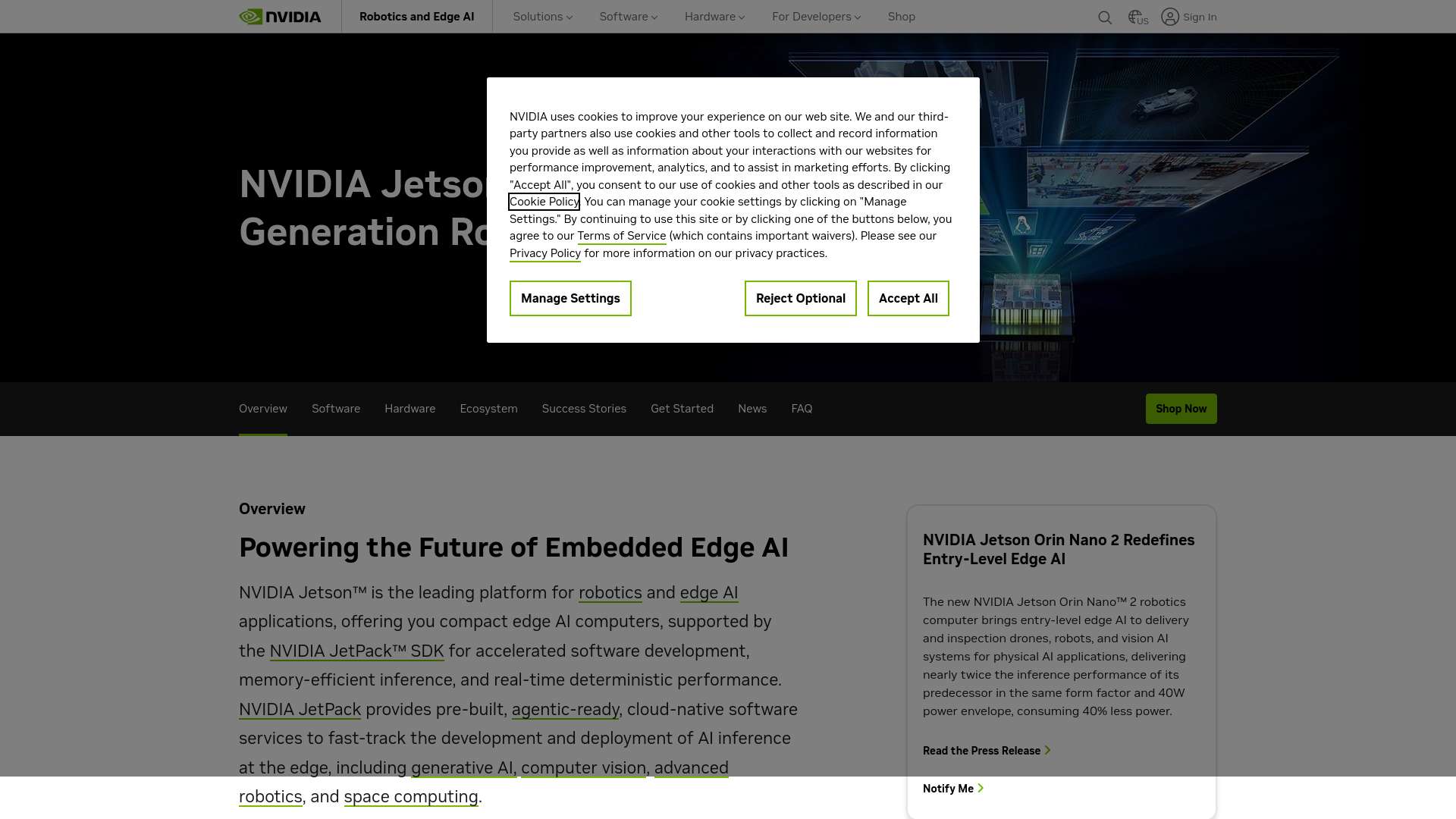
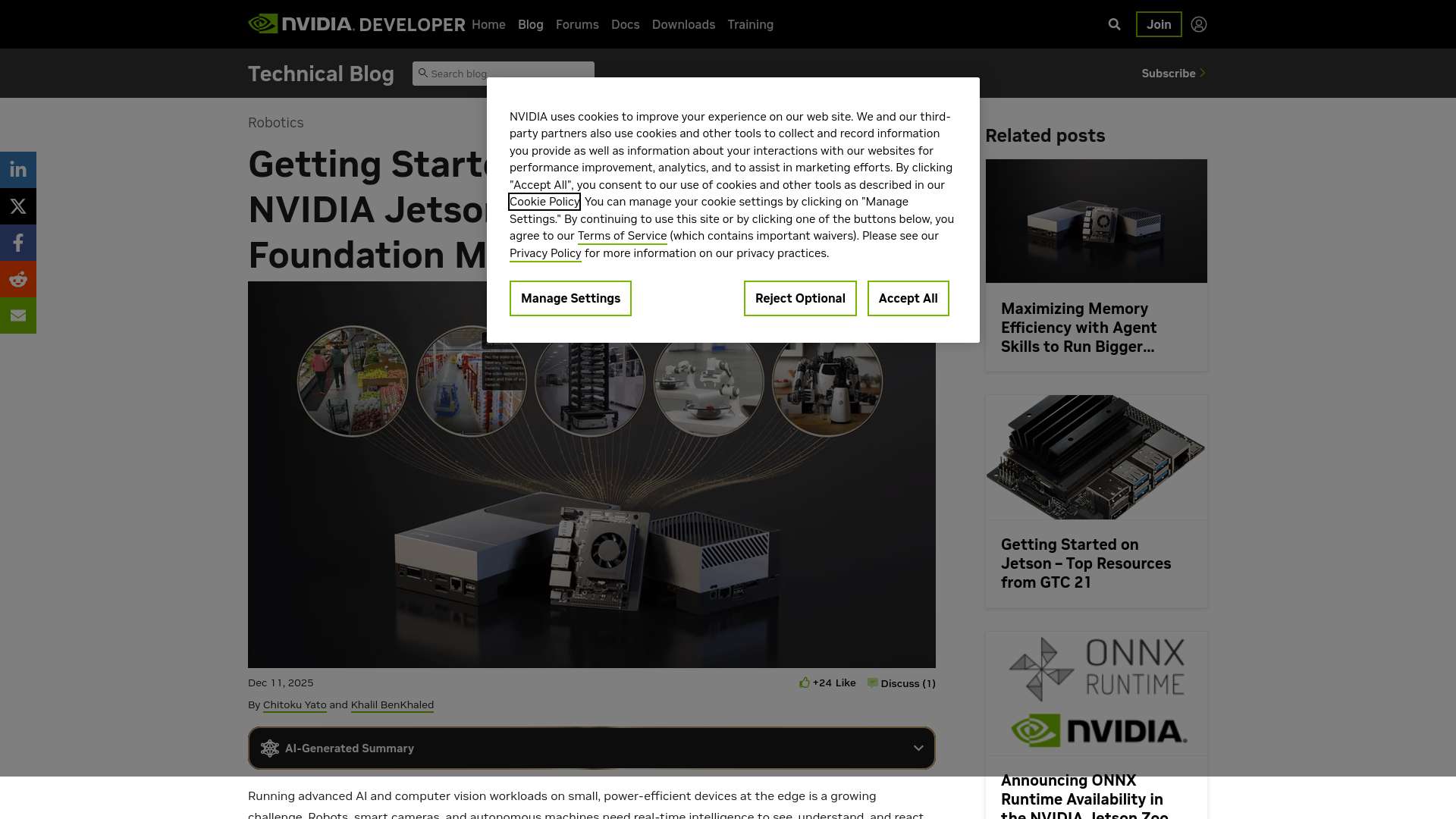
Source website screenshots
Frequently asked questions
What is the current JetPack 7.2.1 software combination?
NVIDIA’s downloads page lists Jetson Linux 39.2.1, CUDA 13.2.2, and TensorRT 10.16.2 for JetPack 7.2.1 (release notes). Confirm the exact board support in the release notes before upgrading.
Is 2070 FP4 TFLOPS directly comparable with 67 TOPS?
No. The figures use different units and precision assumptions. They are not a substitute for testing the same model, software version, and workload on each target (NVIDIA Jetson modules).
Does Jetson Orin Nano Super still cost $249?
NVIDIA’s older launch announcement showed $249, while the current FAQ lists the Orin Nano Super Developer Kit at $399 (announcement, current FAQ). Retailer and regional prices may vary.
Can I use nvidia-smi to monitor every Jetson?
Do not assume so. NVIDIA documents tegrastats for Jetson memory and processor statistics (Jetson Linux guide). Check the monitoring method for your exact device and release.
Sources and image references
- NVIDIA JetPack overview
- NVIDIA JetPack SDK downloads and release notes
- NVIDIA Jetson module specifications
- NVIDIA Jetson Orin family
- NVIDIA Jetson product pricing FAQ
- NVIDIA Jetson Linux tegrastats guide
- NVIDIA Jetson Thor announcement
- NVIDIA Orin Nano Super announcement
Canonical: https://essamamdani.com/blog/nvidia-jetpack-7-jetson-thor-edge-ai-platform-guide Markdown source: https://essamamdani.com/blog/nvidia-jetpack-7-jetson-thor-edge-ai-platform-guide.md
Keep reading
Related reading
⚡ AI Engineering Briefing
AI model releases, practical tutorials, developer tools, and engineering research. Unsubscribe anytime.
Comments
Comments are temporarily unavailable while the public discussion space is being configured.