Open-Source AI Tooling Briefing: Local Stack Shifts
>Analyze recent shifts in open-source developer tooling, from Ollama runner adoption to workflow orchestrators and self-hosted model runtimes.
🎧 Listen — ~6 min
Audio summary not available yet

The landscape of open-source artificial intelligence developer infrastructure has shifted from experimental tinkering to standardized, local runtime environments. As developer adoption crosses critical mass, engineering teams are increasingly deploying self-hosted runners, local coding assistants, and open automation pipelines to replace or supplement proprietary APIs.
Evaluating these shifts requires looking beyond surface-level GitHub popularity to understand architectural trade-offs: memory consumption, local runtime overhead, protocol compatibility, and long-term maintainability across production workstations.
Key takeaways
- Local Runner Consolidation: Local inference engines like Ollama and underlying libraries such as llama.cpp continue to serve as standard system daemons for serving open weights across Linux, macOS, and Windows.
- Agent and IDE Integration: Coding agents and IDE extensions are moving toward direct integration with local OpenAI-compatible endpoints, cutting operational latency and SaaS spend.
- Workflow Automation Decoupling: Automation platforms (such as n8n) and local interfaces (such as Open WebUI) are increasingly paired with containerized runners to build closed-loop developer workflows.
- Infrastructure VRAM Governance: Effective local deployments require strict quantization selection and memory headroom management rather than blind adoption of raw parameter sizes.
2. Open Interface Layers: Decoupling Frontends from Model Backends
Early open-source LLM setups forced developers to interact through minimal terminal prompts or fragmented Gradio prototypes. The ecosystem has coalesced around decoupled web interfaces such as Open WebUI and modular dashboard environments.
These interface layers connect to local runtimes via standard OpenAI-compatible endpoints (/v1/chat/completions). This protocol consistency allows teams to toggle transparently between local runners and remote clusters without refactoring client scripts.
Core Capabilities of Modern Open Frontends
- Multi-Model Orchestration: Serving concurrent models across separate quantization levels for drafting versus deep reasoning.
- Document Ingestion (RAG): Parsing local PDFs, repositories, and markdown files into embedded vector stores without network egress.
- Role-Based Access: Multi-seat collaboration when running shared inference hardware in localized corporate subnets.
3. Workflow Automation and Pipeline Orchestration: n8n and LangChain
Open-source automation platforms like n8n and orchestrators like LangChain have established native integration patterns for on-premises LLMs. Rather than relying entirely on cloud endpoints, teams are embedding autonomous tasks into self-hosted pipelines.
1{
2  "nodes": [
3    {
4      "parameters": {
5        "model": "qwen2.5-coder:7b",
6        "options": {
7          "temperature": 0.2
8        }
9      },
10      "name": "Local LLM Execution",
11      "type": "@n8n/n8n-nodes-langchain.lmChatOllama",
12      "position": [460, 240]
13    }
14  ]
15}
Engineering Implications
Integrating local inference with transactional pipelines requires careful error recovery. Unlike managed cloud endpoints with auto-scaling queues, a single developer workstation or on-premises server will exhaust compute when flooded with concurrent generation requests. Teams must implement queue throttling, semaphore locks, and graceful fallback policies to prevent out-of-memory (OOM) kernel panics.
For deeper context on structuring enterprise pipelines with local control loops, see our analysis on Building Local AI Agents: VRAM Budgets, Models, and ReAct Loops.
4. Local Coding Assistants: Terminal and Editor Workflows
The developer interface for AI assistance is diverging into two distinct paradigms: inline code completion inside editor environments like VS Code, and autonomous terminal-driven coding agents like OpenCode and CLI-based tools.
| Tooling Layer | Primary Function | Dominant Runtimes | Deployment Target |
|---|---|---|---|
| Model Runners | Inference execution & GGUF loading | Ollama, llama.cpp, vLLM | Local Daemon, Docker |
| Agent CLI Tools | Multi-file refactoring & terminal execution | OpenCode, Aider | Shell, Subprocess |
| Editor Extensions | Inline ghost text & file context chat | Continue, Open WebUI | VS Code, JetBrains |
| Pipeline Engines | Event-driven automation & webhooks | n8n, LangChain | Kubernetes, Self-hosted Node |
When configuring local coding agents, review AI Coding Extensions in VS Code: Licensing, Telemetry, and Setup Guide to avoid accidental telemetry leaks when operating in proprietary corporate repositories. If you are comparing specific agent capabilities, browse the Coding Agent Directory.
5. Architectural Evaluation: Local Open-Source Stack vs. Managed SaaS
Selecting between fully open-source local developer stacks and proprietary managed platforms comes down to privacy constraints, latency requirements, and the true cost of infrastructure maintenance.
+-------------------------------------------------------------+
|                     Developer Workstation                   |
|                                                             |
|  +--------------------+        +-------------------------+  |
|  | Terminal / OpenCode|        | VS Code (Continue Ext)   |  |
|  +---------+----------+        +------------+------------+  |
|            |                                |               |
|            +---------------+----------------+               |
|                            |                                |
|                            v                                |
|            +-------------------------------+                |
|            | Local OpenAI Compatible API   |                |
|            | (e.g. Ollama / 127.0.0.1:11434)|                |
|            +---------------+---------------+                |
|                            |                                |
|                            v                                |
|            +-------------------------------+                |
|            | GPU Hardware Engine           |                |
|            | (CUDA / Metal / ROCm GGUF)    |                |
|            +-------------------------------+                |
+-------------------------------------------------------------+
Strengths of the Open-Source Local Stack
- Zero Ingress/Egress Exposure: Source code never leaves the internal bus, fulfilling data privacy requirements for enterprise source repositories.
- Predictable Cost Base: Software licensing costs remain at zero, amortized purely across existing workstation hardware investments.
- Offline Autonomy: Developers maintain full functional assistance on disconnected environments, transit networks, or secured enclaves.
Operational Constraints
- Hardware Bottlenecks: High-parameter models (such as 32B+ or 70B variants) require substantial unified memory or dedicated VRAM, making them impractical for standard ultrabook laptops.
- Context Window Management: Local inference speed degrades linearly or quadratically as context lengths expand without optimized flash attention or disaggregated prefill setups.
- Quantization Degradation: Low-bit quants (e.g., Q3 or aggressive K-quants) introduce reasoning degradation in complex multi-file refactoring tasks compared to frontier commercial models.
6. Practical Implementation: Setting Up a Local Developer Pipeline
To run an operational local coding stack without external network dependencies, follow this baseline setup:
Step 1: Install and Initialize the Local Runner
Deploy the runner service and verify GPU access. Ensure you have properly sized your targets against the AI Model Directory.
1ollama pull qwen2.5-coder:7b-instruct-q4_K_M
2ollama run qwen2.5-coder:7b-instruct-q4_K_M "Write an idempotent Bash script to check disk usage."
Step 2: Configure OpenAI Compatibility
Point your agent client or IDE extension configuration to point toward the local endpoint:
1{
2  "models": [
3    {
4      "title": "Local Qwen Coder",
5      "provider": "ollama",
6      "model": "qwen2.5-coder:7b-instruct-q4_K_M",
7      "apiBase": "http://localhost:11434"
8    }
9  ]
10}
Source website screenshots
Frequently asked questions
Can open-source local coding models match frontier commercial APIs?
For focused tasks—such as single-function generation, unit test creation, boilerplate scaffolding, and standard syntax completions—quantized 7B to 14B coding models match the utility of commercial APIs while delivering near-zero network latency. However, for large codebase architectural planning and deep multi-hop debugging across dozens of files, commercial frontier models still retain a clear reasoning advantage.
How much memory is needed to run local AI developer tools comfortably?
A developer workstation with 16GB of unified memory or dedicated VRAM can reliably run 7B to 8B parameter models quantized at 4-bit (Q4_K_M) alongside IDEs and compiler toolchains. To comfortably execute 14B to 32B models with expanded 16k+ context windows, systems equipped with 32GB to 64GB of RAM or Apple Silicon unified memory are recommended.
Is Ollama safe for corporate development environments?
By default, standard open-source runners like Ollama and llama.cpp run strictly on 127.0.0.1 and process inferences entirely on the host CPU/GPU without transmitting prompt data to external servers. However, teams must verify that any third-party plugins or web wrappers do not route completions to cloud analytics endpoints.
Sources and image references
- Ollama Repository & Releases: https://github.com/ollama/ollama
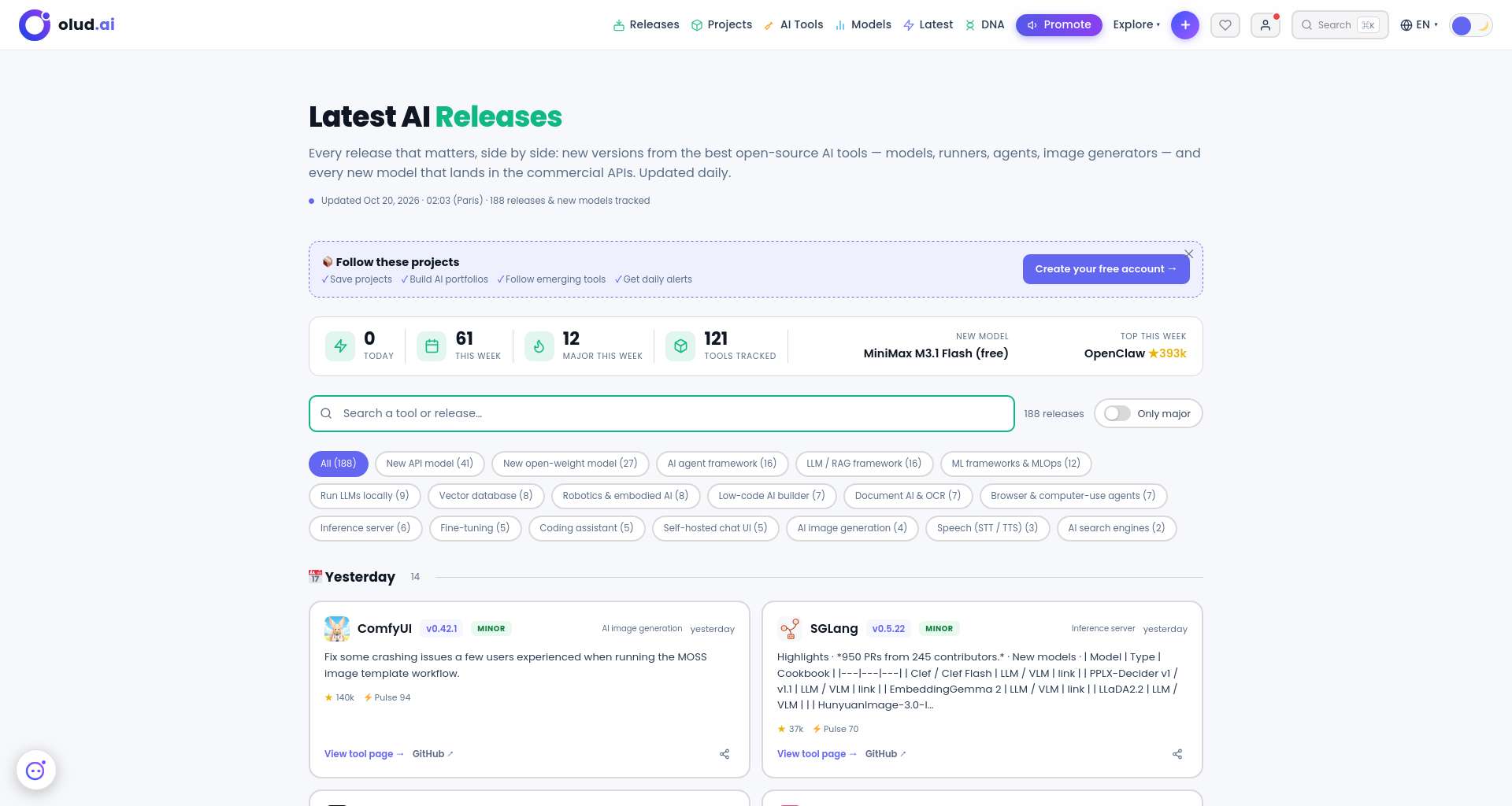
- Open-Source AI Tracker: https://olud.ai/releases.html
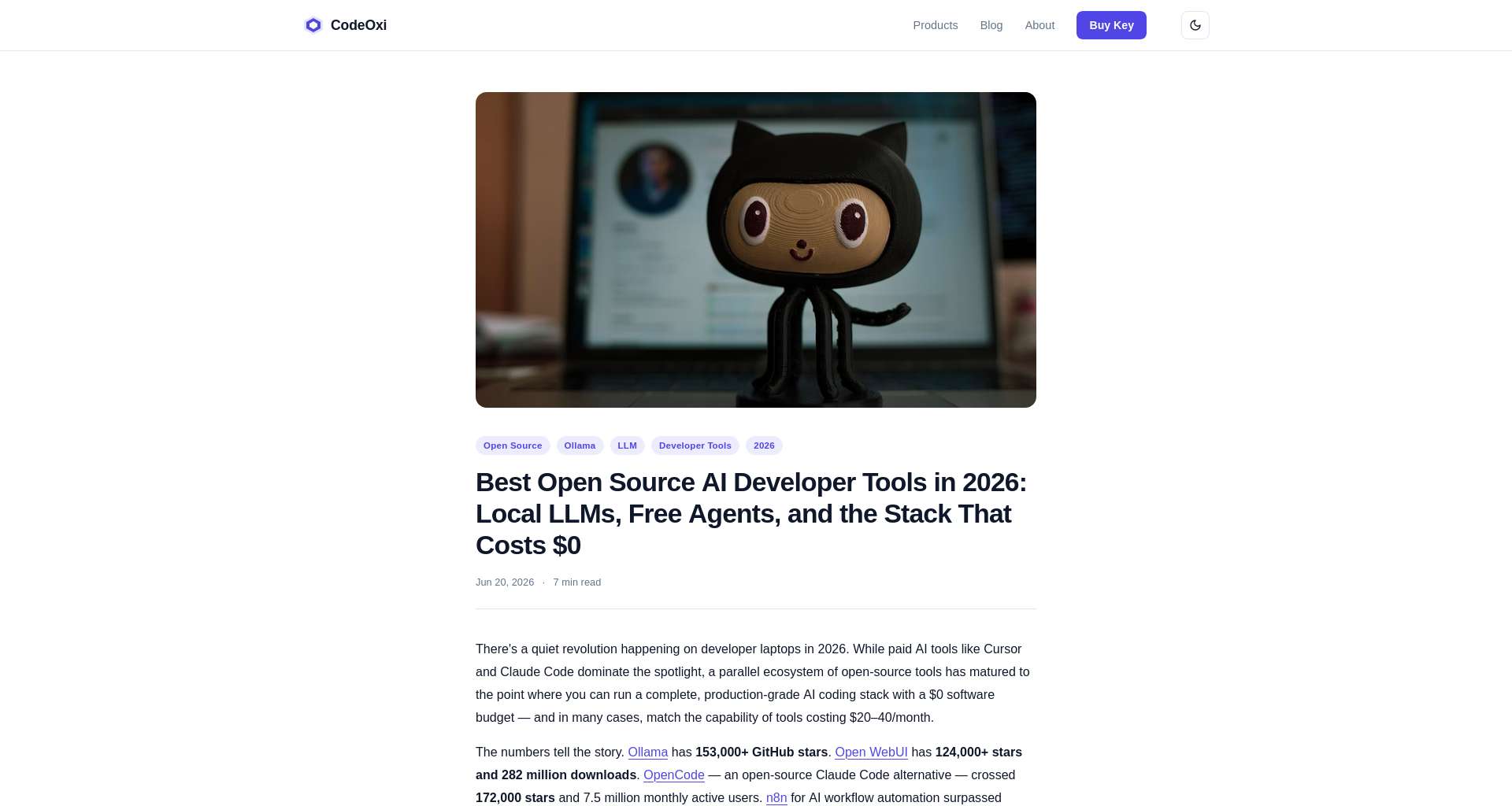
- Open-Source Developer Stack Overview: https://codeoxi.com/blog/open-source-ai-developer-tools-2026
- Coda One AI Tools Directory: https://www.codaone.ai/best/open-source-ai-tools/
Keep reading
Related reading
⚡ AI Engineering Briefing
AI model releases, practical tutorials, developer tools, and engineering research. Unsubscribe anytime.
Comments
Comments are temporarily unavailable while the public discussion space is being configured.