Run Abliterated Coding Models with OpenCode and Ollama
>A practical 2026 guide to connecting an abliterated local model to OpenCode through Ollama, checking tool calls, estimating memory, and controlling agent permissions.
🎧 Listen — ~10 min
Audio summary not available yet

Short answer: You can connect a local checkpoint to OpenCode by serving it through Ollama’s local API and registering that endpoint as an OpenAI-compatible provider. The important caveat is that “abliterated” describes a maintainer’s model modification or label; it does not prove stronger coding, dependable tool calls, or the absence of safeguards. Test the exact quantized file and keep filesystem, shell, network, and deployment permissions controlled by the agent harness.
Key takeaways
- Ollama serves the model; OpenCode is the coding-agent client. A compatible API endpoint joins them, but compatibility alone does not certify a model’s tool-calling behavior.
- Start from a documented checkpoint and runtime path. Model cards may describe an experimental derivative, a different base model, or a particular template. Confirm the exact file, quantization, template, and license before using it.
- Test before granting tools. First check ordinary code explanations, then structured tool-call output, then a disposable repository with read-only or approval-based permissions.
- Keep the security boundary in OpenCode and the operating system. An obfuscated or refusal-reduced model is not a sandbox. Use a clean workspace, protect credentials, and require approval for consequential actions.
What this setup actually does
The stack has three separate pieces:
| Layer | Job | What it does not guarantee |
|---|---|---|
| Model checkpoint | Generates text and, when supported, structured tool-call requests | Correct code, reliable tool calls, current knowledge, or safe behavior |
| Ollama | Loads a supported model artifact and exposes local inference APIs | That every community conversion has the right template or features |
| OpenCode | Supplies project context and orchestrates tools under its permission configuration | That the model’s output is trustworthy just because it runs locally |
Ollama documents an OpenAI-compatible Chat Completions endpoint at http://localhost:11434/v1. OpenCode’s provider documentation includes Ollama as a local provider and says the model IDs in its configuration need to match the IDs exposed by the provider. These are connection facts—not a certification that every combination supports function calling equally well. See Ollama’s compatibility notes and OpenCode’s provider guide.
Pick the artifact before writing configuration
Do not choose a checkpoint only because its title contains “uncensored,” “abliterated,” or “coder.” These are not standardized benchmark labels. Read the actual repository card and check:
- Base and derivative: Is the upload a direct base, a fine-tune, a weight-edited derivative, or a converted GGUF? A repository name is not enough to establish lineage.
- Exact files: Record the model revision and filename. A GGUF quantization, a Safetensors checkpoint, and an Ollama package can differ in size, format, and behavior.
- Template and tokenizer: Confirm the chat template and stop tokens for the artifact you will run. A bad template can look like a model-quality problem or break structured output.
- License: Check the license on the derivative and the upstream terms. Do not assume a base model’s license automatically settles the rights for every redistributed artifact.
- Capabilities: “Tool calling” must be verified for the selected artifact, quantization, and runtime—not inferred from the upstream family or a tag.
For example, the Huihui Spark X2.5 4B Abliterated model card calls the upload an experimental proof of concept. That is useful context, but not a measured coding-agent evaluation. Our AI model directory provides another way to discover relevant local records; inspect the linked source card before downloading.
Install a model in Ollama
Use a model card’s exact documented Ollama tag or import a compatible local GGUF. Never make up a tag from a Hugging Face repository name.
1ollama pull <documented-model-tag>
2
3ollama list
4curl http://localhost:11434/v1/models
If you have a supported GGUF but no documented Ollama package, create a small Modelfile that points to the local artifact, then import it. Ollama’s model import guide documents the FROM path and ollama create flow:
1FROM ./model-file.gguf
2PARAMETER num_ctx 163841ollama create local-coder -f Modelfile
2ollama run local-coderTreat that minimal file as a starting point, not a universal template. Check the model card for its expected chat format and stop sequences. The context value above is an example; set it only to a value supported by your artifact and available memory. Increasing context consumes additional memory, and more context does not automatically improve answers.
Connect OpenCode to Ollama
OpenCode’s documented Ollama provider uses the @ai-sdk/openai-compatible package and a base URL ending in /v1. Add a provider entry to the project’s opencode.json (or the configuration location supported by your OpenCode installation). Replace local-coder with the exact model ID returned by Ollama:
1{
2  "$schema": "https://opencode.ai/config.json",
3  "provider": {
4    "ollama": {
5      "npm": "@ai-sdk/openai-compatible",
6      "name": "Ollama (local)",
7      "options": {
8        "baseURL": "http://localhost:11434/v1"
9      },
10      "models": {
11        "local-coder": {
12          "name": "Local coding model",
13          "limit": {
14            "context": 16384,
15            "output": 4096
16          }
17        }
18      }
19    }
20  }
21}
The limit values help the client understand the model’s usable context and output budget. They should reflect the actual serving configuration—not aspirational numbers copied from a different checkpoint. If the provider expects an API key field, Ollama’s compatibility example uses a placeholder key that is required by some clients but not used as authentication by the local server. Do not expose the unauthenticated Ollama port to an untrusted network.
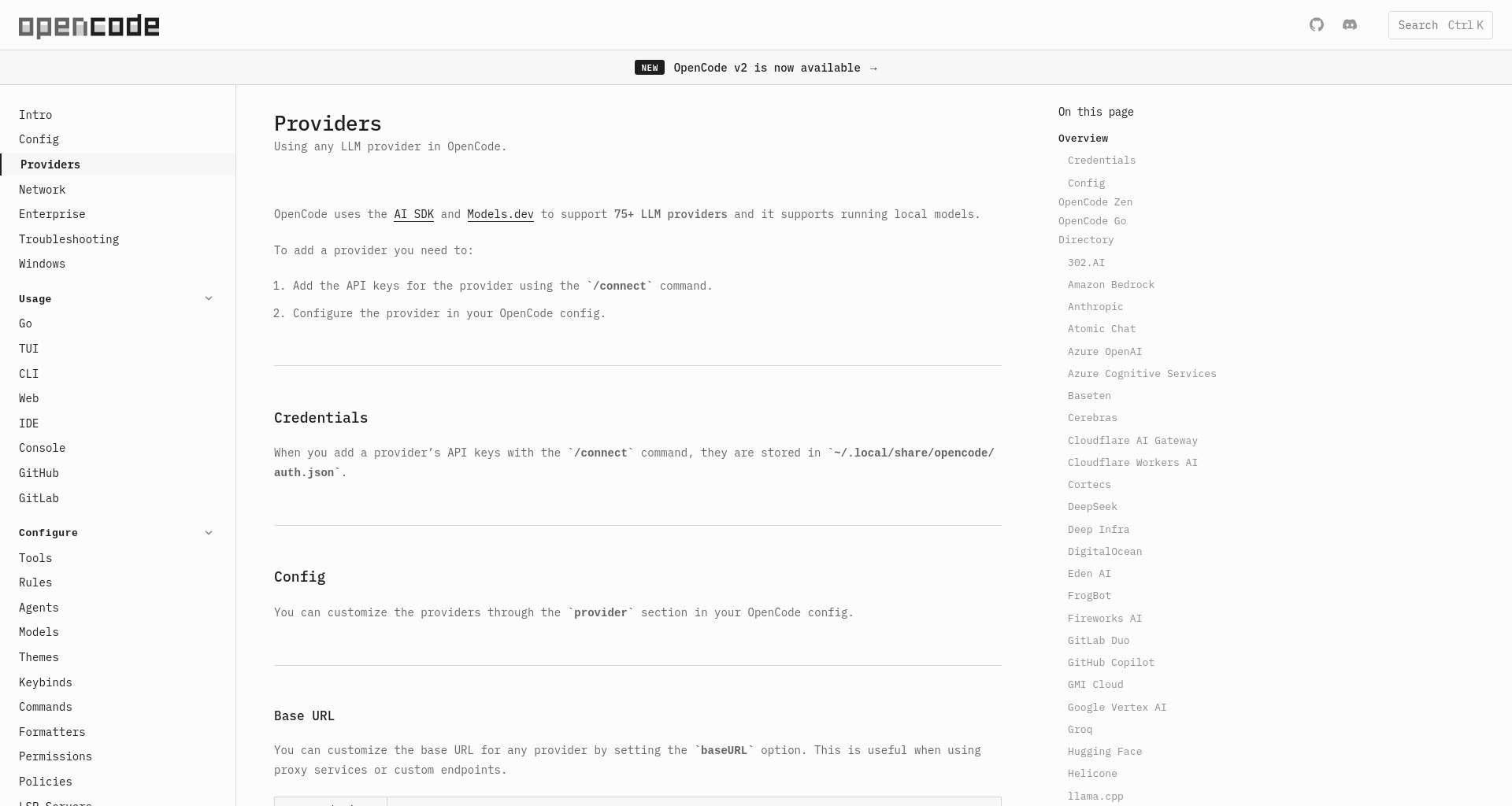
Courtesy: viewport screenshot captured through Trawl from OpenCode’s official provider documentation. The documentation and interface belong to OpenCode; this is a point-in-time reference, not an endorsement of a specific model.
Test the model in stages
Do not begin by asking an unfamiliar model to modify the whole repository. Use the same prompts and settings on the base and derivative when you compare them.
Stage 1: plain code understanding
Give the model a small, non-sensitive function and ask it to explain behavior, identify one bug, and propose a minimal patch. Check factual accuracy and whether it follows the requested scope. This tests ordinary generation; it says nothing about tool use yet.
Stage 2: structured tool-call round trip
OpenCode tools work through an orchestration loop. The model must produce a valid tool request with the right name and arguments; the client must execute it; then the model must interpret the result. A normal prose answer that says “I would run tests” is not a tool call. Ollama’s tool-calling documentation describes structured requests and tool-result round trips; support depends on the selected model and integration.
Use a harmless, read-only task first, such as asking the agent to inspect a named file or list a directory. Confirm that the action appears in OpenCode’s tool activity and that the arguments are correct. If the output contains JSON wrapped in Markdown, malformed arguments, or a guessed tool name, stop there and inspect the model template and runtime support.
Stage 3: disposable repository task
Only after the previous checks pass, make a fresh copy or temporary branch of a small project. Ask for one constrained change, inspect the diff yourself, and run the tests. Record:
- model ID and exact revision or GGUF filename;
- quantization, Ollama/OpenCode versions, and configured context;
- whether each tool call was valid and whether it used the intended file;
- task result, test result, latency, and any manual correction.
This simple record is more useful than describing a model as “agentic” based on its card tags. For agent choices, compare the coding-agent directory; evaluate the harness separately from the checkpoint. Our uncensored coding-model comparison and local-model evaluation checklist cover the model side in more detail.
Estimate memory without trusting a marketing number
Parameter count is only the beginning. A rough 4-bit weight payload is around half a byte per parameter before metadata and runtime overhead, but the actual file and working-memory requirements depend on quantization format, architecture, context length, KV cache, batching, and backend. As a rough illustration—not a hardware recommendation—a 4B model’s quantized weights might occupy a few gigabytes, while a 27B Q4 artifact can be well above ten gigabytes before runtime overhead.
| Check | Why it matters | What to record |
|---|---|---|
| Downloaded artifact size | A first clue, not total runtime memory | Exact file size and quantization |
| Available RAM/VRAM/unified memory | The model, cache, runtime, and editor share resources | Peak memory while the full context is loaded |
| Context length | KV cache generally grows with context and architecture | Actual num_ctx and prompt length |
| Tokens per second | Local inference may feel slow inside an iterative agent loop | Measured on your own machine and prompt |
| Tool-call round trips | A bad call can cost more time than slower token generation | Valid calls, retries, and task completion |
Use the local AI model fit tool for an initial hardware shortlist, then measure the exact artifact locally. Browser hardware detection is approximate; it cannot reliably read every GPU model or available memory value.
Keep permissions outside the model
An abliterated model is still an ordinary process producing output. It does not become isolated because it runs on your computer, and it may still refuse benign tasks, make mistakes, or generate unsafe commands. OpenCode’s permission system can allow, ask for approval, or deny actions. Start with conservative settings and deliberately enable only the capabilities needed for the task.
For example, a review-only profile can deny edits and require approval for shell commands:
1{
2  "$schema": "https://opencode.ai/config.json",
3  "permission": {
4    "edit": "deny",
5    "bash": "ask",
6    "external_directory": "deny"
7  }
8}
Check the current OpenCode permissions documentation for supported keys and matching rules before using a policy in a real project. Keep .env files, SSH keys, cloud credentials, production databases, and personal documents out of the agent’s accessible workspace. Use a disposable checkout or a separately configured container; remember that a container with host mounts or broad network access can still reach sensitive resources.
For a normal coding session, a practical sequence is:
- Ask for a plan or read-only inspection.
- Review the proposed file list and commands.
- Allow only the narrow edit or test required.
- Inspect the diff and test output yourself.
- Require explicit human approval for deletion, credential use, network changes, deployment, or any action outside the disposable workspace.
“Local” describes where inference runs; it does not by itself define privacy, isolation, or permission boundaries. Telemetry, extensions, MCP servers, and shell tools have their own data paths and should be assessed separately.
When this setup is a fit—and when it is not
This stack is useful when you want to experiment with open-weight checkpoints, keep prompt and source-code inference on a local service, compare a modified model against its base, or learn how an agent integrates with an OpenAI-compatible API. It can also help surface false refusals in legitimate development work, but the label is not a substitute for a clear policy or a controlled test.
It is a poor fit when you need guaranteed tool-call reliability, an independently measured security boundary, or unattended access to production systems. A small model can be fast and convenient yet struggle with multi-file reasoning; a larger model may exceed available memory or become too slow for an interactive loop. No parameter count or “uncensored” tag resolves those trade-offs. Benchmark the task you actually perform.
Frequently asked questions
Does “abliterated” mean the model has no safeguards?
No. It is a community label for a model modification or intended behavior, not a standard certification. The exact effect depends on the checkpoint and evaluation; do not infer safety, quality, or the absence of refusals from the name alone.
Does OpenAI-compatible mean tool calling will work?
No. It describes an API shape. The selected model, template, Ollama version, OpenCode provider, and tool schema all matter. Verify a harmless tool-call round trip before granting write or shell access.
Can I use any Hugging Face GGUF in Ollama?
Not automatically. Check format, architecture support, tokenizer/template, and the model card’s instructions. A successful import does not prove correct output formatting or tool support.
Should I turn on automatic approvals for an abliterated model?
Not for initial testing. Keep edits and commands approval-gated, and use an isolated project. Expand permissions only after repeated, task-specific tests and a review of what the agent can reach.
Where can I compare local models and coding agents?
Browse the AI model directory for model records and the coding-agent directory for the software that orchestrates them. These answer different questions: “which checkpoint?” versus “which harness?”
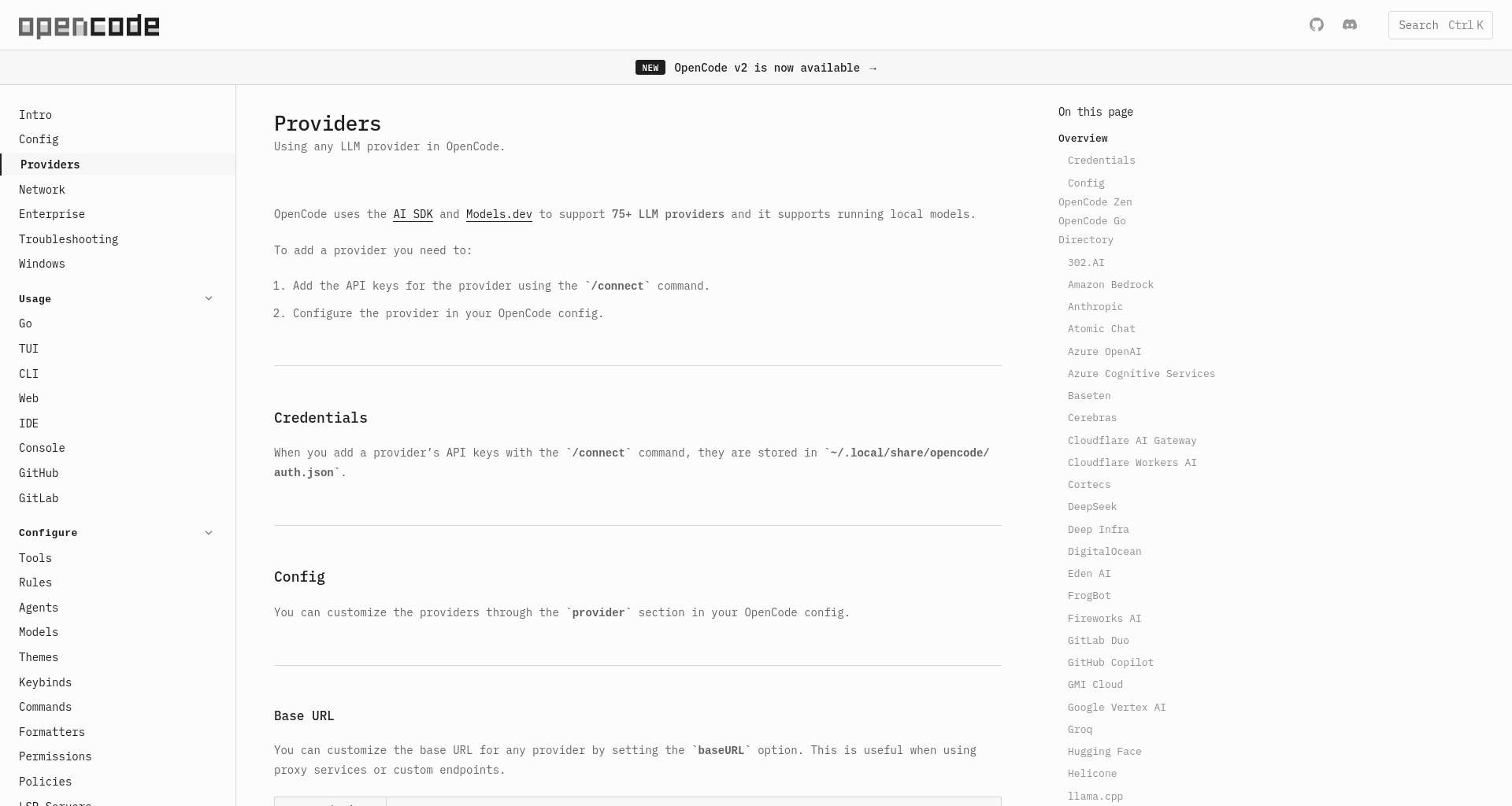
Source website screenshot
Sources and image references
- OpenCode provider documentation — Ollama provider configuration and local OpenAI-compatible endpoint.
- OpenCode permissions documentation — allow, ask, deny, and granular rules.
- Ollama model import guide — supported GGUF/Safetensors import paths.
- Ollama Modelfile reference —
FROM,TEMPLATE, andPARAMETERconfiguration. - Ollama tool-calling guide — structured tool request and response flow.
- Ollama OpenAI compatibility — local Chat Completions endpoint examples.
- Huihui Spark X2.5 4B Abliterated model card — maintainer’s description and experimental caveat.
- AI model directory and coding-agent directory — internal discovery links.
Keep reading
Related reading
⚡ AI Engineering Briefing
AI model releases, practical tutorials, developer tools, and engineering research. Unsubscribe anytime.
Comments
Comments are temporarily unavailable while the public discussion space is being configured.