Run Uncensored LLMs on Apple Silicon: MLX, Ollama, or llama.cpp?
>Compare MLX, Ollama, and llama.cpp for uncensored local LLMs on Apple Silicon, with model-format checks, setup commands, memory guidance, and a safe test plan.
🎧 Listen — ~12 min
Audio summary not available yet

Original CLIProxy-generated illustration. It is a conceptual image, not a photo of a specific Mac or a benchmark result.
Short answer: On an Apple Silicon Mac, use MLX-LM when you have an MLX-formatted model and want an Apple-native Python workflow; use Ollama when you want the simplest local app and API; choose llama.cpp when the checkpoint is distributed as GGUF or you need fine-grained control over Metal offload and serving. An “uncensored” or “abliterated” label does not decide which runtime works—the model architecture, tokenizer, quantization, conversion, and runtime support do.
This is a practical decision guide, not a claim that one backend is always faster. We checked the current project documentation and model cards on October 18, 2026. A repository that says “MLX” or “GGUF” is a compatibility clue, not a promise that every Mac configuration will run it correctly.
At a glance: which Mac runtime should you choose?
| Your situation | Start with | Why | Check before downloading |
|---|---|---|---|
| You want a simple desktop app, local chat, or a local API | Ollama | Quick install and a compact CLI/API workflow | Is the exact model available in Ollama’s library, or do you have a supported import artifact? |
| The model card provides MLX weights or an MLX-LM command | MLX-LM | Built for Apple Silicon; works with compatible Hugging Face repositories | Confirm the model family is supported and note any trust_remote_code requirement |
The model card provides a .gguf file | llama.cpp | GGUF is its main distribution path; Metal is supported on macOS | Check chat template, quantization, tokenizer files, and whether the card documents this backend |
| You are not sure which artifact you have | Inspect the repository first | Similar names can point to different formats and conversions | Look for model.safetensors plus MLX metadata, .gguf, or an Ollama library tag |
If you are choosing the model itself—not just the runtime—start with the AI model directory. For IDE and terminal integrations, compare options in the coding-agent directory. The companion local AI model fit tool can help estimate hardware fit; actual context length and available memory still need to be measured on your Mac.
The compatibility trap: one model name, several different packages
A model family may appear as a Transformers checkpoint, an MLX conversion, several GGUF quantizations, and perhaps an Ollama library entry. These are not interchangeable downloads. They can differ in tokenizer files, chat templates, quantization, supported features, and the maintainer who produced the artifact.
Hugging Face’s MLX guide describes a community that publishes models converted for MLX. The MLX-LM project also supports many Hub models, but it documents compatibility and remote-code considerations rather than guaranteeing that every repository works identically. The llama.cpp project supports a broad set of backends, including Metal on Apple Silicon, and documents GGUF/Hugging Face repository loading. These are separate routes, even when the display name looks similar.
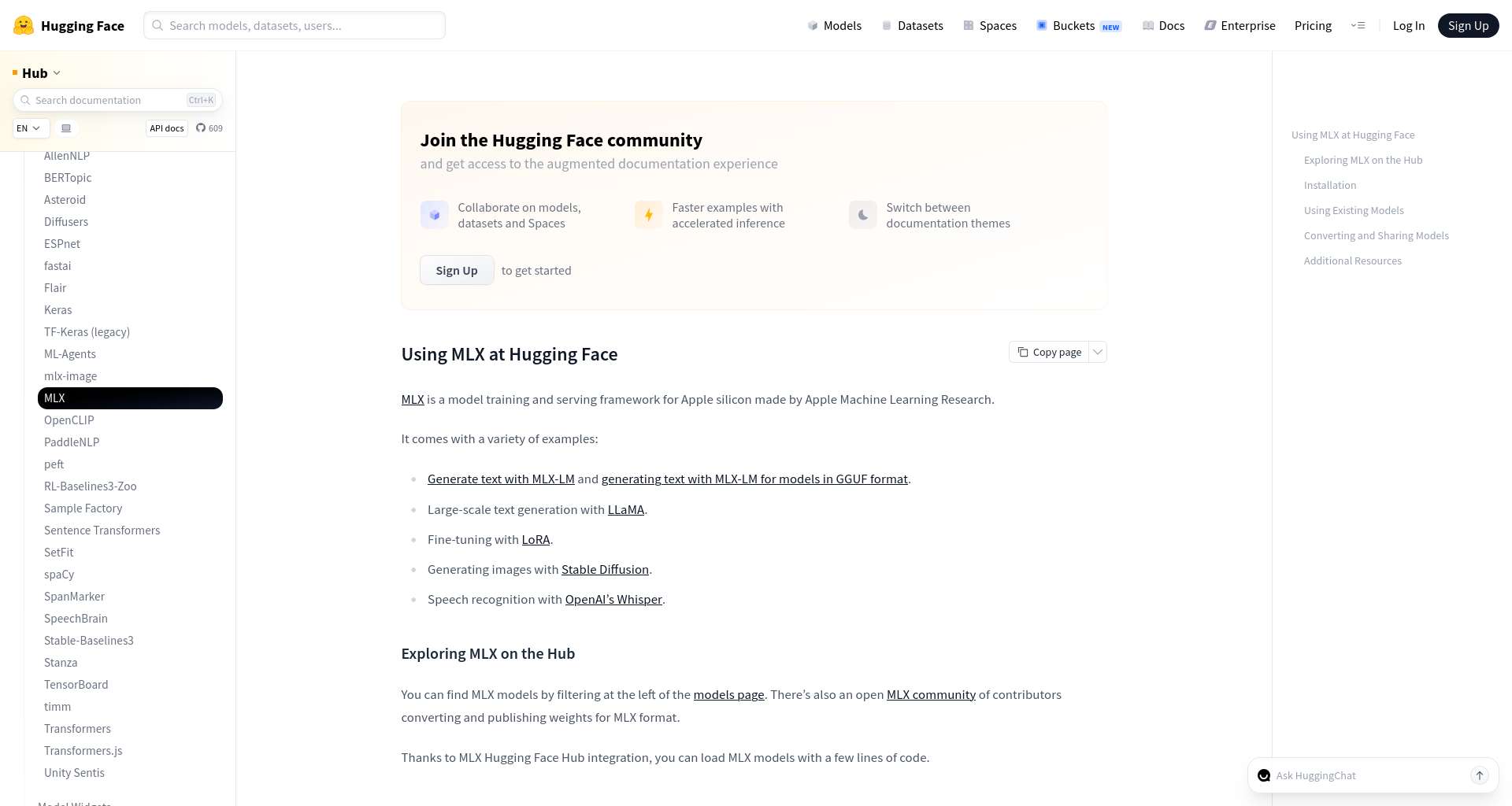
Courtesy: Trawl-captured screenshot of Hugging Face’s MLX guide. The documentation and marks belong to Hugging Face; screenshot shown for source context, not endorsement.
Before choosing an app, inspect the exact model page and answer:
- What is the artifact format? MLX weights, GGUF, original Transformers weights, or a tagged Ollama library model?
- Who made this copy? The original model author, a conversion maintainer, or a third-party community uploader?
- What does the model card actually claim? “Generated with MLX” is not always the same as “tested on Apple Silicon.”
- Which chat template is expected? A technically loadable model can still produce broken turn endings or tool-call syntax with the wrong template.
- What is the exact revision and license? Record the repository revision, artifact file, and license before using it in a project.
For example, one public abliterated 9B MLX model card says the conversion was generated on Linux and has not been tested in an Apple environment. That is useful evidence: the format label alone is not a Mac-compatibility test. Read the current Huihui Qwen3.5 9B MLX model card and verify the current revision, environment note, license, and files yourself. The card may change after publication.
MLX-LM: the native-feeling path for MLX-ready checkpoints
MLX is Apple’s machine-learning framework for Apple Silicon; MLX-LM provides language-model generation and fine-tuning workflows. The project documents installation with pip install mlx-lm, a chat REPL, generation commands, and Hugging Face integration. Use a native ARM Python environment and a current macOS version that meets the package requirements; do not assume that an Intel/Rosetta Python installation is equivalent.
For a model card that explicitly provides an MLX repository, a basic test can look like this:
1python3 -m venv .venv
2source .venv/bin/activate
3python -m pip install -U mlx-lm
4mlx_lm.chat --model <owner>/<mlx-model-repository>
Replace the placeholder with the exact compatible repository shown by its maintainer. Do not paste the name of a random Transformers checkpoint and assume MLX will infer every conversion detail. Some tokenizers request remote code; only enable that after reviewing the repository and understanding what code is being trusted.
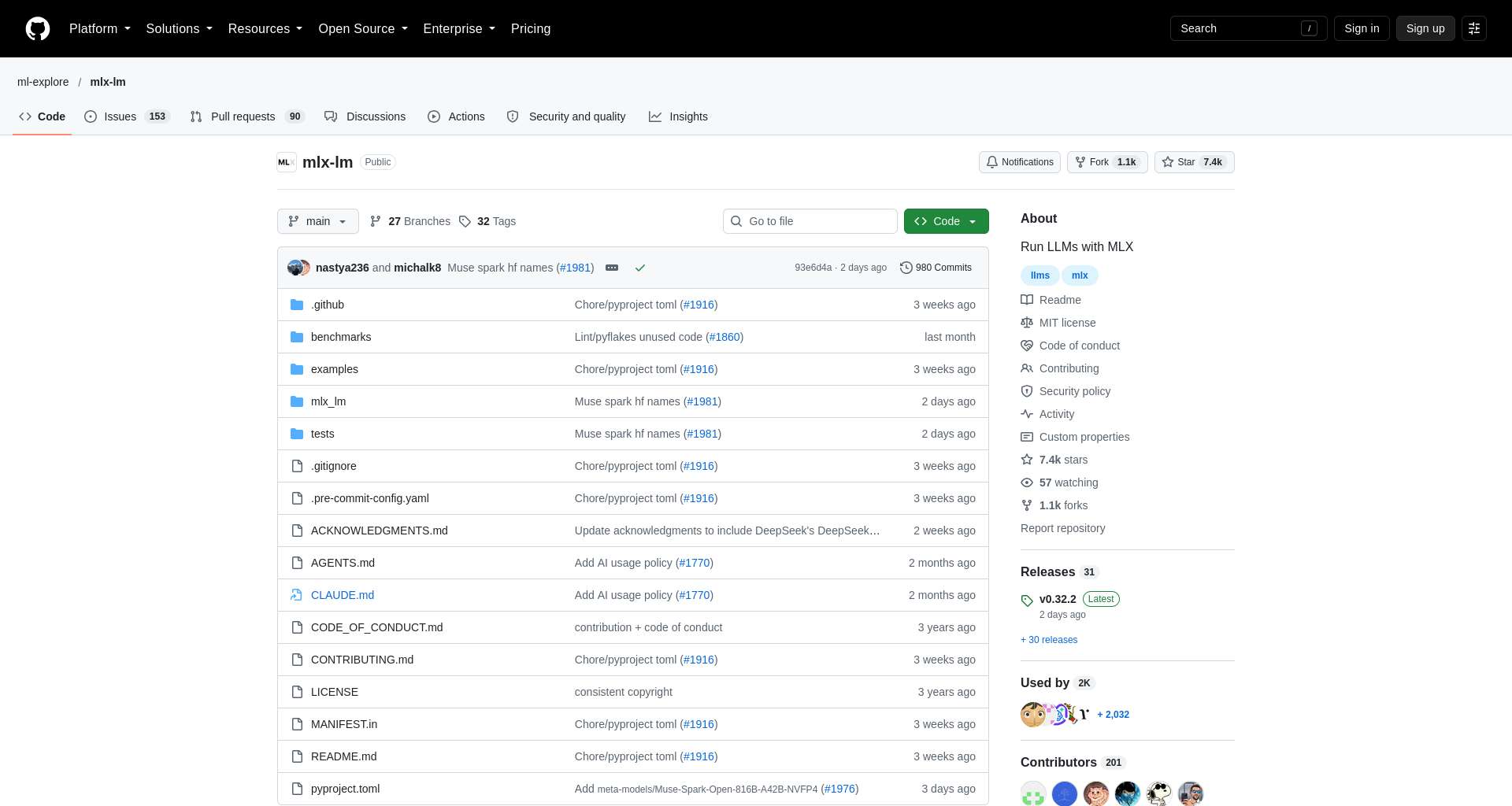
MLX-LM is a strong fit when you want to script inference in Python, use an MLX-specific conversion, or work directly with Apple-oriented community artifacts. It is less convenient when a model publisher only distributes a GGUF file or when you want a polished app without managing a Python environment. The official MLX-LM repository documents current install steps, model options, and large-model notes.
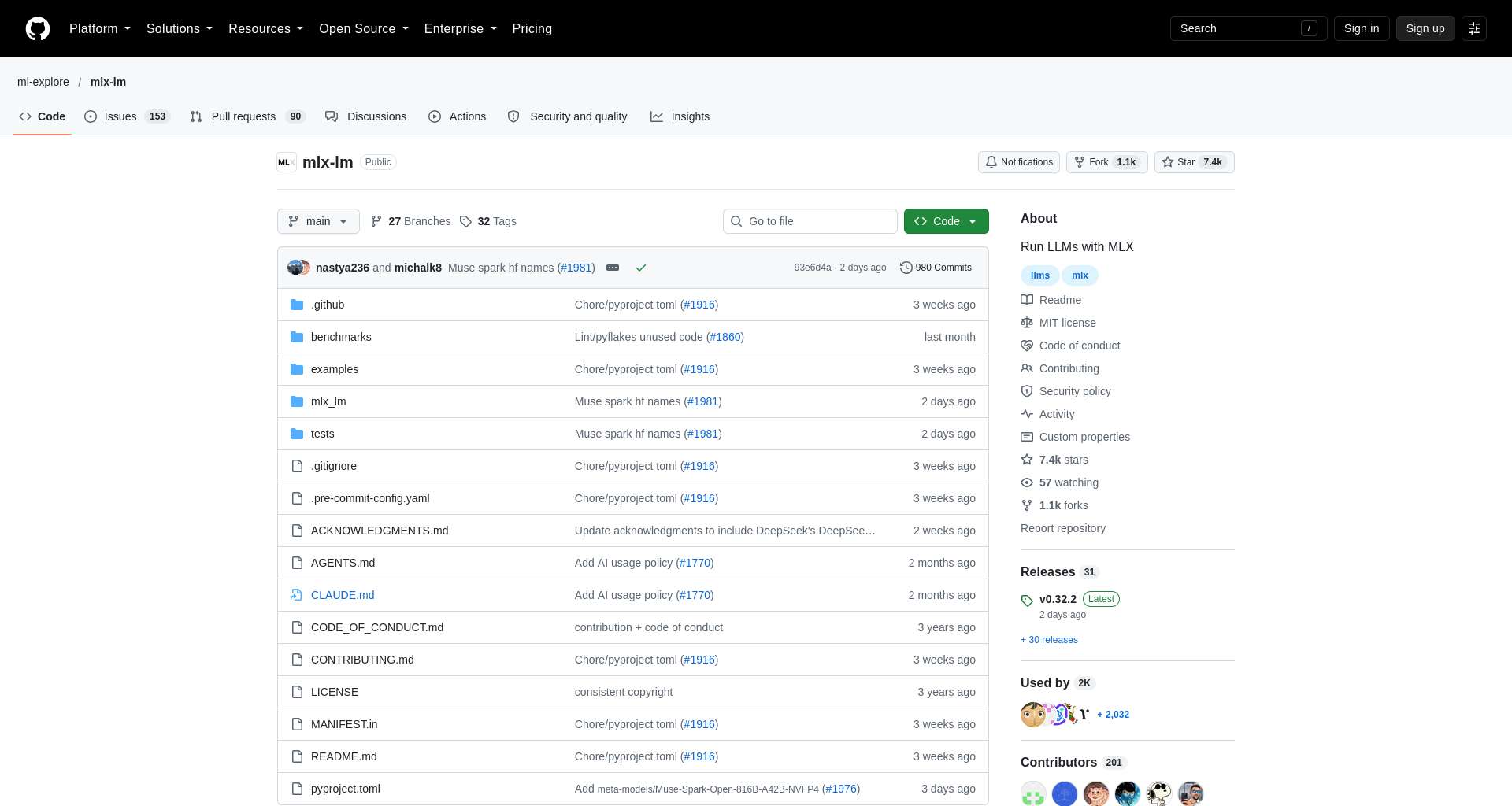
Courtesy: Trawl-captured screenshot of the MLX-LM GitHub repository. Repository interface and project content belong to their respective owners.
Ollama: easiest local app, but verify custom-model import
Ollama is often the shortest path from installation to a local chat session. Its macOS download page distinguishes running a model locally from using an Ollama cloud model. If your goal is private local inference, confirm that the model is actually local and avoid cloud tags or remote API routes for sensitive prompts.
The simple flow is:
- Install Ollama from its official macOS download page.
- Choose a model that is available in the Ollama library, or follow Ollama’s documented import path for the exact artifact you have.
- Run one short prompt and check whether the model’s response and stop tokens look normal.
- If you use the local API from another application, verify the endpoint and model identifier in the application’s settings; a local endpoint is different from a hosted provider.
Do not assume that any Hugging Face repository can be passed as an ollama run name. A Hugging Face model page, GGUF artifact, MLX conversion, and Ollama library tag are different identifiers and packaging routes. Ollama documents importing supported model formats in its own docs; consult that guide for the current syntax instead of copying an old community command.
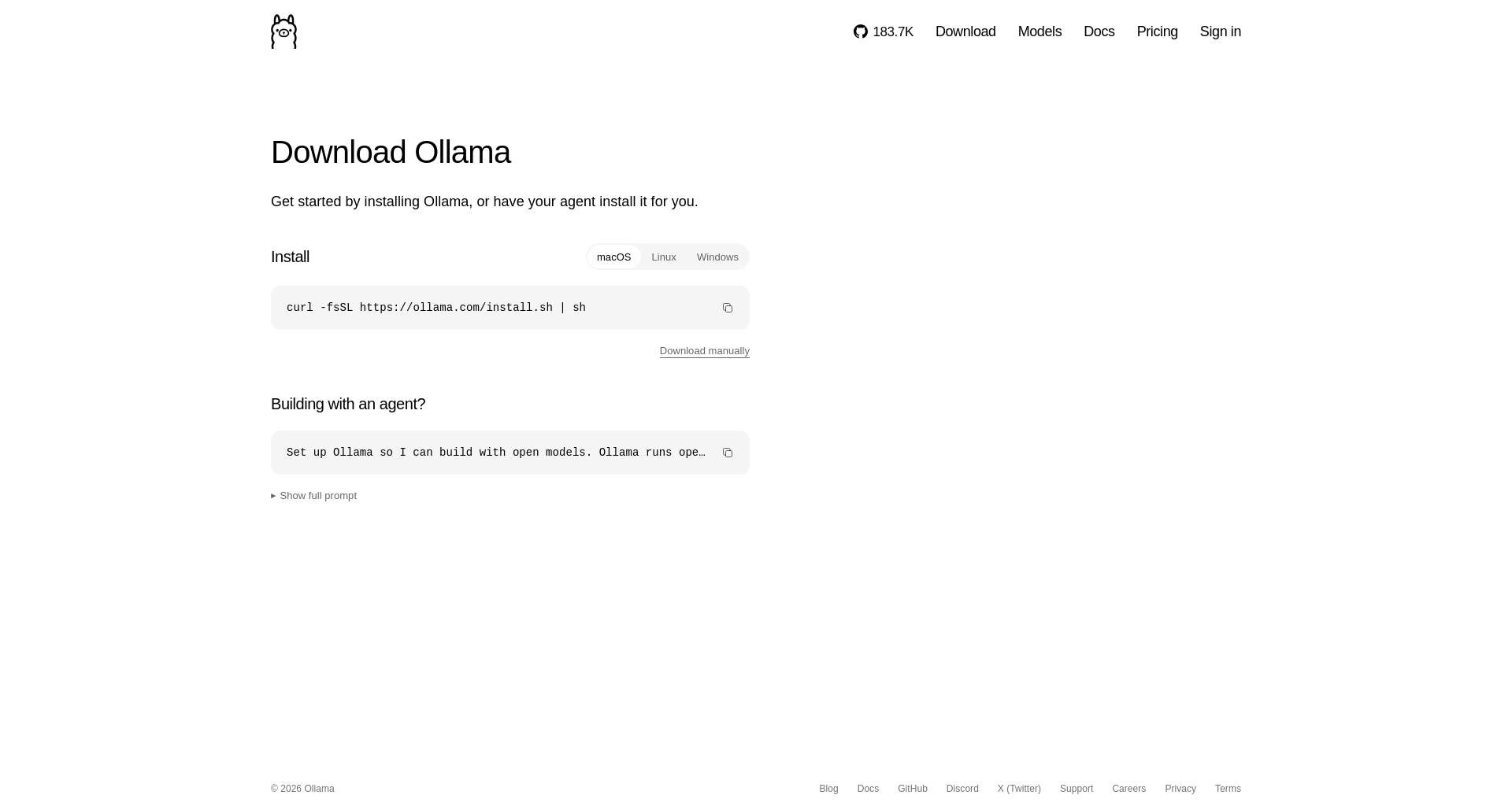
Courtesy: Trawl-captured screenshot of Ollama’s macOS download page. Product UI and branding belong to Ollama; shown as a reference to its installation route.
Choose Ollama when you value a quick local service, app integration, and a simple model lifecycle. Choose another backend if the model’s publisher only provides instructions for MLX or llama.cpp, or if you need lower-level control over file selection and GPU offload.
llama.cpp: a strong route for GGUF and Metal control
The llama.cpp project supports Apple Silicon and uses Metal on macOS when available in its build. Its current CLI documents Hugging Face repository loading with -hf/--hf-repo and quant selection, but the exact command options can evolve. For an artifact whose model card explicitly lists a compatible GGUF, a command may resemble:
1llama cli -hf <owner>/<gguf-repository>:Q4_K_MUse the repository’s actual quant label and current llama.cpp CLI syntax. Q4_K_M is only an example of a quantization name—not a recommendation for every model. When a repository has multiple files, select the intended file and confirm any required multimodal projector, tokenizer, or template details from the card.
llama.cpp is attractive if you want to experiment with GGUF, tune context and GPU-layer settings, or serve a local OpenAI-compatible endpoint. It also exposes more knobs, which means more room to misconfigure. Start with the maintainer’s known-good command; change one variable at a time. Review the llama.cpp repository and its Metal build documentation for current options.
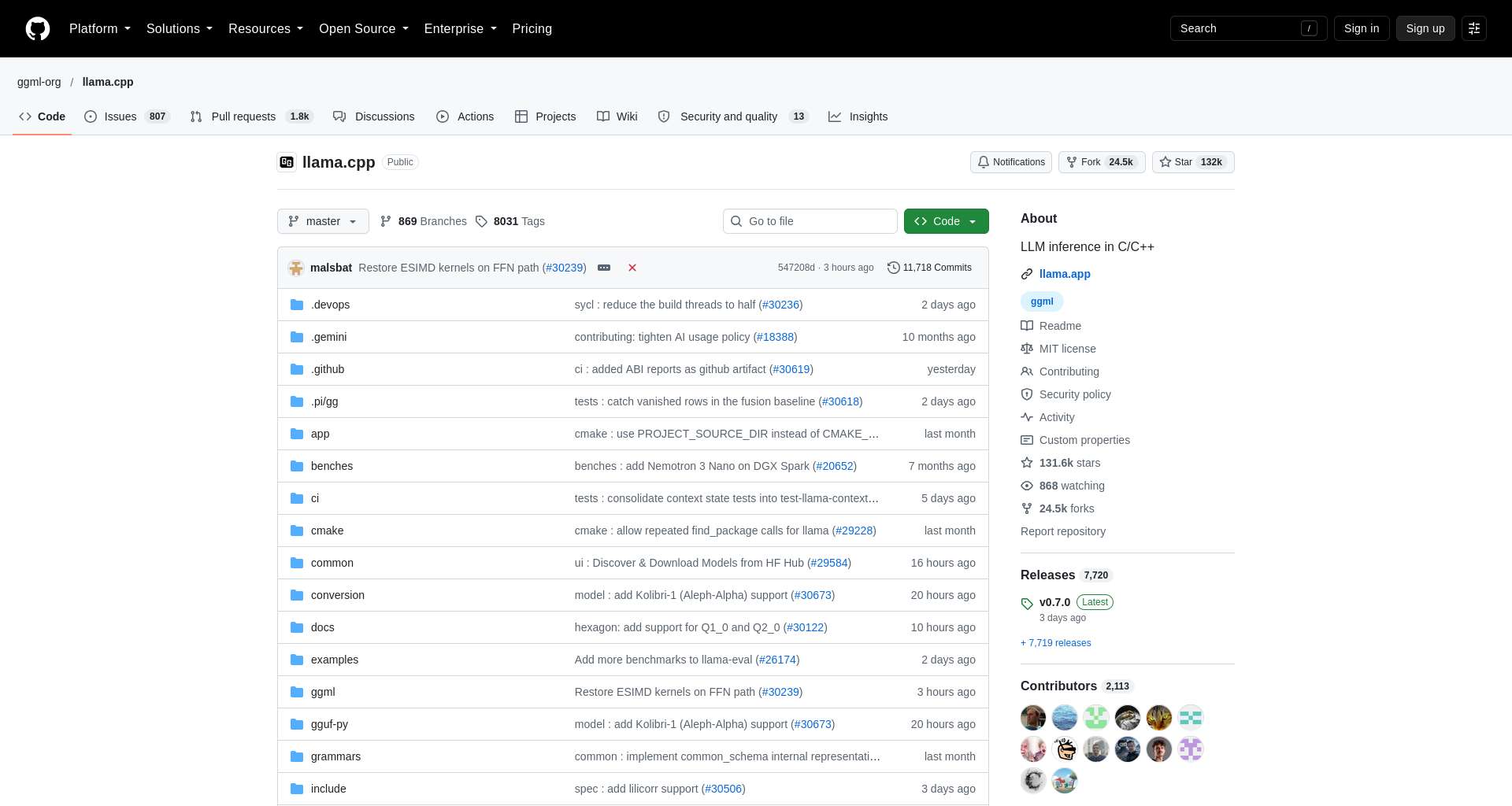
Courtesy: Trawl-captured screenshot of the llama.cpp GitHub repository. Project interface, code, and marks belong to their respective owners.
How much unified memory do you need?
Apple Silicon uses shared unified memory, but “the model is 4-bit” does not mean the whole application needs exactly half a byte per parameter. The weight file is only part of peak use: the runtime, KV cache, context length, temporary buffers, desktop apps, and operating system also need memory. A larger context can materially increase cache use, and a model that technically loads may still leave too little headroom for normal work.
Use these as planning bands, not guarantees. Check the actual downloaded file size, keep memory for macOS and other apps, then measure peak use with the target model and context length.
| Approximate model class | How to approach it on a Mac | Practical caution |
|---|---|---|
| 3B–8B, 4-bit | Sensible first local test on many modern Macs | Check artifact size and reserve headroom for the context cache |
| 9B–14B, 4-bit | Often a reasonable next step on higher-memory systems | Not every format or architecture is equally supported |
| 20B–32B, 4-bit | Treat available unified memory as the main constraint | Long context and parallel sessions can push peak memory well beyond file size |
| 70B-class or high-bit variants | Requires substantial memory and patience; confirm real file size before transfer | “It loads” does not mean interactive speed or comfortable multitasking |
Do not buy or upgrade hardware from a parameter count alone. The local AI model fit tool can narrow candidates, but the best decision is a measured run on your exact chip, memory, backend, quantization, and context. For a broader installation walkthrough, see the Hugging Face local-model setup guide.
A repeatable first-run checklist
Run the first test in a clean, low-risk environment. This is especially important for a model described as “uncensored”: that label concerns response behavior, not runtime safety, repository trust, privacy, or tool authorization.
- Verify provenance. Use the exact model card, author, base model, license, and artifact revision. Our Hugging Face model-vetting guide explains the supply-chain checks.
- Choose by file format. Use MLX for MLX-ready artifacts, llama.cpp for compatible GGUF, and Ollama when the exact model or import route is documented.
- Keep a first prompt small. Use a routine summarization or code-explanation task with a short context and a conservative output limit.
- Check the template. Look for repeated role labels, ignored system messages, bad stop behavior, or output that includes raw special tokens.
- Measure, do not guess. Record model revision, quant file, runtime version, macOS version, context setting, time-to-first-token, generation speed, and peak memory.
- Keep agent permissions separate. A local model connected to shell, filesystem, browser, or deployment tools still needs tool-level policy and confirmation gates. Model refusal behavior is not an access-control system.
- Avoid enabling remote code casually. If a loader asks to execute repository code, review the request and use an isolated environment when you do not fully trust the publisher.
For a coding workflow, test the base model in chat before wiring it into an IDE agent. Then add a read-only agent integration, validate file references and patch quality, and only later allow writes in a disposable repository. Browse compatible tools in the coding-agent directory, and compare other model choices in our AI model directory.
Which one should you use?
Choose MLX-LM when the model publisher provides an MLX artifact or a clear MLX-LM command, and Python-native Apple workflows suit you.
Choose Ollama when you want the easiest local app or API and the exact model is listed or has a documented supported import path.
Choose llama.cpp when the model is supplied as compatible GGUF, you want Metal controls, or you need a low-level local server.
If the model card explicitly says the conversion was not tested on Apple hardware, start with a small test and consider another artifact before spending hours debugging. Don’t compare performance claims taken from different Macs, quantizations, contexts, or runtimes as if they were a controlled benchmark.
Frequently asked questions
Can I run an uncensored model completely offline on a Mac?
After you have downloaded the required files and runtime, local inference can run without sending prompts to a cloud model. First-run downloads, telemetry, app updates, plugins, and agent tools are separate network paths. Verify the specific app’s behavior and disable network-dependent integrations if your threat model requires a fully disconnected machine.
Is MLX always faster than Ollama or llama.cpp?
No universal ranking follows from these project names. Performance depends on the exact model and conversion, quantization, context, runtime version, and Mac chip. Benchmark the same prompt and output length with the same artifact class on the target hardware.
Can I run a GGUF file with MLX?
Do not assume that you can load it as-is through the standard MLX-LM model path. Use the backend documented for that file, or follow a maintained conversion route and validate the result. Changing formats may change metadata, template handling, or performance.
Does “uncensored” mean the model is safe to connect to an agent?
No. It is a claim about response or refusal behavior, not permission control. Keep shell, file, browser, network, and deployment access constrained by the agent harness; require confirmation for consequential operations.
What is the simplest way to start?
Pick a small model with a clearly documented artifact for your chosen runtime. Install one runtime, run a short benign prompt, check the template and memory behavior, then record the result. Avoid downloading multiple large quantizations before confirming compatibility.
Source website screenshot
Sources and image references
- MLX-LM project and README — install, supported model workflow, Python and CLI usage.
- Hugging Face Hub guide to MLX — MLX ecosystem and Hub integration.
- Ollama macOS download page — official installer entry point and local-versus-cloud distinction.
- llama.cpp project and Metal build notes — current inference backends and macOS Metal support.
- Huihui Qwen3.5 9B abliterated MLX model card — an example repository whose author notes that its Linux-generated MLX conversion was not tested in an Apple environment.
- Generated editorial hero — created with CLIProxy for this article; conceptual, not a product screenshot.
- Screenshots are captured through Trawl from the linked official project pages and shown with courtesy/source attribution. Product interfaces and documentation remain the property of their owners.
Keep reading
Related reading
⚡ AI Engineering Briefing
AI model releases, practical tutorials, developer tools, and engineering research. Unsubscribe anytime.
Comments
Comments are temporarily unavailable while the public discussion space is being configured.