How to Vet Uncensored Hugging Face Models Before Downloading (2026)
>A practical 2026 checklist for vetting uncensored Hugging Face models: uploader, base model, revision, scanners, file format, license, hashes, and sandboxing.
🎧 Listen — ~12 min
Audio summary not available yet

Original CLIProxy-generated editorial illustration. It is a conceptual supply-chain diagram, not a screenshot or a security certification.
Short answer: Before downloading an uncensored or abliterated model from Hugging Face, verify the exact repository and uploader, trace the derivative to its base model, inspect its license and model card, pin a full commit revision, check the available scanner results and weight format, compare a published checksum when one exists, and load unfamiliar files in an isolated environment. A model name, download count, “safe” badge, or .gguf/.safetensors extension is not a complete trust assessment.
This matters because community model pages often combine several trust decisions: an upstream checkpoint, a fine-tune or abliteration, a quantizer’s conversion, a runtime, and sometimes custom Python code. A trustworthy base model does not automatically certify every derivative or repackaged file.
Key takeaways
- Treat every derivative as its own artifact. Verify who uploaded it, which base and revision it came from, and how it was converted.
- Hugging Face documents malware scanning for files smaller than 2 GB and says scans run at each commit. Large weight files may sit outside that particular file-size coverage; a missing badge is not a clean result.
- Pickle-based weights can execute code when loaded. Safetensors is designed not to execute arbitrary code during deserialization, but no file extension makes an entire runtime or model ecosystem risk-free.
- Pin a full commit hash for reproducibility; record the exact file and quantization. A checksum is useful only when compared with a trusted, independently published expected value.
- Read the license at both the derivative and upstream layers, then sandbox unknown artifacts and keep the inference runtime updated.
The model download is a supply-chain decision
“Uncensored” and “abliterated” describe a publisher’s claim about response behavior or refusal tuning. They do not tell you whether the uploader is authentic, whether the weights match the claimed base, whether the file was scanned, or whether your loader has a vulnerability. They also do not establish that the model is suitable for agents with tools.
Think of the artifact chain as:
| Layer | What to establish | Why it matters |
|---|---|---|
| Publisher | Is this the expected person or organization? Is the account linked from an upstream project? | Similar names and lookalike accounts can confuse attribution |
| Base model | Which upstream model, exact revision, and license were used? | Derivatives inherit technical and sometimes license constraints from upstream sources |
| Modification | Fine-tune, merge, abliteration, or conversion? Is the recipe documented? | The method can change behavior, quality, and provenance |
| Distributed artifact | Which file, quantization, shard set, and commit are you downloading? | A repository can change after a blog post or recommendation was written |
| Runtime | Which loader and version will parse the file? Are remote code or plugins enabled? | A data file still passes through software that must be kept secure |
| Use environment | What files, credentials, network access, and tools can the model or agent reach? | Isolation limits the damage if an artifact or dependency is malicious or vulnerable |
For a starting list of source-linked models, browse the AI model directory. This article adds a download-verification layer; it does not certify or endorse any individual repository.
1. Confirm the repository and uploader
Start from a link published by the claimed model author, the base-model organization, or a trusted project page—not just a search result or social post. Check the Hugging Face namespace character by character. Read the account’s other repositories, linked website or GitHub organization, model card history, and discussions. A convincing name and polished card are weak identity proof on their own.
Look for a clear relationship to the upstream project: exact base-model name, official source URL, author acknowledgement, and a conversion or fine-tuning description. If a community user provides a GGUF conversion, treat the converter as a separate publisher. Verify that the repository identifies the upstream commit and conversion settings rather than assuming the original author produced it.
Hugging Face documents security controls such as MFA, signed commits, malware scanning, pickle scanning, and secrets scanning. These features help assess a repository, but they do not prove that every author claim is true or that a model behaves as described.
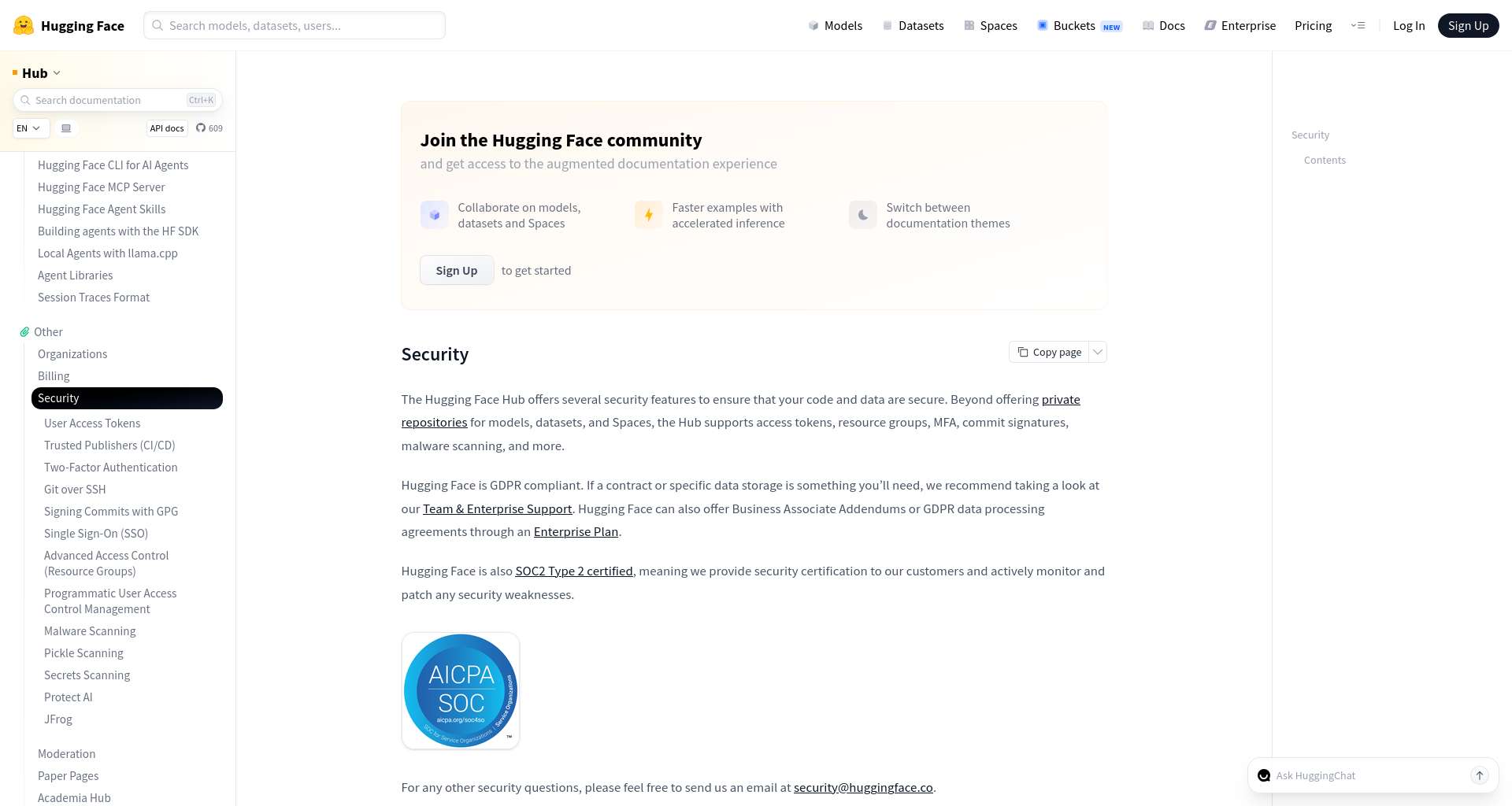
Courtesy: screenshot of Hugging Face Hub security documentation, captured through Trawl. The page belongs to Hugging Face; its controls are not an endorsement of any specific model repository.
2. Trace the base model and the transformation
An abliterated model may be described as a base model modified to change some refusal behavior. Other repositories may be fine-tunes, merges, quantizations, or combinations of these. Ask the model card to answer four questions plainly:
- What exact upstream model and revision were used?
- What operation was performed—fine-tuning, merge, abliteration, or quantization?
- Which scripts, libraries, and conversion settings were used?
- Does the repository provide an evaluation or only a qualitative claim?
If the card says “based on Model X” but gives no revision, recipe, or artifact lineage, record provenance as unverified. Do not infer model weights from the filename or assume that the most popular quantization is official. When the original full-precision model and a community conversion differ, compare file metadata, tokenizer/config files, quantization label, uploader, and commit history.
3. Read the license twice
Read the license attached to the derivative repository and the upstream model’s license. If the card omits one, points to a vague statement, or conflicts with upstream terms, pause and verify with the rights holder before using the model commercially or redistributing it. A platform’s license field is metadata supplied by a repository owner; it is not legal advice and may be incomplete.
Also separate the license for weights from the license for code, tokenizer assets, datasets, and conversion scripts. The full package can contain components with different terms. Keep the exact repository URL, commit, and license text version in your internal model inventory so a later repository edit does not silently change what your team approved.
4. Interpret scanner badges carefully
Hugging Face’s malware-scanning documentation says files smaller than 2 GB are scanned and that scanning is triggered at each commit. It also explains that a file without an “ok” or “infected” badge could still be waiting for a scan or have encountered an error. That caveat is especially relevant to large model repositories: do not present a badge for small repository files as proof that every multi-gigabyte weight shard was scanned.
The Hub also documents pickle scanning. Python pickle is not merely a passive tensor container: loading a malicious pickle can execute code. The page recommends trusting the publisher, relying on signed commits, and reviewing scanned imports. If a pipeline offers a non-pickle option such as safetensors, prefer that format when compatible—but still inspect the repository and runtime.
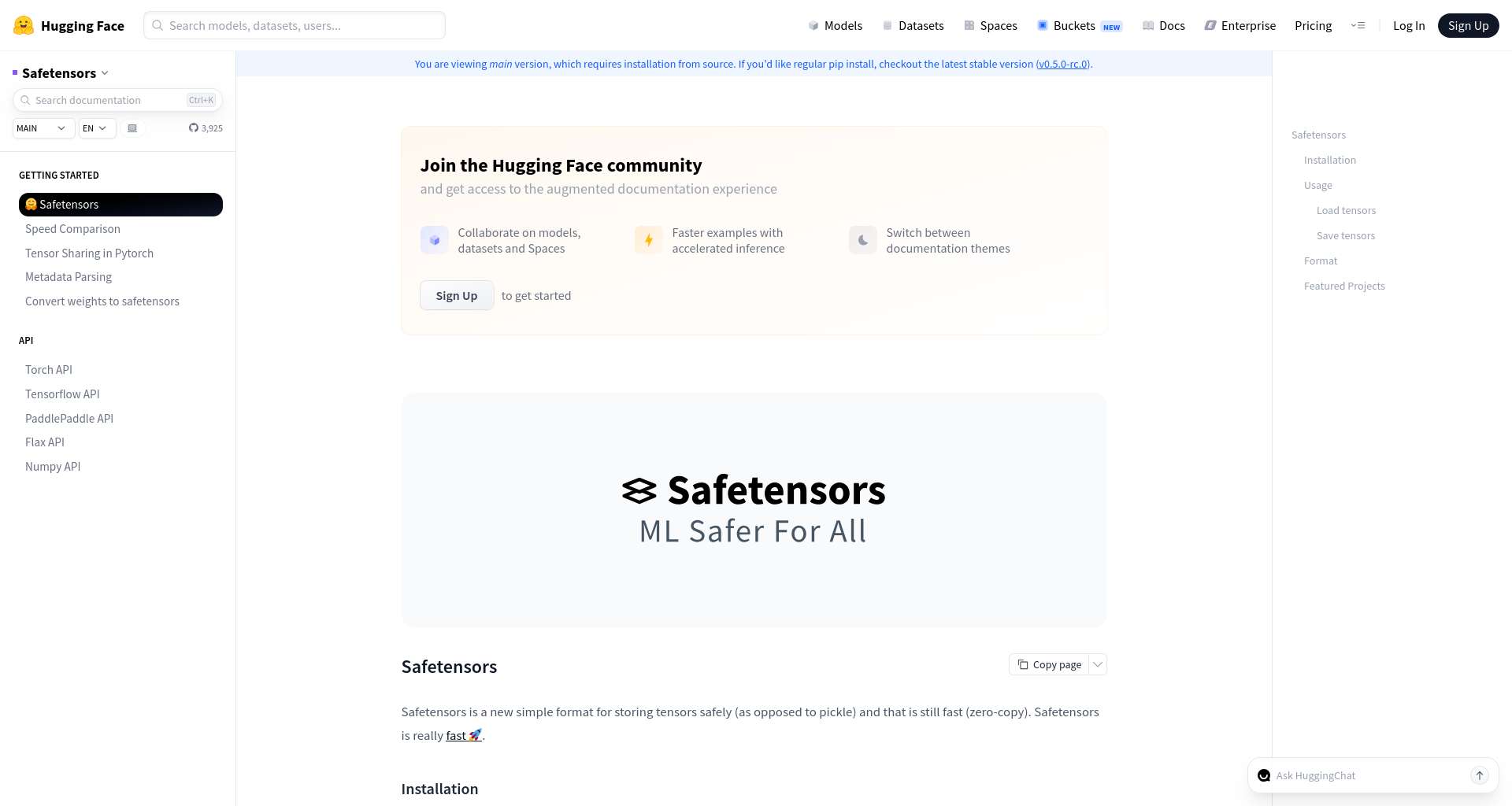
Courtesy: screenshot of Hugging Face's Safetensors documentation, captured through Trawl. Safetensors is designed as a safer tensor serialization format than pickle; the screenshot does not certify a particular checkpoint.
5. Choose a weight format without treating it as a trust badge
| Format or feature | What it can tell you | What it does not prove |
|---|---|---|
.safetensors | The tensor data uses a format designed to avoid arbitrary code execution through pickle deserialization | That the weights are authentic, licensed for your use, benign in behavior, or safe from parser/runtime bugs |
.gguf | A file intended for compatible inference runtimes, often used for quantized local models | That the source, conversion, metadata, or runtime is trustworthy; parsers still need security updates |
.bin, .pt, .pth, .pkl | A filename commonly associated with serialized model data | That loading it is passive; pickle-based files can execute code during deserialization |
trust_remote_code or custom loader | The repository may require author-provided code for model loading | That the code is safe; review and isolate it before execution |
| Scanner badge | The platform reports a result for the files and checks covered by that scanner | A complete audit, signature verification, license review, behavioral evaluation, or guarantee about files outside coverage |
Hugging Face’s Safetensors overview describes the format as a simple way to store tensors safely, in contrast to pickle. That is a useful serialization property, not a blanket statement about the whole model. For GGUF and other formats, the loader parses complex untrusted bytes; keep the runtime patched and avoid running unfamiliar models in a privileged, network-connected environment.
6. Pin the exact revision and preserve evidence
The Hugging Face Hub download guide explains that downloads default to the latest branch revision and supports selecting a specific revision. For a reproducible check, use a full commit hash rather than an unpinned branch name:
1hf download OWNER/REPOSITORY --revision FULL_COMMIT_HASHThe placeholder must be replaced with the full hash shown for the commit you reviewed. Record it with the filename and quantization, for example: repo_id, revision, model-q4_k_m.gguf, file size, download date, source URL, and license. Re-running a download later without a pinned revision may fetch different repository contents.
When the publisher provides an expected SHA-256 or another trusted digest, calculate the local digest and compare it. A hash you calculate after download is only a stable fingerprint; without an independently trusted expected value, it does not prove who created the file or whether it was tampered with before you received it. If no checksum is published, note that verification gap rather than inventing one.
Hugging Face’s download documentation supports downloading from a specific revision. The llama.cpp security guidance separately recommends confirming downloaded artifact hashes against known-good values and isolating untrusted models. These checks complement each other: pinning identifies a repository state; a trusted hash checks bytes; sandboxing limits execution impact.
7. Load the model like an untrusted artifact
Even after the metadata review, run a first load in a low-privilege environment. Do not mount your home directory, SSH keys, cloud credentials, production .env files, or source repository into an experimental container. Disable remote code and agent tools unless they are explicitly needed and reviewed. Restrict outbound network access for the initial test where practical.
The llama.cpp security policy calls out untrusted models and inputs, recommends isolation, and says to keep the runtime and libraries updated. It also discusses multi-tenant risks. That guidance is not unique to GGUF: any loader or plugin stack can have bugs, and a model connected to shell, browser, MCP, or IDE tools can influence actions even if the weight file itself contains no executable program.
If you plan to attach a model to an agent, audit the agent separately. Compare available options in the coding-agent directory, and use the uncensored coding-agent prompt-injection test plan before granting a real workspace or tools access. Do not start with production credentials or broad filesystem permissions.
A quick pre-download decision checklist
| Check | Pass condition | If it fails |
|---|---|---|
| Uploader | Identity is linked from a trusted upstream source or otherwise independently established | Treat the publisher as unknown; do not rely on name similarity |
| Provenance | Base model, revision, transformation, and converter are described | Mark lineage unverified or choose a better-documented build |
| License | Derivative and upstream terms are both clear for your intended use | Pause and ask the rights holder or legal reviewer |
| Scanning | Applicable files show completed results; uncovered large files are acknowledged | Do not interpret absent badges as clean; use independent checks and isolation |
| File type | Loader behavior is understood; pickle/custom code is avoided or reviewed | Do not load in a privileged environment |
| Revision | Full commit hash and exact files are recorded | Pin a reviewed revision before team use |
| Integrity | Published trusted checksum matches, if one exists | Record that cryptographic provenance is unavailable |
| Runtime | Updated loader, least privilege, restricted tools and network | Stop before connecting to sensitive data or agents |
If any high-impact item is unknown, a sensible status is not yet approved, not “safe” or “unsafe.” This is a lightweight procurement and engineering screen, not a formal audit or guarantee that a model is harmless.
Frequently asked questions
Does a Hugging Face malware badge mean an uncensored model is safe?
No. It reports a result for the files and scan coverage described by Hugging Face. The platform says files under 2 GB are scanned and explains that a missing badge may mean scanning is pending or failed. It does not certify model behavior, authorship, license, or the whole runtime.
Is safetensors safe to download from anyone?
Safetensors is designed to avoid arbitrary code execution through pickle-style deserialization. That does not verify publisher identity, model lineage, license, weight integrity, or bugs in the code that parses or uses the file.
Is GGUF safer than a Python checkpoint?
It avoids the pickle-loading behavior of common Python checkpoint files, but the extension alone is not a full security review. Verify the source and revision, use a maintained runtime, and isolate unfamiliar artifacts.
How can I make a model download reproducible?
Record the repository ID, full commit hash, exact filenames, quantization, date, license, and expected checksums. Download from that pinned revision instead of relying on the moving main branch.
Does an abliterated label guarantee uncensored behavior?
No. It is a publisher’s description of an intended behavior change. Test the exact revision for your use case, evaluate quality and refusal behavior independently, and do not treat the label as a capability, safety, or privacy guarantee.
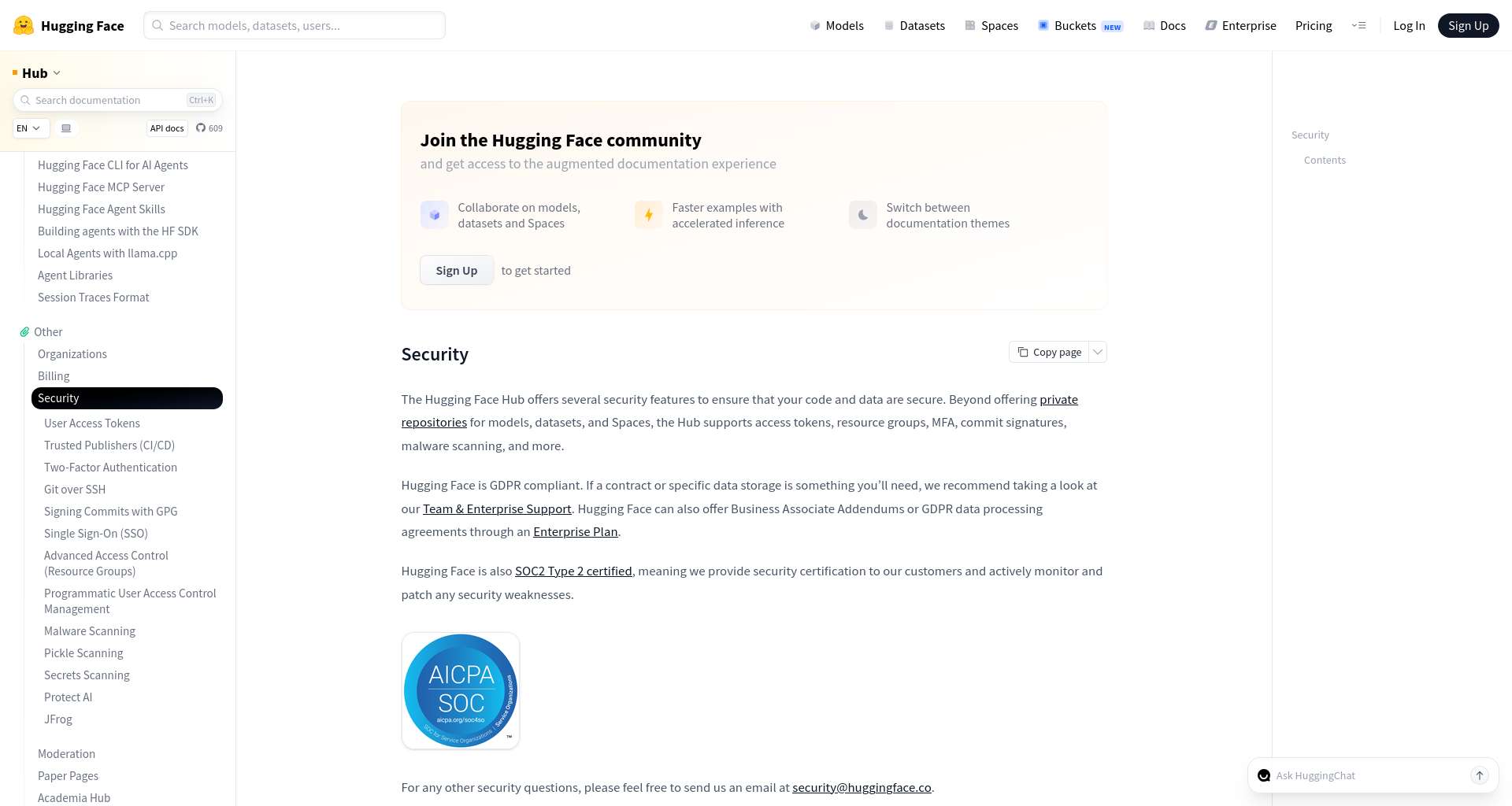
Source website screenshot
Sources and image references
- Hugging Face Hub Security — platform security features, including commit signatures and scanners.
- Hugging Face Malware Scanning — file-size coverage, per-commit scanning, and badge caveats.
- Hugging Face Pickle Scanning — pickle execution risk and recommended precautions.
- Hugging Face Safetensors documentation — serialization format overview.
- Hugging Face Hub download guide — selecting a specific revision for downloads.
- llama.cpp security policy — maintainer guidance for untrusted models, hashes, and isolation.
- Safetensors security policy — project security guidance.
- Generated editorial hero — original conceptual artwork, not product evidence.
- Hugging Face Hub security screenshot — Trawl viewport capture; courtesy of Hugging Face.
- Safetensors documentation screenshot — Trawl viewport capture; courtesy of Hugging Face.
Keep reading
Related reading
⚡ AI Engineering Briefing
AI model releases, practical tutorials, developer tools, and engineering research. Unsubscribe anytime.
Comments
Comments are temporarily unavailable while the public discussion space is being configured.